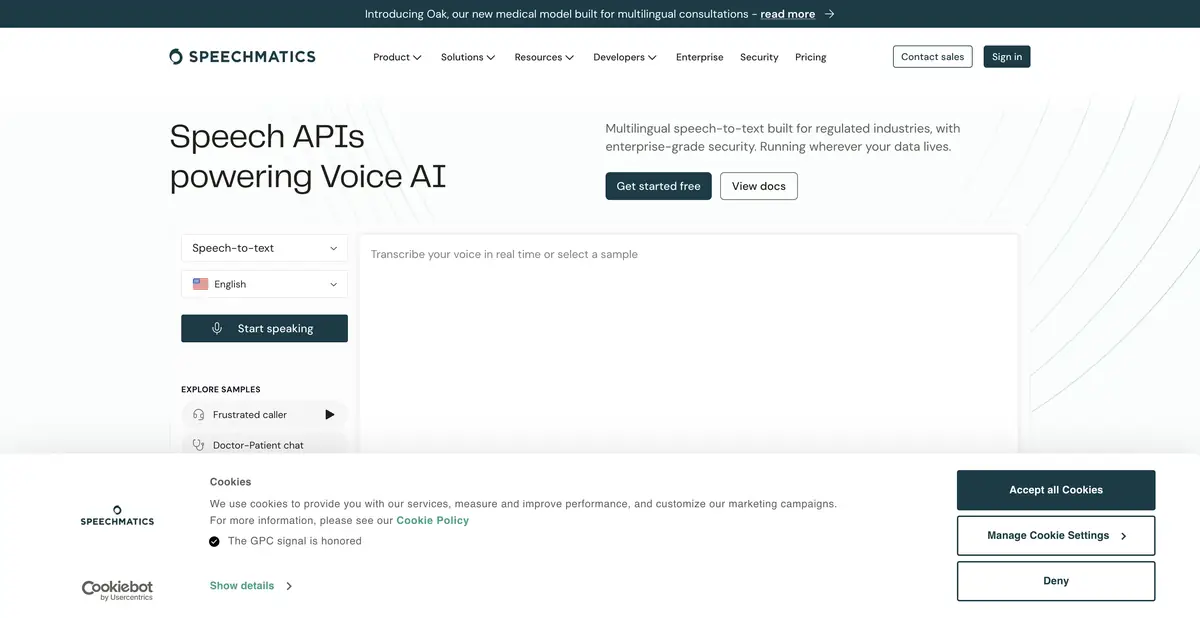
Speechmatics provides speech recognition APIs for files and streams. Cloud, server, and appliance deployment options help meet data requirements, but have different access terms.
Speech recognition with a choice of processing location
An interview archive needs usable text; live captions also need timely delivery, and internal recordings need an acceptable processing environment. Speechmatics offers recognition of recorded files and streaming speech, several models, and deployment options. The official site describes cloud, self-hosted, and on-device options. These are ways to deploy the technology, rather than a single universal free app.
The pricing table distinguishes multilingual models, selected-language options, and specialized offerings. Speaker diarization and timestamps help navigate results. Custom dictionaries and extra operations are not available in every combination, so choose a mode first and check its feature list.
Example: Subtitles for internal training
Use a short recording you are authorized to process that explains an interface. It may contain Russian phrases and English button names. For this exercise, prepare a terminology list and decide whether the transcript should retain language switching. If the selected mode supports a dictionary, add only the necessary names, without unrelated context.
After processing, inspect language switches and compare the transcript with the audio. Then check subtitle boundaries: viewers need time to read, and a negation should not be split onto the next screen. Timestamps alone do not make an edit readable. For multiple speakers, distinguish an algorithm-assigned speaker label from a verified participant name: the latter requires your check.
How to plan integration
Official documentation and access keys support programmatic use. File processing and streaming need different handling of completion, errors, and partial results. The app must recognize when text may still change and avoid saving an interim utterance as final.
For on-premise or on-device options, request terms for your system and workload. Local deployment needs supported hardware, updates, and an operator responsible for maintenance. A cloud account does not provide it automatically. For sensitive material, agree on region, storage, user roles, and permitted features before uploading real recordings.
Credits, add-ons, and quality checks
A starting credit lets you explore the service, followed by usage-based billing. Models, add-ons, and enterprise deployment options are billed separately. A free initial balance is not an ongoing free plan.
Assess practical suitability with recordings you are authorized to use: quiet rooms, noisy conversations, and distant microphones present different challenges. Check names, numbers, omitted utterances, and overlapping speech. An industry-specific model name does not turn a transcript into a professional conclusion. The output is material for review, rather than an automatically trustworthy record.
Suitable tasks
- Get draft multilingual subtitles
- Transcribe a live audio stream
- Add transcription to corporate application
- Select the location of speech processing
Strengths
- Multiple modes of multilingual recognition
- Timestamps and speaker diarization
- Documented cloud and self-hosted deployment options
Limitations
- Features vary by model and deployment method
- Local deployment requires separate agreement
- Subtitles and names of participants need verification
Selection and conditions
- Free access
- Not confirmed
- Trial period
- Yes
- No sign-up required
- Not confirmed
- Russian interface
- Not confirmed
- Local installation
- Yes
- API
- Yes
“Not confirmed” means there is not enough information. The feature may still be available; check the developer’s terms.
- Input formats
- Audio, Video
- Result
- Text, Data
Terms
The starting credit is limited. Containers, on-premise, and on-device are separate deployment options; feature support varies by model.From task to first result
Practical example
- Task
- Get draft multilingual subtitles
- What to prepare
- A short recording of your own conversation, with participants’ consent to processing.
Task brief or prompt
Task brief: transcribe the recording in its original language. Preserve the meaning of what is said; mark unclear passages separately and check them against the audio. Verify names, numbers and titles manually.
Expected result
A draft transcript; speech recognition does not guarantee that every utterance is correct.
How to check the result
- Listen to passages containing numbers and names.
- Mark omissions and unclear passages; do not fill them in by guessing.
An editorial teaching example of a task brief, not the result of hands-on testing of the service. Check that the required mode is available, that you have rights to the source material and that the intended use of the result is permitted.
Check details
Official sources
This description is based on the developer’s material. Features, prices and availability may change; check the primary source before use.