Gladia provides a unified workflow for extracting text and additional information from audio. Recorded files and live streams connect through the API; advanced analysis is enabled separately from basic recognition.
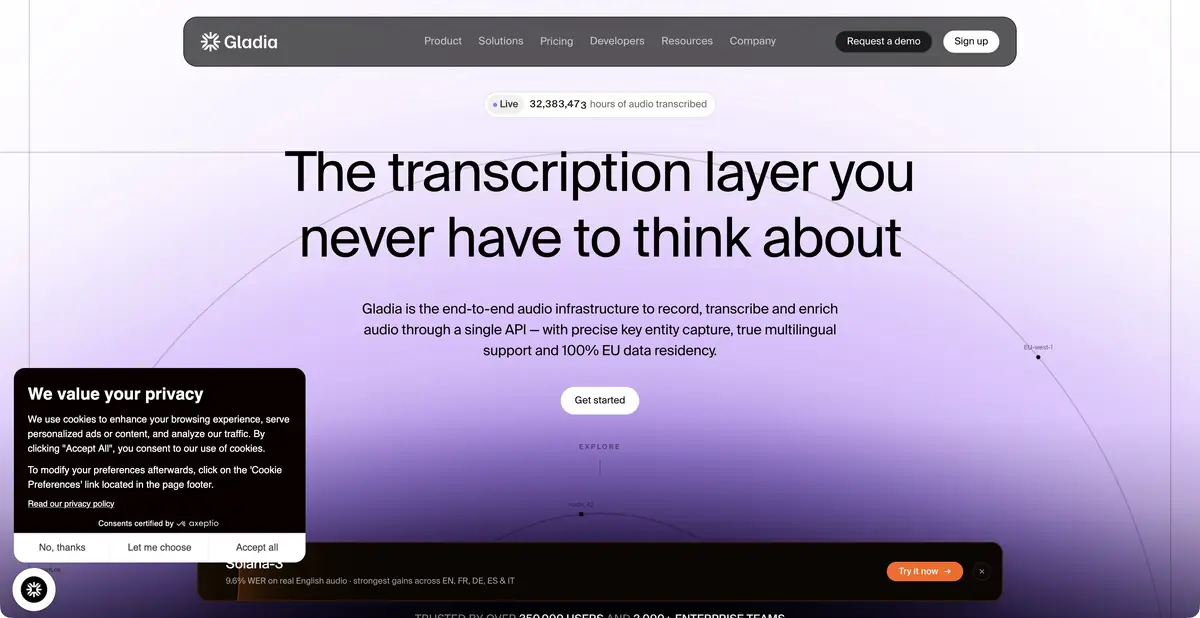
From audio file to application data
Gladia suits products that need to accept a recording, obtain a transcript, and pass the result onward. Its official platform describes asynchronous and live recognition, language support, and additional conversation analysis tools. This is an infrastructure workflow: the team defines the upload interface, user permissions, and storage rules in the final app.
Uploading video here primarily means processing its audio content. It does not establish understanding of everything shown on screen. If an on-screen label matters to an instruction, provide and verify it through another suitable method rather than expecting it to appear in the audio transcript.
Example: Find the changes discussed
For an exercise, use an authorized recording of a discussion about a demonstration website. First obtain a transcript, then use timestamps to check names, numbers, and page titles. If you need a decision list, run the relevant analysis step after checking key statements. Each decision should remain linked to its section of the recording.
Distinguish requests, suggestions, and accepted commitments. “We could try another heading” is not an instruction to replace it today. For a disputed passage, listen to adjacent lines: another participant’s response may completely change the meaning. Flagging uncertainty in a noisy segment is better than inventing fluent wording. Send the final list to the people responsible for approval; an automatic summary cannot replace this.
API and additional operations
The documentation includes guides for files, live input, and Audio Intelligence. Depending on the operation, translation, summarization, entity extraction, and other processing are available. Some features cost extra, and support varies by mode. For example, platform support for speaker diarization does not mean it is equally available in every streaming request.
Integration requires handling job states, retries, and errors, plus securely storing the key. Save the original transcript separately from semantic analysis results. This helps trace errors to their source: a misheard word and a poorly drawn conclusion need different corrections. A summary without a link to the recording is easy to read but harder to verify.
Payment and data settings
The pricing page offers an initial credit followed by billing for processing volume. Additional audio analysis features are billed separately. This does not constitute an ongoing free plan, and basic transcription cost is not the total for all enabled operations.
Before uploading work materials, check data-use settings: the current table separately explains model training use and opt-out availability on the individual plan. Enterprise terms differ. Also clarify processing location, retention periods, and upload limits. A short trial file should complete the full path to a saved result and clearly metered resource usage.
Suitable tasks
- Embed audio and video transcription in an app
- Process the interview recording asynchronously
- Prepare a text to verify decisions
- Add the required audio analysis steps
Strengths
- A unified workflow for transcription and additional operations
- File and Streaming Manuals
- Clear separation of basic processing and add-ons
Limitations
- Features differ between files and streams
- Additional analysis affects the cost
- You need to check the data usage settings
Selection and conditions
- Free access
- Not confirmed
- Trial period
- Yes
- No sign-up required
- Not confirmed
- Russian interface
- Not confirmed
- Local installation
- Not confirmed
- API
- Yes
“Not confirmed” means there is not enough information. The feature may still be available; check the developer’s terms.
- Input formats
- Audio, Video
- Result
- Text, Data
Terms
Starting credits are limited; add-ons cost extra. File and streaming features differ. Check plan settings for model training use and opt-out options.From task to first result
Practical example
- Task
- Embed audio and video transcription in an app
- What to prepare
- A short recording of your own conversation, with participants’ consent to processing.
Task brief or prompt
Task brief: transcribe the recording in its original language. Preserve the meaning of what is said; mark unclear passages separately and check them against the audio. Verify names, numbers and titles manually.
Expected result
A draft transcript; speech recognition does not guarantee that every utterance is correct.
How to check the result
- Listen to passages containing numbers and names.
- Mark omissions and unclear passages; do not fill them in by guessing.
An editorial teaching example of a task brief, not the result of hands-on testing of the service. Check that the required mode is available, that you have rights to the source material and that the intended use of the result is permitted.
Check details
Official sources
This description is based on the developer’s material. Features, prices and availability may change; check the primary source before use.