Deepgram provides speech models and APIs for files, live streams, and conversational applications. Transcription, synthesis, and agent logic belong to different parts of the platform and follow separate billing rules.
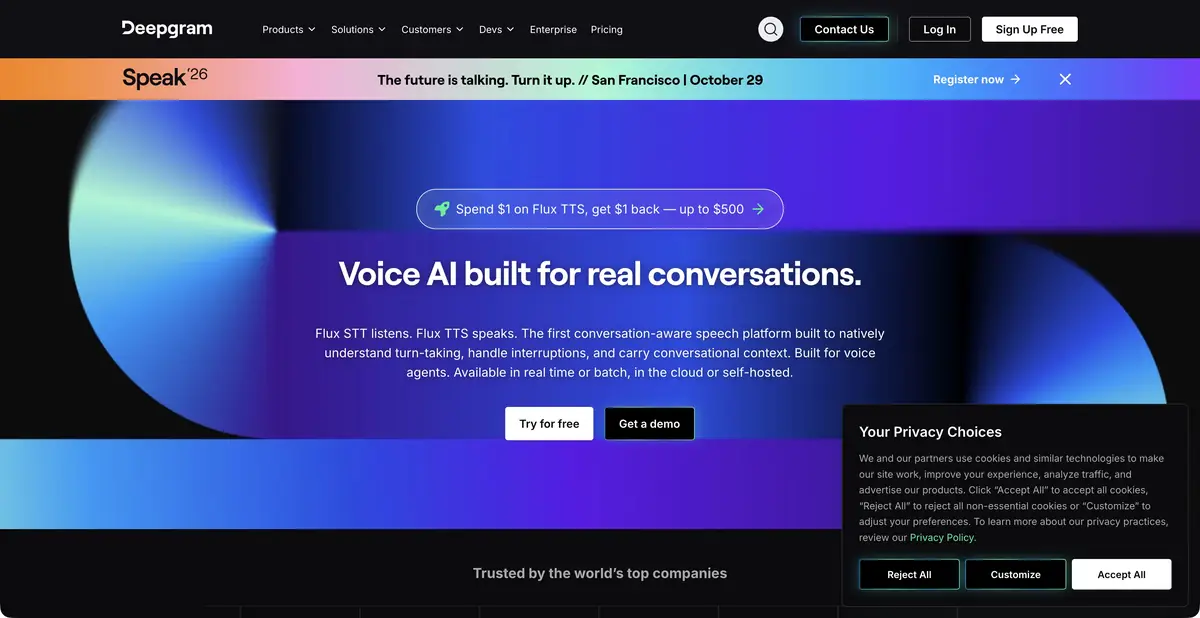
Choose between recording and live conversation
A recorded interview and a telephone assistant have different requirements. An interview can be processed in full and its transcript checked afterward. Conversation needs text as speech arrives, while a pause may indicate either a completed turn or thought. Deepgram offers separate recorded-file and streaming modes, its own recognition and synthesis models, and a Voice Agent API to connect the components.
Check language support and features for the specific mode. Formatting, speaker diarization, and terminology hints help produce usable text but are not equally available in every model. A general platform feature table does not promise that every combination works in a single request.
Example: transcribe a product interview
Prepare an authorized recording of two employees discussing a fictional app. List several feature names and numbers expected in the transcript. If the chosen model supports terminology hints, supply them as recognition context. Retain timestamps so reviewers can find disputed segments quickly.
Start by checking where participants interrupt one another. Then verify names and negations: “we do not support” must not become “we support.” Speaker labels do not establish identities. After corrections, listen to the entire final quotation again, because convenient formatting can conceal a lost qualification. This is an editorial review process, rather than our own measurement of Deepgram’s accuracy.
Keep human-corrected text separate from the system’s original response. Use the approved version for quotations and the original output linked to the recording for error analysis. If you later add archive search, check that it opens the correct audio segment. Otherwise, a good transcript will not help readers verify context, and a name corrected in one place may remain wrong in other views.
Integration and proprietary models
The platform documents APIs for recognition, synthesis, audio analysis, and agents. In an agent workflow, speech connects to a chosen language model and the app’s business logic. The team must define allowed actions, error handling, and when to hand a conversation over to a person.
Deepgram also offers self-hosting for suitable enterprise use cases. It requires a separate agreement, infrastructure, and maintenance; a cloud key does not automatically become a local deployment. Whisper appears among its cloud options, but Deepgram is more than hosting it: its own speech models and agent workflow form a separate product.
What to consider in expenses
Starting credits let you test integration, followed by usage-based billing; prepayment and enterprise options are available. Recognition, synthesis, agents, and add-ons have different billing units and rates. A free starting balance is not an ongoing free plan.
Before bulk processing, calculate the whole workflow, including retries and paid add-ons. Check how a stream ends after disconnection and when the final transcript becomes available. Agree on deployment and data storage for sensitive recordings in advance. Enterprise documentation alone does not prove your app meets every requirement.
Suitable tasks
- Transcribe an interview archive
- Add live subtitles to the app
- Connect synthesis to conversational interface
- Build a voice agent with controlled actions
Strengths
- Proprietary recognition and synthesis models
- Separate workflows for files and streams
- API and enterprise self-hosting
Limitations
- Functions and languages differ by model
- Add-ons and agent workflows affect costs
- Check terminology, negations, and speakers
Selection and conditions
- Free access
- Not confirmed
- Trial period
- Yes
- No sign-up required
- Not confirmed
- Russian interface
- Not confirmed
- Local installation
- Yes
- API
- Yes
“Not confirmed” means there is not enough information. The feature may still be available; check the developer’s terms.
- Input formats
- Audio, Text
- Result
- Text, Audio, Data
Terms
The starting credit is limited, followed by usage-based billing. Language and add-on availability depend on the model. Self-hosted deployment has its own terms.From task to first result
Practical example
- Task
- Transcribe an interview archive
- What to prepare
- A short recording of your own conversation, with participants’ consent to processing.
Task brief or prompt
Task brief: transcribe the recording in its original language. Preserve the meaning of what is said; mark unclear passages separately and check them against the audio. Verify names, numbers and titles manually.
Expected result
A draft transcript; speech recognition does not guarantee that every utterance is correct.
How to check the result
- Listen to passages containing numbers and names.
- Mark omissions and unclear passages; do not fill them in by guessing.
An editorial teaching example of a task brief, not the result of hands-on testing of the service. Check that the required mode is available, that you have rights to the source material and that the intended use of the result is permitted.
Check details
Official sources
This description is based on the developer’s material. Features, prices and availability may change; check the primary source before use.