Soniox offers its own speech platform for transcription, synthesis, and translation. Its API infrastructure and user app serve different purposes and have different terms, so check their capabilities separately.
A single conversation can span several languages
In an international team, languages can change both between meetings and within a single sentence. Soniox describes multilingual recognition with language switching, speaker diarization, and streaming processing. Its current range also includes speech synthesis and translation. For a developer, these are separate operations on one platform, rather than a promise that every translation will automatically appear in the desired app.
Official documentation distinguishes REST from WebSocket and recorded files from live streams. The choice depends on the task: an archive recording can be reviewed after processing, while live captions need careful handling of interim segments and finalized utterances. Check language and operation support together.
Example: talking about a layout in two languages
Prepare an authorized recording of two participants discussing a demonstration interface while retaining English screen names. Have your app retrieve the original transcript with speaker labels and store the translation separately. A reviewer can then distinguish recognition errors from changes in meaning during translation.
First listen to language switches, surnames, and version numbers. Check that “not ready yet” has not become a positive statement. If two utterances overlap, flag ambiguity rather than confidently merging them. For a live interface, wait for the final segment before adding text to the record. Convenient streaming output does not make each early hypothesis final.
Keep the corrections close to the original version so they can be checked again.
Synthesis, translation and access conditions
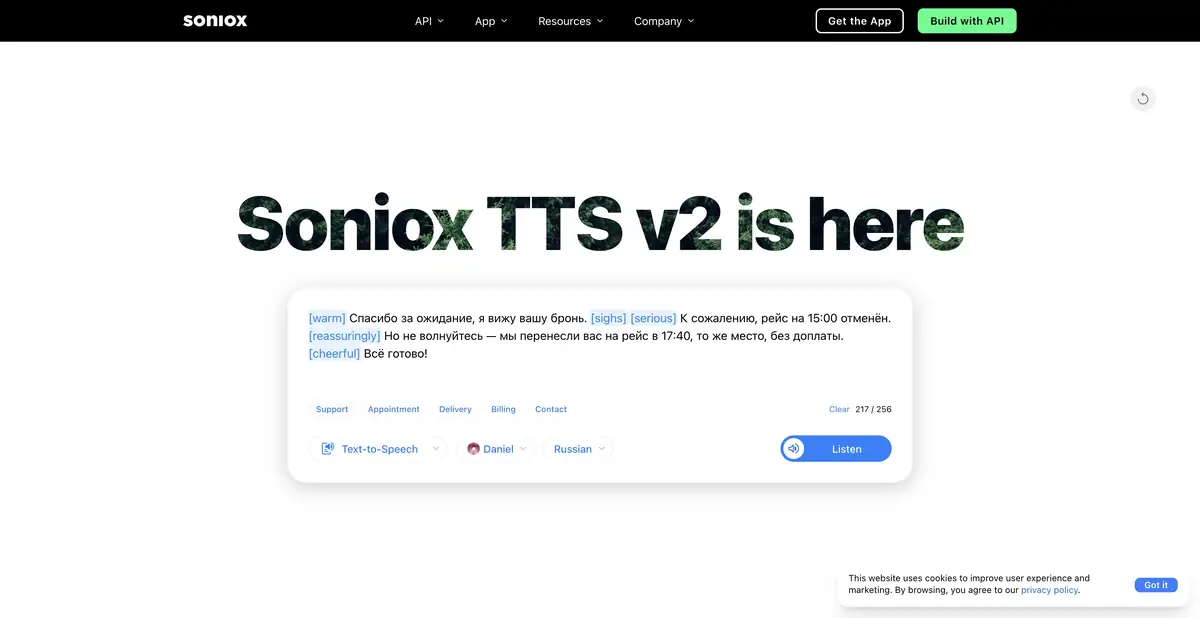
Soniox has its own TTS with a voice library and programmatic synthesis; documentation separately covers speech translation. These features are optional if your project only needs a transcript. For a voice response, check the audio format, selected voice, and number pronunciation.
Cloning requires the person’s permission and rights to use the sample. Support for many languages does not guarantee identical timbre or expressiveness in every mode. Important material benefits from a language editor, especially if the original speaker cannot check the translation. Russian-language audio also does not establish a Russian-language platform interface.
The public page explains token-based metering for input audio, text, and output. Quoted hourly cost equivalents are estimates under particular assumptions; context, translation, and mode affect actual usage. Exact rates are not fixed here.
To get started, create a developer account and configure API access. User app terms must be checked separately from API pricing. Before a large project, complete a short authorized workflow from upload to saving the result, and compare usage with the meter. Regional cloud hosting should not be called local execution on your computer.
Suitable tasks
- Transcribe a conversation with language switching
- Add streaming subtitles
- Embed speech translation into product
- Synthesize voice response via API
Strengths
- Recognition, translation, and synthesis on one proprietary platform
- REST and WebSocket documentation
- Explicit token metering for different parts of a request
Limitations
- You need to distinguish between intermediate and final text
- App and API pricing differ
- Recognition and translation are checked separately
Selection and conditions
- Free access
- Not confirmed
- Trial period
- Not confirmed
- No sign-up required
- No
- Russian interface
- Not confirmed
- Local installation
- Not confirmed
- API
- Yes
“Not confirmed” means there is not enough information. The feature may still be available; check the developer’s terms.
- Input formats
- Audio, Text
- Result
- Text, Audio, Data
Terms
API billing is based on input and output tokens. App terms are separate; a regional cloud is not considered local execution. A free API plan has not been confirmed.From task to first result
Practical example
- Task
- Transcribe a conversation with language switching
- What to prepare
- A short recording of your own conversation, with participants’ consent to processing.
Task brief or prompt
Task brief: transcribe the recording in its original language. Preserve the meaning of what is said; mark unclear passages separately and check them against the audio. Verify names, numbers and titles manually.
Expected result
A draft transcript; speech recognition does not guarantee that every utterance is correct.
How to check the result
- Listen to passages containing numbers and names.
- Mark omissions and unclear passages; do not fill them in by guessing.
An editorial teaching example of a task brief, not the result of hands-on testing of the service. Check that the required mode is available, that you have rights to the source material and that the intended use of the result is permitted.
Check details
Official sources
This description is based on the developer’s material. Features, prices and availability may change; check the primary source before use.