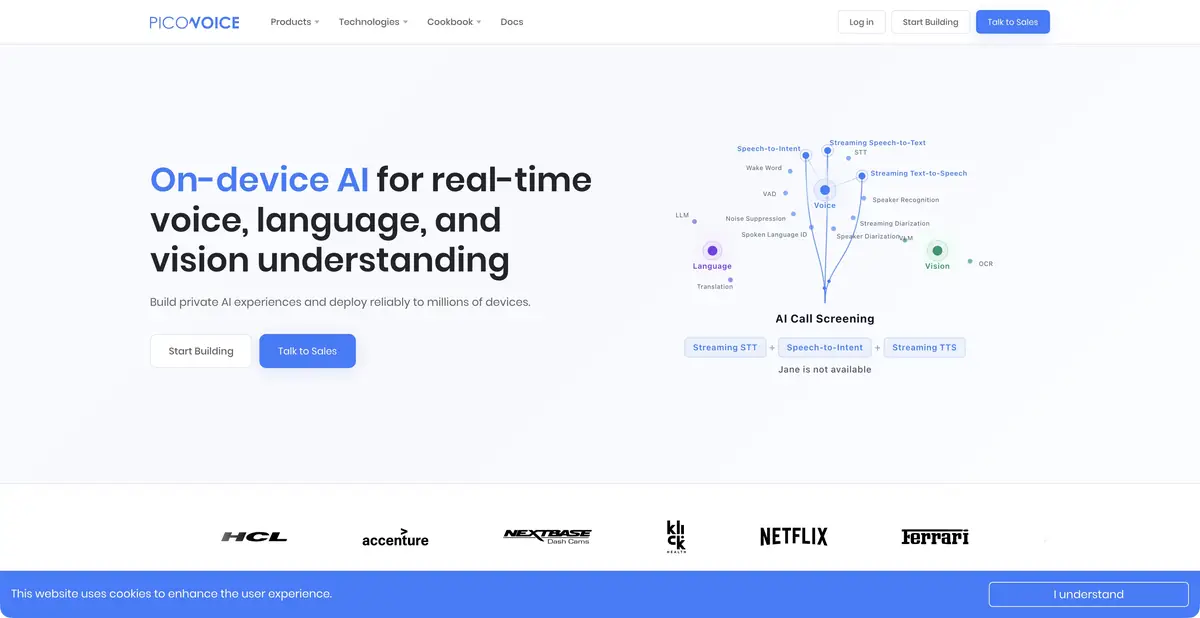
Picovoice is a set of its own SDKs for on-device speech features. Developers select the components they need: recorded speech recognition, streaming transcription, a wake phrase, command intent, or synthesis.
Split the voice interface into parts
Not every device needs an open-ended conversation with a cloud assistant. Sometimes detecting a wake phrase, recognizing a command, and performing a tightly defined action is enough. Picovoice provides its own SDKs for these workflows: Porcupine for wake-word activation, Rhino for intents, Leopard and Cheetah for recognition, and Orca for synthesis. Separate components also cover speech detection, speaker diarization, and noise reduction.
The official website describes on-device processing. Custom model preparation and access management still involve Console. Local recognition does not eliminate account, license key, or commercial-use requirements. Consider each component together with its deployment method.
Example: a voice command training panel
For a demonstration, use a safe app mockup with fictional “open list” and “show help” actions. First decide whether you need a full transcript or just one of several predefined intents. In the latter case, there is no need to build an open-ended chat for just two commands.
Then test your wake phrase against similar ordinary words: an accidental match should not trigger an action. Include silence, background conversation, and incomplete commands. If intent is uncertain, the interface should ask for clarification or do nothing. Test with the microphone and device that will run the prototype. This is an educational task, rather than a Picovoice recognition result we verified.
The model should fit the platform and language
The documentation provides SDKs for different operating systems and programming languages, along with the components’ own APIs. Getting started requires an AccessKey from a Picovoice Console account. The key establishes access and usage limits; do not publish it with example code.
Platform models and languages
Training a custom wake phrase requires selecting a target platform. Documentation warns that a model built for one system cannot automatically transfer to another. Languages also vary by component: Leopard’s list differs from Porcupine’s or speech synthesis support. A Russian interface and universal Russian speech recognition are not promised here. Before integration, check the required language in the specific SDK guide.
Trial and ongoing operation
Official documentation describes a free evaluation trial before a paid plan, with no credit card required. Commercial terms are tailored to the project; open examples do not establish ongoing free production access. Native SDKs and a cloud HTTP service are different forms of programmatic access: this card confirms SDK interfaces specifically.
Before release, plan model updates, error handling, and microphone permission checks. Measure load on the target device and behavior after restarting. Keeping audio out of the cloud during local recognition does not remove the need to protect recordings and results stored within your app.
Suitable tasks
- Add wake-word detection to a device
- Recognize a limited set of voice commands
- Embed local transcription in an app
- Build a controlled speech workflow from SDKs
Strengths
- Proprietary components for local speech processing
- Choose wake-word detection, intent recognition, and transcription separately
- Documented SDKs and APIs
Limitations
- An account and a valid AccessKey are required
- Languages and platforms vary by component
- Commercial delivery has separate conditions
Selection and conditions
- Free access
- Not confirmed
- Trial period
- Yes
- No sign-up required
- No
- Russian interface
- Not confirmed
- Local installation
- Yes
- API
- Yes
“Not confirmed” means there is not enough information. The feature may still be available; check the developer’s terms.
- Input formats
- Audio, Text
- Result
- Text, Audio, Data
Terms
Local SDKs and their own APIs are confirmed, rather than a cloud REST service. An account and AccessKey are required. The trial is limited; check languages and platforms for each component.From task to first result
Practical example
- Task
- Add wake-word detection to a device
- What to prepare
- A short recording of your own conversation, with participants’ consent to processing.
Task brief or prompt
Task brief: transcribe the recording in its original language. Preserve the meaning of what is said; mark unclear passages separately and check them against the audio. Verify names, numbers and titles manually.
Expected result
A draft transcript; speech recognition does not guarantee that every utterance is correct.
How to check the result
- Listen to passages containing numbers and names.
- Mark omissions and unclear passages; do not fill them in by guessing.
An editorial teaching example of a task brief, not the result of hands-on testing of the service. Check that the required mode is available, that you have rights to the source material and that the intended use of the result is permitted.
Check details
Official sources
- Current on-device platform
- Documentation, trial, and commercial access
- Leopard, AccessKey and Languages
- Porcupine and platform models
This description is based on the developer’s material. Features, prices and availability may change; check the primary source before use.