A browser-based 3D object generator with editing and export tools. Access depends on the generation mode.
Start with a rough model
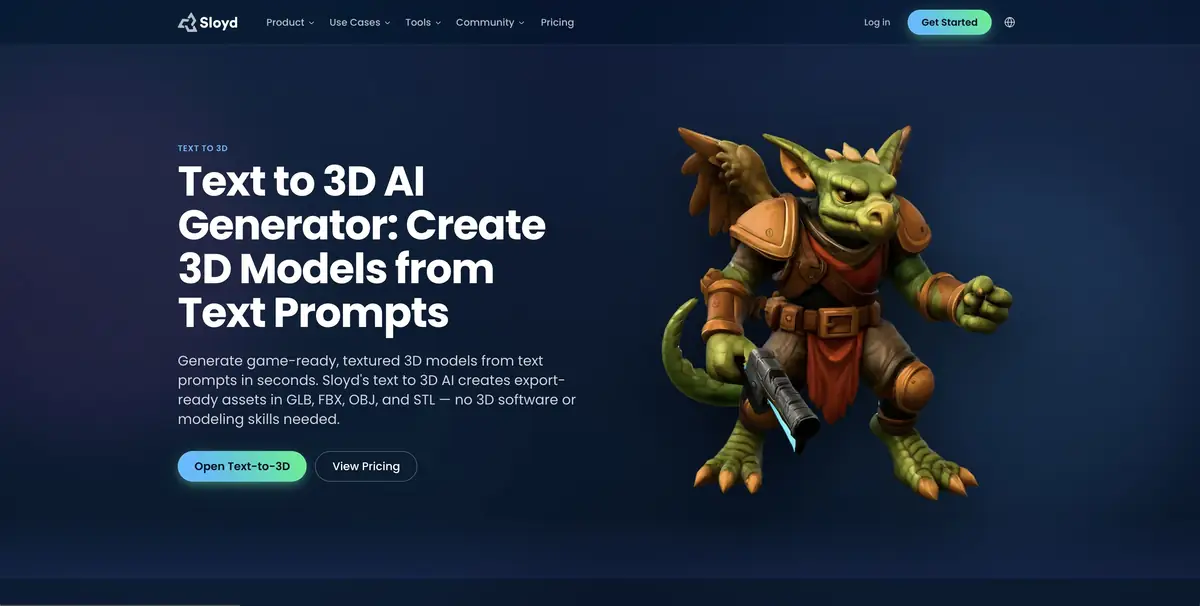
Sloyd is useful when you need to judge an object's silhouette and scale beside other objects. The service generates geometry and textures from a text prompt and also offers image-based options. Choose the export format in advance based on where the result will go. A rough asset for a game engine may need a different file format from an asset being checked in an editor.
The tool speeds up the first pass. Before shipping an asset, you will usually need to inspect its mesh and materials separately.
Props for a small workshop
Let's imagine a training scene with a workbench. It needs a table lamp that is read from afar and placed between the grips and the wall. Describe a flat round base, a rack with one bend and a separate wide lampshade. Get two options with different proportions and import them into the scene. Compare the distance from the base to the countertop and the direction of the light spot.
After selecting, turn the model and check what the bottom part looks like. The cavity hidden in the first angle or the intersection of details will appear when changing the camera.
Export requirements
The file that opens in the engine still needs to be checked for scale, units of measurement and memory consumption. See if any materials are missing during the transfer. To replicate the model and sell physical prints, see the separate terms of Sloyd. The description of the item and its trademark may also belong to a third party. To work through the API, check the limits, permissions and response fields in advance.
Suitable tasks
- Prepare a draft game prop
- Make multiple forms of one subject
Strengths
- Geometry and Texture Generation
- Selection of several export formats
Limitations
- Geometry requires verification after import
- Commercial printing has separate conditions
Selection and conditions
- Free access
- Not confirmed
- Trial period
- Yes
- No sign-up required
- Yes
- Russian interface
- Not confirmed
- Local installation
- Not confirmed
- API
- Yes
“Not confirmed” means there is not enough information. The feature may still be available; check the developer’s terms.
- Input formats
- Text, Image
- Result
- 3D model
Terms
The generator works in the browser. For regular generation and required export formats, check the conditions of the selected mode.From task to first result
Practical example
- Task
- Prepare a draft game prop
- What to prepare
- Description of the table lamp or your own photos of the object from different sides. Clarify the purpose of the model and the target 3D-editor.
Task brief or prompt
Prepare a rough 3D model of the table lamp for the interior scene: a stable base, separate lampshade, simple materials. Use your own references. First, evaluate the form, then prepare an export format available in the selected plan.
Expected result
A rough object model for subsequent checking in a 3D editor. Geometric accuracy and production readiness are not assumed.
How to check the result
- Examine the silhouette from all sides, cavities, fine details and intersections.
- Check the scale, materials and opening of the exported file in the target editor.
- Before commercial use, check the selected plan's license and the rights to reference materials.
An editorial teaching example of a task brief, not the result of hands-on testing of the service. Check that the required mode is available, that you have rights to the source material and that the intended use of the result is permitted.
Check details
Official sources
This description is based on the developer’s material. Features, prices and availability may change; check the primary source before use.