Makes correspondence summaries and finds the messages on which the answer in Slack is based.
Return to conversation after the shift
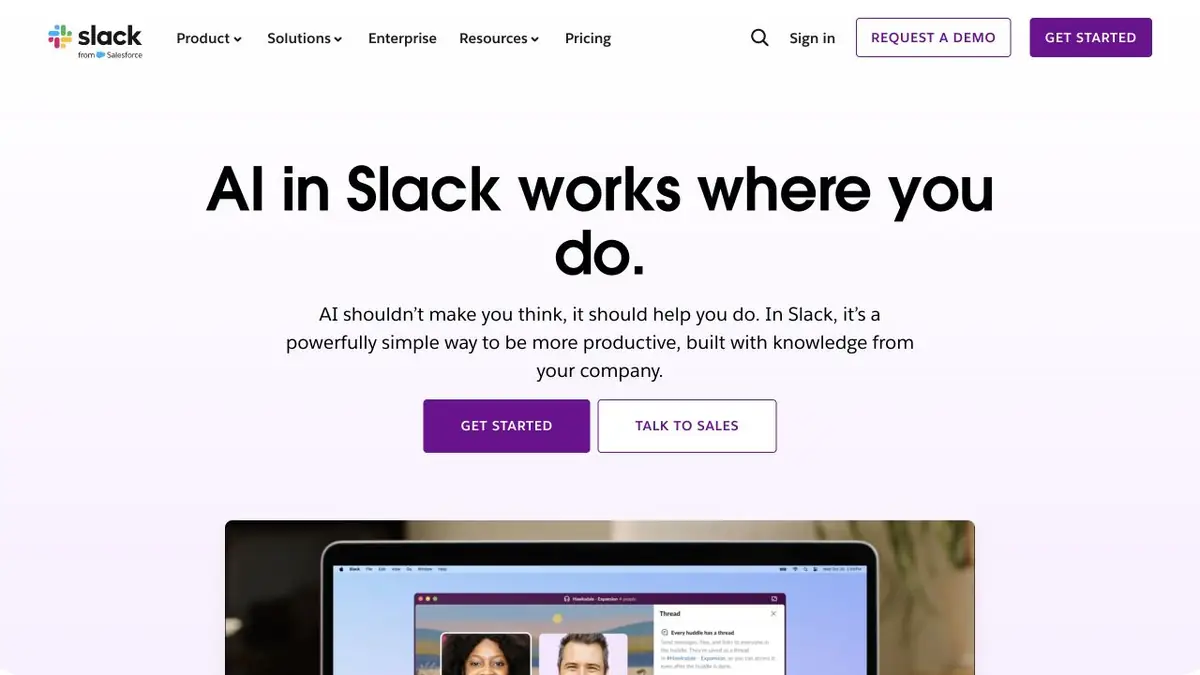
In the working channel for the day there are messages about several tasks. Some of the answers remain inside the branches, so unread messages and decisions quickly diverge. Slack AI can compile a brief summary of the channel or a separate branch. For a question on correspondence, a search is provided indicating the messages on which the answer is based.
The summary includes materials from the available context. If the team discussed part of the issue in a closed channel, the participant without access will need confirmation from a colleague.
Verification of communications
Imagine that on Friday support for the new format was offered to launch on Monday. After discussion, it turned out that first you need to check the two input files. Ask for a summary of this branch. Find who suggested the date and open the message that describes the outcome. So you can separate the original version from the condition on which the team stopped.
For a shared channel, select the period that covers your pass, if this option is available. When the task is reduced to one controversial decision, it is more useful to open a specific branch and check it completely.
When chat sees only part of the story
The functions of Slack AI differ according to plans. The official guide lists which summaries and search options are available at each level. After receiving the answer, go to the source before transferring the information to the document for another command. The message could be edited, and the recipients of the document may not have access to the quote.
Suitable tasks
- Verify the outcome of a missed discussion
- Find the original message on the question
Strengths
- There are summaries of individual branches and entire channels
- Search answer can be checked by messages
Limitations
- Opportunities depend on the plan
- You need access to the corresponding correspondence
Selection and conditions
- Free access
- Not confirmed
- Trial period
- Not confirmed
- No sign-up required
- Not confirmed
- Russian interface
- Not confirmed
- Local installation
- Not confirmed
- API
- Not confirmed
“Not confirmed” means there is not enough information. The feature may still be available; check the developer’s terms.
- Input formats
- Text
- Result
- Text
Terms
Consider access to channels and a list of features of your plan.From task to first result
Practical example
- Task
- Verify the outcome of a missed discussion
- What to prepare
- Allowed set of documents or saved working context with notes about the project.
Task brief or prompt
Find out what decisions on the project are confirmed by available sources. Specify the source of each decision, its date, if known, and unresolved issues. Separate the baseline information from the assumptions.
Expected result
Summary of confirmed decisions with verifiable references or indications to sources.
How to check the result
- Open these documents or context records.
- Make sure that the outdated discussion is not presented as a decision.
An editorial teaching example of a task brief, not the result of hands-on testing of the service. Check that the required mode is available, that you have rights to the source material and that the intended use of the result is permitted.
Check details
Official sources
This description is based on the developer’s material. Features, prices and availability may change; check the primary source before use.