Sana Agents helps search workplace documents and connected systems.
Ask about the working context that is available to the team
Sana Agents works with enterprise knowledge, documents and connected systems. A user asks a question and the assistant uses permitted context. The product organizes access to workplace information; it does not promise a correct answer on every topic.
The official description covers documents, structured files and other workplace materials. Connections, collections and administrator settings determine what each employee can use. External search has separate controls and must not silently replace an internal source.
Check decisions and open questions
For a practice check, select approved project documents and ask for agreed decisions. Open the corresponding source records. If one deadline was proposed but another agreed later, the final summary should reflect the current position.
Separately note the issues on which there are no decisions yet. The assistant can formulate a convenient generalization, but it does not create an obligation for the team. Information about the responsible employee, available materials and authorized actions must be checked.
When preparing a response for an external recipient, reassess the composition of the data. The right to read an internal document does not mean permission to forward all its contents. This boundary is maintained regardless of the convenience of generating a summary.
Start with materials that have a clear owner and scope. One department's instructions may not apply to another. When several rules look similar, a useful answer should expose differences instead of merging them into an unsupported universal procedure.
Implementation and the current offering
The current public Sana Agents page describes an enterprise offering with custom pricing. Integrations, access management and configuration are discussed during implementation. Older mentions of free personal tiers do not establish current enterprise terms.
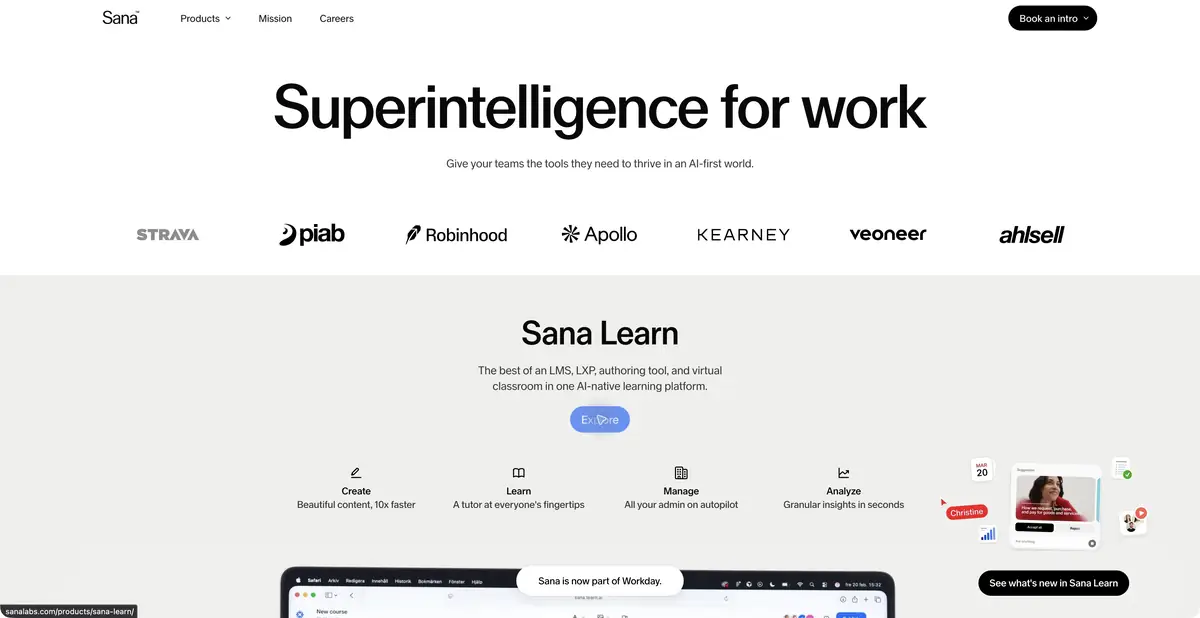
Sana also develops learning products, but this profile concerns workplace-knowledge assistants. Before rollout, select a small source set and test a clear question, removal of an outdated document and a permissions change. Supporting several vendors' models does not make Sana the developer of each one.
Suitable tasks
- Find a decision in enterprise documents
- Build a verifiable summary
- Check access to work sources
Strengths
- Documents and connections in one context
- Access management at the organization level
Limitations
- Requires enterprise implementation
- Freshness depends on source materials
Selection and conditions
- Free access
- Not confirmed
- Trial period
- Not confirmed
- No sign-up required
- Not confirmed
- Russian interface
- Not confirmed
- Local installation
- Not confirmed
- API
- Not confirmed
“Not confirmed” means there is not enough information. The feature may still be available; check the developer’s terms.
- Input formats
- Text, Document, Table
- Result
- Text
Terms
Sana Agents uses documents and connections available to the employee. Deployment and pricing are agreed with the organization; review answer sources and permissions separately.From task to first result
Practical example
- Task
- Find a decision in enterprise documents
- What to prepare
- Allowed set of documents or saved working context with notes about the project.
Task brief or prompt
Find out what decisions on the project are confirmed by available sources. Specify the source of each decision, its date, if known, and unresolved issues. Separate the baseline information from the assumptions.
Expected result
Summary of confirmed decisions with verifiable references or indications to sources.
How to check the result
- Open these documents or context records.
- Make sure that the outdated discussion is not presented as a decision.
An editorial teaching example of a task brief, not the result of hands-on testing of the service. Check that the required mode is available, that you have rights to the source material and that the intended use of the result is permitted.
Check details
Official sources
This description is based on the developer’s material. Features, prices and availability may change; check the primary source before use.