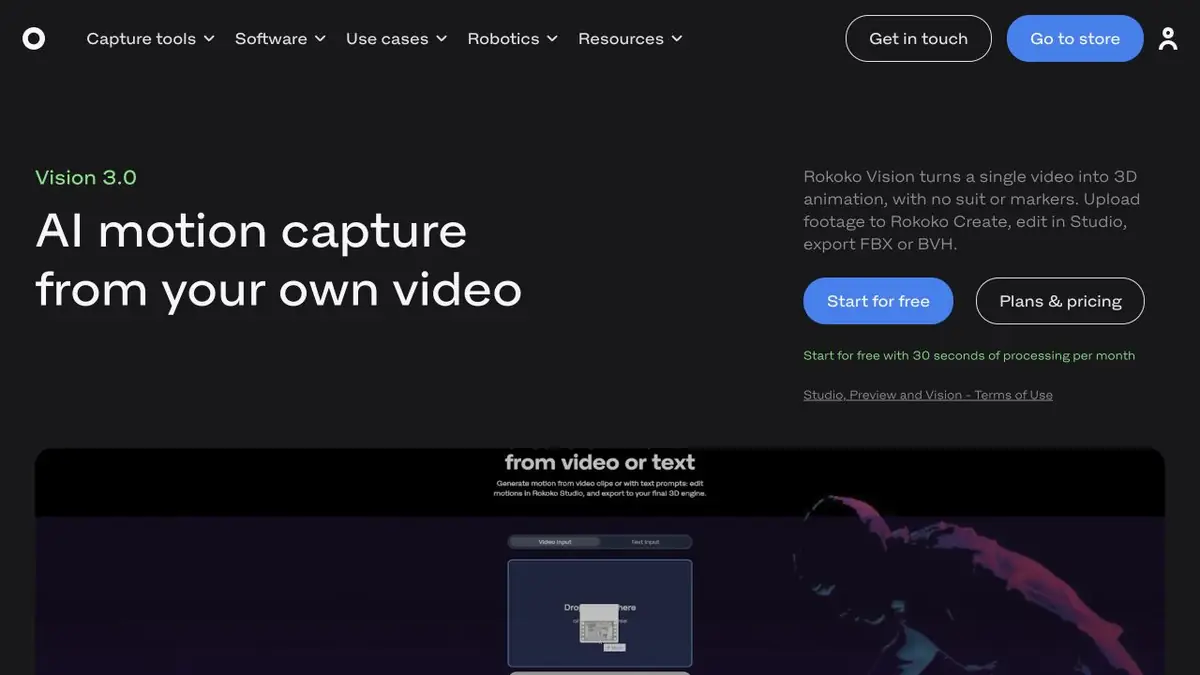
Rokoko's animation service. Vision extracts body motion from a single-camera recording.
From video to body motion
Vision in Rokoko Create analyzes the finished video and translates the movement of a person into animation. For the sample, you can take one take with a regular camera if the body and position of the legs are clearly visible in the frame. The Create description covers other ways to get traffic. This example uses capture from an already recorded video, after which it is more convenient to view the result in Rokoko Studio.
Capturing a turn
For the training frame, the character picks up an empty box, turns around and puts it on the stand. Start by recording a similar action from the side. Keep the props below your face. If the hands disappear for a long time behind the body, try a second take with a different angle. A camera that is too close makes checking your feet harder, as the heels can go beyond the edge of the image.
Compare the motion at two points. During the bend, the knees should look natural. After the turn, the shoulders should face the same direction as in the original action. Review the finger angles separately when you refine the capture by hand.
Moving between applications
Use the capture as a starting point for work on a skeleton. Check joint mapping and character scale before editing individual keyframes. FBX and other formats depend on your Studio plan. If the capture will go to another editor, test a short clip first and verify that the import preserves motion direction and duration.
Suitable tasks
- Take a turn for character animation
- Check the movement before finishing
Strengths
- Processing of ready-made video dubs
- Transferring the result to the Studio workflow
Limitations
- Body parts overlap worsen tracking
- Finger capture should be evaluated separately from body movement
Selection and conditions
- Free access
- Not confirmed
- Trial period
- Yes
- No sign-up required
- Not confirmed
- Russian interface
- Not confirmed
- Local installation
- Not confirmed
- API
- Not confirmed
“Not confirmed” means there is not enough information. The feature may still be available; check the developer’s terms.
- Input formats
- Video
- Result
- 3D animation
Terms
The Vision mode accepts the finished video. For later work, Rokoko describes a connection with the Studio application.From task to first result
Practical example
- Task
- Take a turn for character animation
- What to prepare
- Your own video of a person taking a few steps, stopping and raising an arm. Their entire body stays in frame.
Task brief or prompt
Extract body motion from this video and transfer it to an available character. Check the stopping motion, foot placement and arm raise. Choose an animation format supported in your account for further processing.
Expected result
Rough character animation based on captured motion; corrections and retargeting may be needed for the final shot.
How to check the result
- Check foot sliding, hand positions, body orientation and joint jitter.
- Inspect sections with occlusion and limbs moving outside the frame.
- Check the import of the animation and the skeleton's match to the target character.
An editorial teaching example of a task brief, not the result of hands-on testing of the service. Check that the required mode is available, that you have rights to the source material and that the intended use of the result is permitted.
Check details
Official sources
This description is based on the developer’s material. Features, prices and availability may change; check the primary source before use.