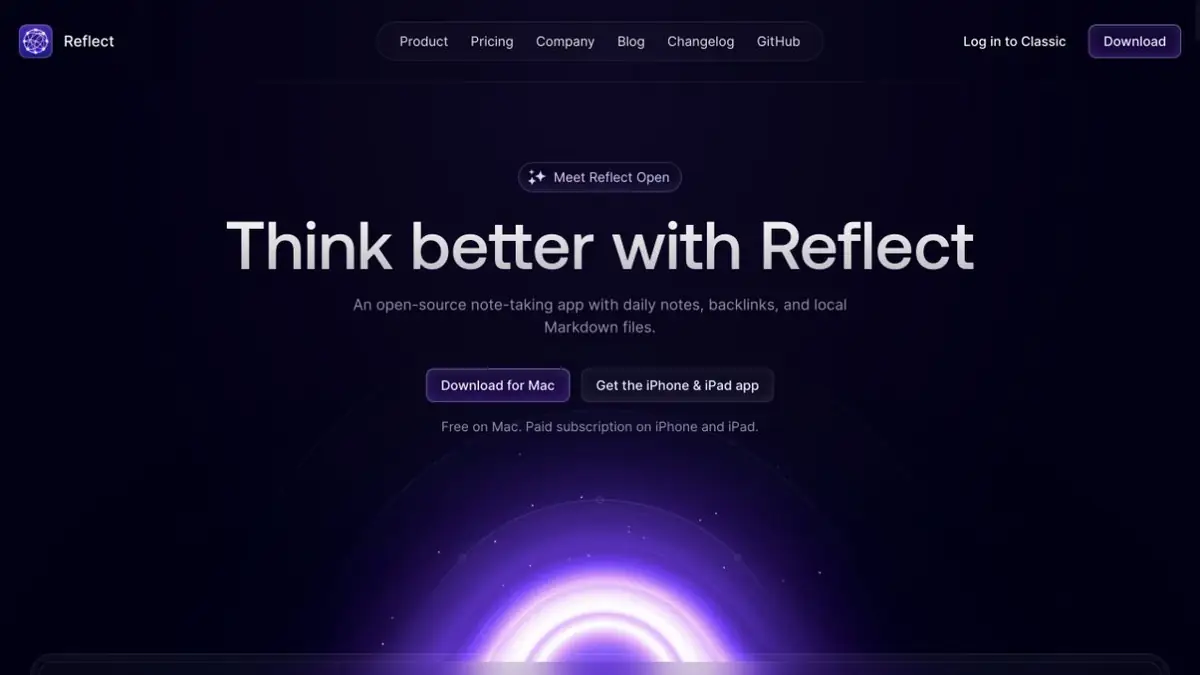
Reflect Open keeps notes in Markdown and uses AI through your own API key.
A folder of files instead of a closed format
Reflect Open stores notes and attachments in a normal local structure. Text stays in Markdown, so another editor can read it and your own backup process can include it. Backlinks and daily notes connect records without requiring a separate large document for each idea.
Reflect Classic remains available as a separate supported version. Importing into Reflect Open creates a copy of the materials; it does not keep the two apps synchronized automatically. This is one product-family profile focused on the current version.
Choose deliberately whether to connect AI
AI features in Reflect Open are optional and use your own key from the selected provider. Requests go directly to that provider, whose charges are separate. A free Mac app does not make cloud processing of notes free.
For a practice task, find project decisions in your own anonymized notes. Check which notes the answer cites and whether a proposal has been confused with a decision. Mark a note as private separately and make sure you understand the scope of that setting.
The private flag restricts sending note content to AI, but it does not replace checking sync and backup settings. Notes remain files; iCloud or your chosen repository has its own terms.
Local files and local model are different
Local note storage does not establish that a language model runs on your computer. In the described workflow, AI requests go to the selected provider. Check its terms and settings before sending sensitive text. Keep a separate folder backup: readable Markdown does not protect against accidental deletion.
Platforms and material transfer
The official download page offers Mac versions, an iPhone and iPad app, and a capture tool. Check current mobile-app terms in the store. The desktop version is presented as free and open source; AI availability depends on your configuration.
Back up a large note collection and import a small sample first. Check attachments, links and tasks. A shared Markdown folder helps with control but does not remove platform differences or limits on searching particular data.
Suitable tasks
- Find a decision in local notes
- Link work records with backlinks
- Check the summary with sources
Strengths
- Local files in open format
- AI connects at the user's choice
Limitations
- Provider processing is charged separately
- Open and Classic don't sync themselves
Selection and conditions
- Free access
- Not confirmed
- Trial period
- Not confirmed
- No sign-up required
- Not confirmed
- Russian interface
- Not confirmed
- Local installation
- Not confirmed
- API
- Not confirmed
“Not confirmed” means there is not enough information. The feature may still be available; check the developer’s terms.
- Input formats
- Text, Document
- Result
- Text
Terms
Reflect Open stores Markdown locally. AI uses your own key and separate provider billing; a free Mac app does not imply local model inference.From task to first result
Practical example
- Task
- Find a decision in local notes
- What to prepare
- Allowed set of documents or saved working context with notes about the project.
Task brief or prompt
Find out what decisions on the project are confirmed by available sources. Specify the source of each decision, its date, if known, and unresolved issues. Separate the baseline information from the assumptions.
Expected result
Summary of confirmed decisions with verifiable references or indications to sources.
How to check the result
- Open these documents or context records.
- Make sure that the outdated discussion is not presented as a decision.
An editorial teaching example of a task brief, not the result of hands-on testing of the service. Check that the required mode is available, that you have rights to the source material and that the intended use of the result is permitted.
Check details
Official sources
This description is based on the developer’s material. Features, prices and availability may change; check the primary source before use.