An original image super-resolution model. Published weights and instructions are available for local use.
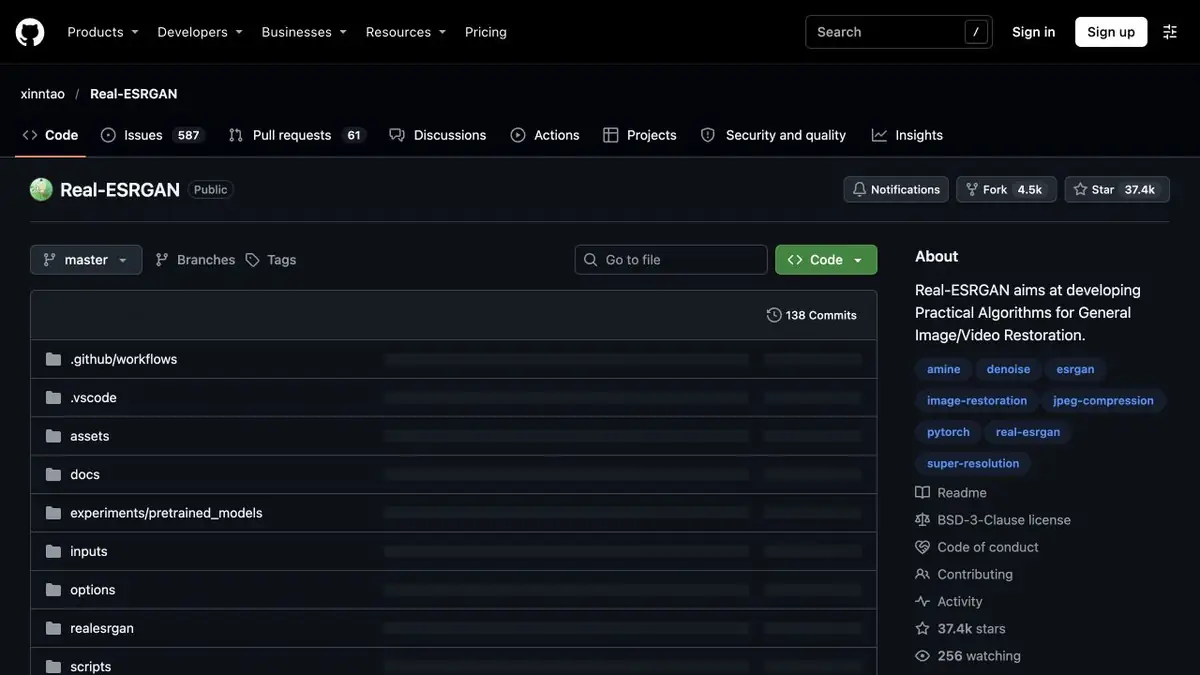
The model and the original image
Real-ESRGAN helps to increase the image and weaken some defects that appeared during compression or reduction. The authors trained the network on different types of damage and published several weights. Different options are offered for photographs and painted frames. The choice affects thin lines, grain and edges. Before processing a folder, check one file at the most demanding location.
Test a small archive photo
Take your own photo with fabric texture and small signage. Save the source and the usual enlarged copy for comparison. Make another copy of the model. Look at both versions at the same size. If the sign has become clearer, check whether the shape of the letters. In the fabric, pay attention to the repeating pattern. When the network has finished drawing similar details at different sites, a sharper picture may look less plausible.
For a publication where a documentary view is important, keep the original separately. Do not use the restored characters as an independent confirmation of the inscription.
Repeatable batch processing
Write down the name of the weights, settings and size of the output. If the pictures are very different, try separate sets of parameters for photos and drawings. The official instruction contains launch options and examples on different data. With limited memory, first evaluate the time and quality on multiple images. You can also view the exported file on a real-world scale. Compare grains in light and dark areas.
Suitable tasks
- Increase your own photo before typing
- Check drawing and small lines after processing
Strengths
- There are weights for different types of material
- Local batch launch available
Limitations
- Model can change texture and inscriptions
- Available size depends on the computing environment
Selection and conditions
- Free access
- Yes
- Trial period
- Not confirmed
- No sign-up required
- Not confirmed
- Russian interface
- Not confirmed
- Local installation
- Yes
- API
- Not confirmed
“Not confirmed” means there is not enough information. The feature may still be available; check the developer’s terms.
- Input formats
- Image
- Result
- Image
Terms
The repository contains weights, instructions, and local launch options. Find a medium for your equipment.From task to first result
Practical example
- Task
- Increase your own photo before typing
- What to prepare
- The original photo in the maximum available quality, without recompression.
Task brief or prompt
Task brief: reduce noise and improve the photo’s clarity while preserving natural texture. Compare the original and processed image at the same scale; do not use reconstructed details as evidence of a fact.
Expected result
A photo that is more suitable for a layout; reconstructed details remain the algorithm’s interpretation.
How to check the result
- Compare the texture of skin and fabric, and the appearance of small lettering.
- Check for halos and invented details.
An editorial teaching example of a task brief, not the result of hands-on testing of the service. Check that the required mode is available, that you have rights to the source material and that the intended use of the result is permitted.
Check details
Official sources
This description is based on the developer’s material. Features, prices and availability may change; check the primary source before use.