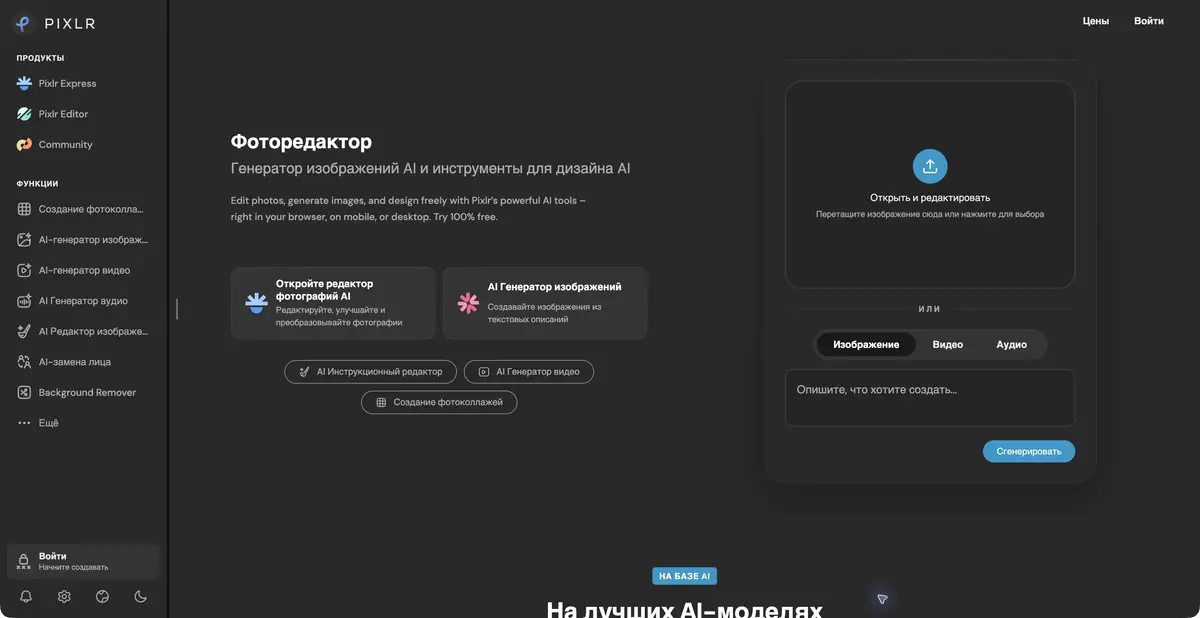
Pixlr combines its own browser photo editor and a set of AI actions. In generation, the platform connects external models; manual editing and composition preparation remain a separate part of the work.
Choose an editor for the depth of the task
Pixlr offers several inputs to the work. Editor is suitable for a more detailed composition with layers, selections and manual changes. Express is focused on fast actions over the image. Both parts are useful to choose by task: for a neat layout, layer control may be required, and for a single removal of the background, a specialized tool is enough.
Browser startup simplifies the start of work, but does not cancel the check of the size and organization of the project. Decide which items should remain editable. If you combine everything into one file too early, correcting the signature or location of the object will require additional work. It is better to keep the original photo separate from the processed version.
AI changes individual stages
The official website presents the removal of the background and object, generative filling and extension of the image, increasing resolution and other operations. The results should be considered in the context of subsequent editing. Automatically carved items can be placed on a new layer, and then specify the scale, shadow and surrounding elements by the usual means of the editor.
For generation, Pixlr lists external models. Therefore, it is impossible to describe the service as a developer of all available generators or transfer the capabilities of one model to the entire product. Credit cost, allowable entry and privacy may vary by modes and plans. Check the selected operation before mass preparation of materials.
Card for sale announcement
Take your photo of the lamp and prepare an accurate description of its condition. Remove the background, then place the lamp on a neutral substrate. Save real scratches and parts of the equipment. The task of the image for the announcement is to show the thing clearly, so automatically added accessories and corrected defects will have to be removed.
In Editor, add a short editable caption and check the composition when you are downsized. Consider the wire, stand and gaps between parts on a contrasting background. If the AI removes a thin element, go back to the selection. Export the trial file and make sure that the transparency, size and quality of the compression match the location of the publication.
What is included in the paid plan
There is free access, and subscriptions extend save, material sets, AI credits, and other features. In the tariff table, private generation mode is highlighted as a separate advantage of certain plans. This is a reason to check the settings before downloading client material, and not assume the same privacy for any account.
The unlimited mode applies to specific operations and fair use; it does not guarantee that all AI tools will always be available. The validity periods of subscription credits and individual packages also differ. Before processing a batch, check the resource type, the selected model's requirements and whether you can reopen the working project.
Suitable tasks
- Edit the composition on the layers in the browser
- Cut item for graphic layout
- Combine manual processing and generative filling
Strengths
- Own browser editor
- Layers, Selections and Fast AI Actions
- Different interfaces for short and detailed processing
Limitations
- AI credits and privacy depend on the plan
- Generation uses third-party models
- Unlimited operations are limited by the conditions of use
Selection and conditions
- Free access
- Yes
- Trial period
- Not confirmed
- No sign-up required
- Not confirmed
- Russian interface
- Not confirmed
- Local installation
- Not confirmed
- API
- Not confirmed
“Not confirmed” means there is not enough information. The feature may still be available; check the developer’s terms.
- Input formats
- Image, Text
- Result
- Image
Terms
Free access is limited. AI credits, private mode and unlimited operations depend on the plan. A general product API and fully local AI processing have not been established.From task to first result
Practical example
- Task
- Edit the composition on the layers in the browser
- What to prepare
- Your own photo of an object with a clear outline, which you have the right to edit.
Task brief or prompt
Replace the background with a light studio surface. Preserve the product’s shape, color, label and proportions; add a soft, natural shadow. Do not invent accessories or alter the product itself.
Expected result
A product photo with a new background, ready to be compared with the original.
How to check the result
- Compare the product’s outline and labeling with the original image.
- Zoom in to check reflections, the shadow and mask edges.
An editorial teaching example of a task brief, not the result of hands-on testing of the service. Check that the required mode is available, that you have rights to the source material and that the intended use of the result is permitted.
Check details
Official sources
This description is based on the developer’s material. Features, prices and availability may change; check the primary source before use.