

A product-image editor and platform for commercial catalogues. It helps separate products from backgrounds and prepare a visual series.
Photoroom for product photography
Photoroom specialises in visuals for commerce and catalogues. Its main task is editing existing product images: isolating the object, changing its surroundings, light and shadows, and resizing the file. This is useful when you already have photographs but need a consistent look across a large series.
How to process a series of product photos
Before processing, define what must not change: fabric colour, handle shape, markings, included items and dimensions. A new background must not misrepresent the item’s material or purpose. Inspect transparent objects, complex edges, reflections and small openings particularly carefully.
Begin with several different items rather than the whole catalogue. Use the same background, scale and image position. Compare shadows and consistency in the overall grid. Then repeat the chosen process for the remaining files, allowing time to inspect exceptions manually.
For seasonal scenes, keep a neutral version separately so you can replace the marketing surroundings without losing the original. For an automated workflow, first check API error handling, permitted dimensions and result delivery, then start a large queue.
Teamwork, subscription and API
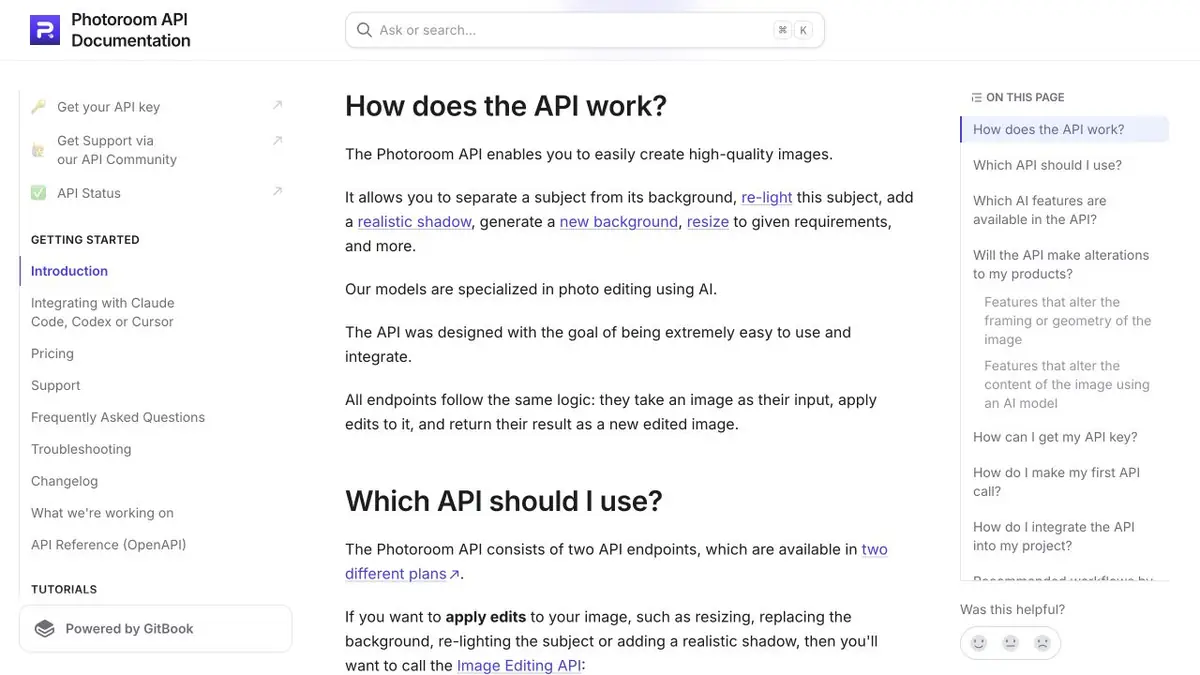
The official platform includes batch processing, team tools and an API. Its documentation emphasises the models’ specialisation in photo editing. The user-facing editor and programmatic methods provide different ways to build the same workflow.
The web editor and applications have their own plans; the API separates background removal and wider editing. The cost and payment rules differ by operation. For a commercial process, check the rights to the uploaded photos, the storage conditions, and the team's access to the materials.
Suitable tasks
- Photos for catalogue
- Removing and replacing the background
- A consistent design for the series
- Automation through API
Strengths
- Specializing in product images
- Batch and team workflows
- Documented API operations
Limitations
- Small product details may change
- Complex edges need manual inspection
- The API and editor have separate billing terms
Check details
Official sources
This description is based on the developer’s material. Features, prices and availability may change; check the primary source before use.


