

A meeting assistant that turns conversations into transcripts and work notes. Useful for teams that need to revisit decisions and agreements.
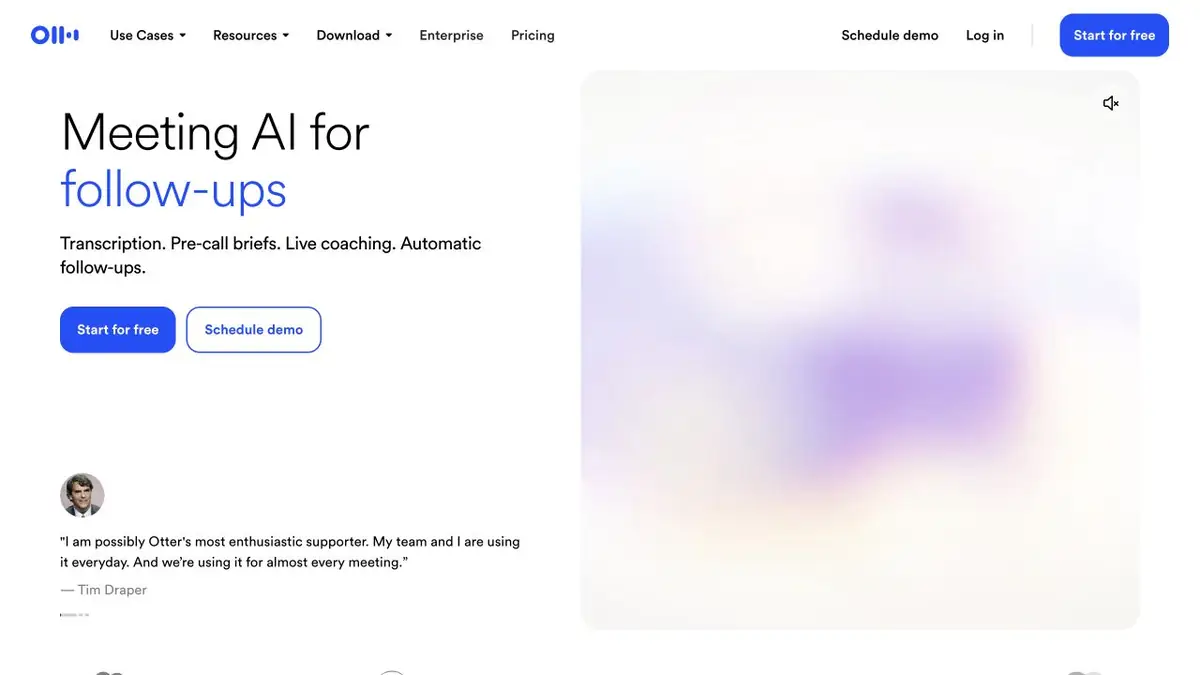
Recording must be set up in advance
Otter.ai helps record and transcribe conversations, create summaries and find information from previous meetings. The first decisions come before the call: which meetings will be recorded, who can see the material and whether participants know about it. Connecting a calendar must not lead to every conversation being recorded unexpectedly.
A transcript is a working document
The service links speech to text and lets you name participants. Check names and speaker attribution, especially with similar voices or interruptions. Assigning a promise to the wrong person matters more than a missing comma.
Otter also describes meeting search and AI chat, conversation preparation and follow-up actions. These features are useful when the sources are organised well. An answer drawn from several discussions may mix an old agreement with a newer decision, so follow it back to the original passage.
How to analyze a project meeting
After a call, separate decisions from ideas and open questions. For each task, check the owner, deadline and basis. If someone said “we could try”, do not turn it into “this will be done”. An automatic summary should help reconstruct the conversation, not rewrite its history.
For an important point, find the relevant remark and listen to the surrounding context. A caveat may have appeared a minute later. This is especially useful in negotiations where several options are discussed before a final choice.
Languages, sound and permissions
Check the meeting language against the current help list first. A poor microphone, noise and simultaneous speakers make recognition harder. Before sharing a transcript externally, check who can see the file and whether its link exposes the original recording.
Plans and connected tools
Recording, import, storage and team-feature limits depend on the plan. Your organisation may have additional requirements for handling conversations. Configure automatic joining and calendar permissions deliberately rather than accepting defaults without review.
Suitable tasks
- Meeting notes
- Finding decisions in conversations
- Interview transcription
- Checking follow-up actions
Strengths
- Linking notes to the recording
- Working with speakers and search
- Official help on meeting settings
Limitations
- Automatic meeting attendance requires setup
- Speakers and commitments may be identified incorrectly
- Languages and usage allowances depend on support and the plan
Check details
Official sources
This description is based on the developer’s material. Features, prices and availability may change; check the primary source before use.


