

A platform for recording and reviewing team conversations. It combines transcripts, summaries, search and integrations with work tools.
What remains after the meeting
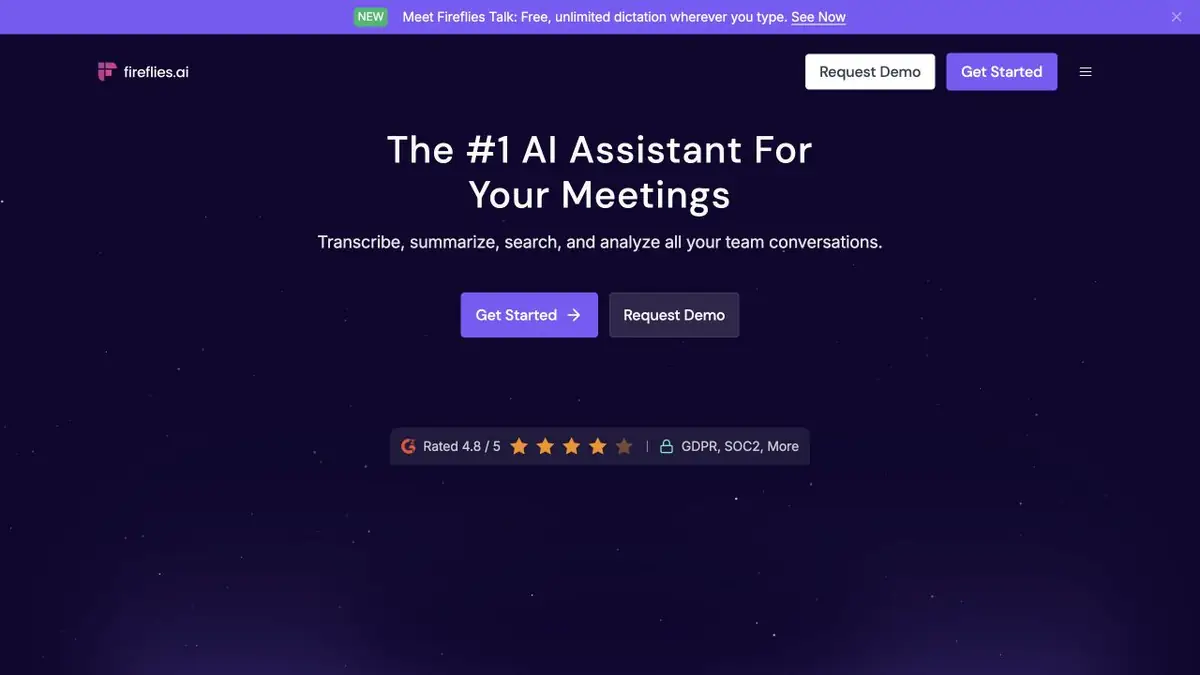
Fireflies.ai turns a conversation into a recording, transcript and summary that you can revisit later. You can record a meeting through a bot connected to it, an extension, a mobile app or a desktop app; file uploads and an API are also available. The choice depends on where the conversation takes place and which permissions are acceptable.
A summary must not invent agreements
Ask for decisions, questions and next actions separately. Check who actually agreed to do a task. A tentative remark or idea must not become a firm CRM deadline. Useful notes preserve how certain the conversation was.
If a recording has several participants, correct important speaker-identification errors. Then check product names, amounts and negations. For a complicated point, return to the original audio rather than fixing a summary from memory.
Workflow integrations
Fireflies offers connections to team systems and its own API. These avoid copying notes manually, but require careful permission settings. Test the process on a small meeting first: which fields are filled, who can see the recording and how an incorrect note is corrected. Automating at scale before this check merely spreads mistakes faster.
Example: the history of a client project
Group conversations by topic and ask a precise question: which requirement was agreed most recently, why an option was rejected or who must send the source files. When comparing meetings, respect discussion order. A new decision may supersede an early assumption even though both remain in the database.
Access Settings and Plans
Tell participants about recording and agree on retention rules. Automatic calendar joining helps only when meeting selection is clear. Allowances, AI features and integrations vary by subscription; programmatic access has separate terms. Before sharing a summary externally, check that its link does not expose extra team material.
Suitable tasks
- Call transcription
- Summaries and next steps
- Search across project meetings
- Integrations with CRM and API
Strengths
- Several ways of recording
- Connecting conversations to work tools
- Official APIs and knowledge base
Limitations
- Consent and recording settings are required
- A summary may misinterpret the obligation
- Control access permissions for notes and links
Check details
Official sources
This description is based on the developer’s material. Features, prices and availability may change; check the primary source before use.


