A framework for training and viewing radiance fields, with multiple reconstruction methods and support for custom data.
From photographs to an experiment
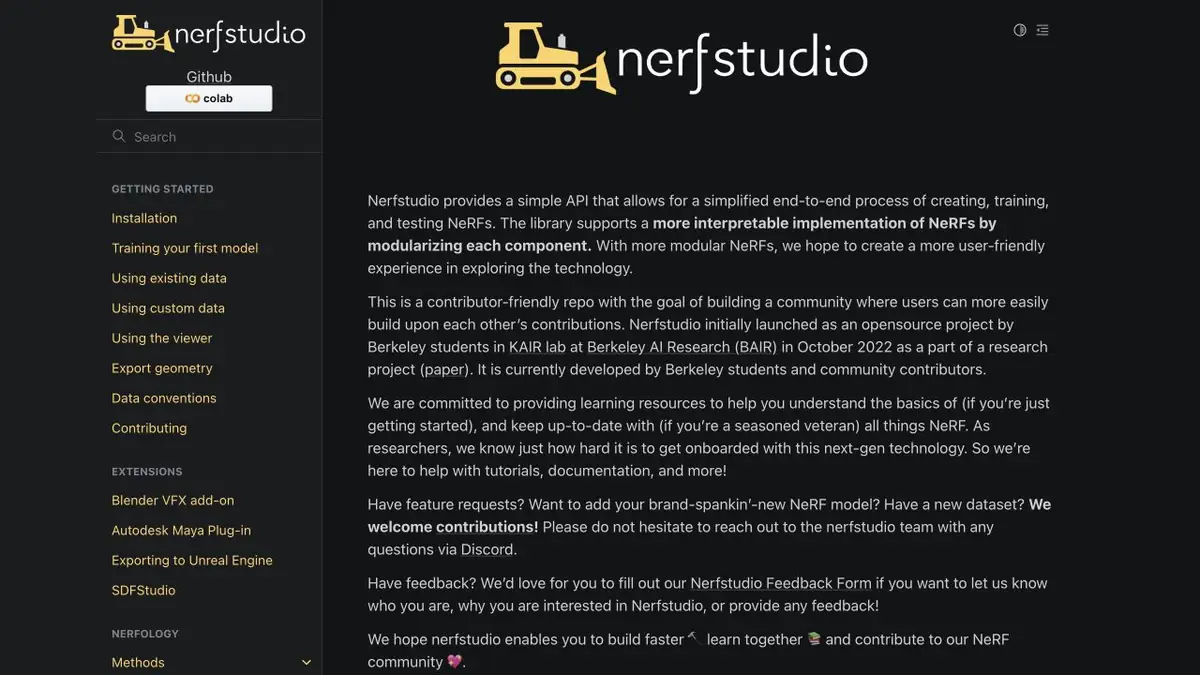
Nerfstudio combines data preparation, training, viewing and exporting for several ways to restore a scene. The project is convenient if you need to change the parameters and compare the results on the same input data. Different methods have their own requirements for memory and result format. For the first run, it is easier to take a small set of pictures and check that the tool has correctly understood the camera positions. The error here is reflected in all the next steps.
A shelf as a test scene
Take a series of photos of your own shelf in constant light. Shoot with the overlap, but change the angle so that the frames show the volume. Leave a few pictures outside of training. After starting, open the viewer and compare the angles with the control photos. Check the corners of the shelf, the boundaries of the books and the handle of the neighboring box. They'll show you where the detail disappeared before it was on a large surface.
Compare the two methods and change one condition. If you replace settings, frames and resolution at the same time, it is difficult to understand where the differences came from.
Make the experiment reproducible
Keep a list of input files, method name and parameters along with the result. Check whether you need a video span, a field of radiation for viewing or the geometry with which they will continue to work in another application. The Nerfstudio documentation highlights the export of geometry separately. Before a big series, check the entire cycle on one stage and evaluate the training time on your equipment.
Suitable tasks
- Train the scene on your recruitment
- Compare the results of different methods on the same angles
Strengths
- Preparation of own data
- View the result and choose methods
Limitations
- Installation requires setting up a computing environment
- The set of frames affects the view outside the shooting zone
Selection and conditions
- Free access
- Yes
- Trial period
- Not confirmed
- No sign-up required
- Not confirmed
- Russian interface
- Not confirmed
- Local installation
- Yes
- API
- Not confirmed
“Not confirmed” means there is not enough information. The feature may still be available; check the developer’s terms.
- Input formats
- Image
- Result
- 3D scene
Terms
Documentation describes installation, data uploading and local training. The requirements for the environment depend on the chosen method.From task to first result
Practical example
- Task
- Train the scene on your recruitment
- What to prepare
- His consecutive photos of one static scene, shot with overlapping angles.
Task brief or prompt
Restore the scene from photos and view it from a new perspective. Leave some of the original species for comparison.
Expected result
A scene that can be viewed in the viewer.
How to check the result
- Compare a few angles with the control images.
- Mark gaps, transparent areas and edges outside the shooting area.
An editorial teaching example of a task brief, not the result of hands-on testing of the service. Check that the required mode is available, that you have rights to the source material and that the intended use of the result is permitted.
Check details
Official sources
This description is based on the developer’s material. Features, prices and availability may change; check the primary source before use.