Nemotron lets you build your own tool with NVIDIA models: a document assistant, a speech processor or an agent with connected functions. Deployment options and supported inputs depend on the model you choose.
A model for your own application
Nemotron provides ready-made ways to make programmatic requests and model weights for deployment on your own infrastructure. The application sends the model a request, receives an answer and decides how to present it to the user. When tools are involved, the application is also responsible for carrying out permitted actions. Model weights alone do not give an agent independent access to files or a browser.
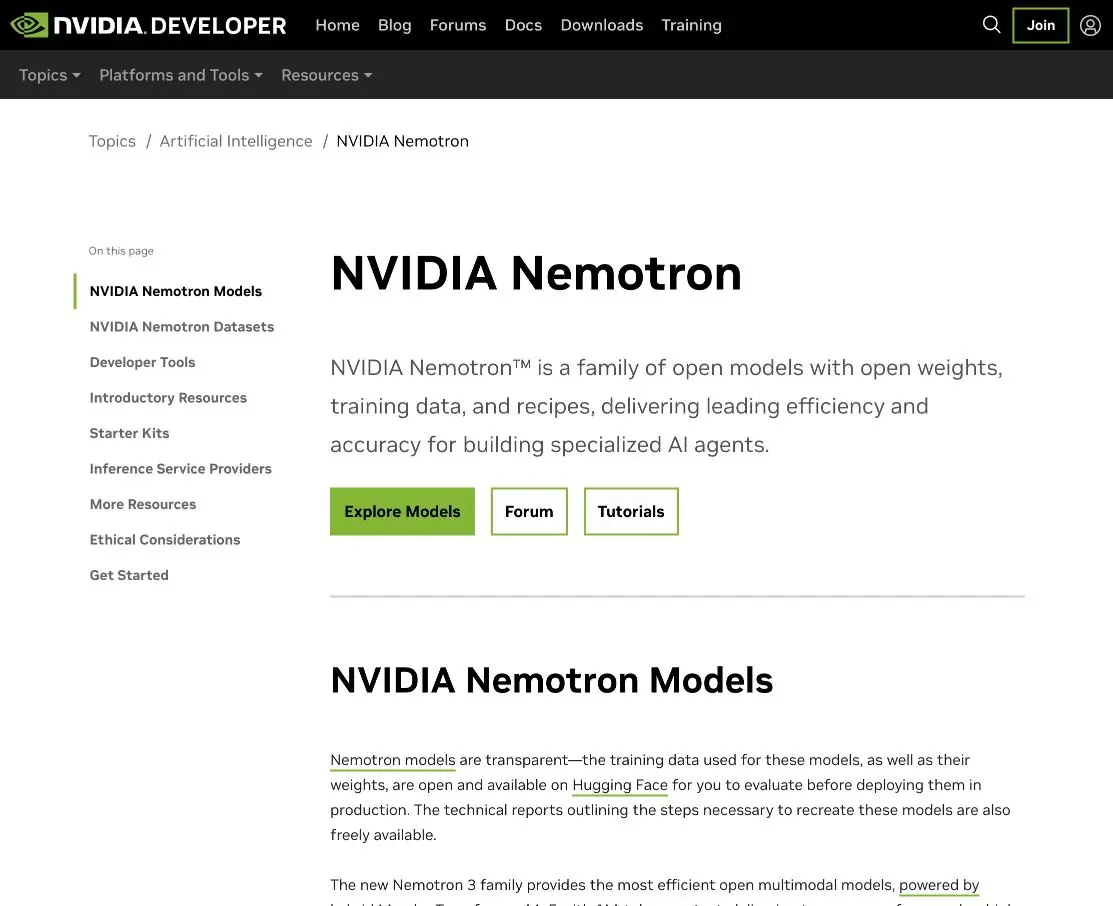
NVIDIA publishes models, data and training recipes in different configurations. You can start by exploring the official API, then choose a suitable way to run a model yourself. This approach is useful when you need control over the computing environment, connections and processing of your materials.
What data it understands
Text tasks include reasoning, writing code and selecting a connected function. Multimodal variants have additional inputs. For example, the Nemotron 3.5 Super VL model card lists text, images and video as inputs, with text as the output. A document page image needs to be supplied in a format supported by the chosen environment.
Nemotron 3.5 Transcribe is a separate model for speech. It converts recordings to text and supports different transcript styles. The family name does not mean that every model accepts audio or video: choose the right variant before preparing input files.
Where to start checking
Take a short technical instruction with no personal data and ask for questions that check understanding. Require each answer to include a supporting sentence from the original. Then remove one condition from the instruction and see whether the model notices the missing information. This is an educational scenario, not a Nemotron test we conducted. Use the same input materials when comparing configurations and check the answers against the original.
What you need to run it
The developer's repository contains instructions, examples and recipes for different tasks. The weights, numerical format, runtime and hardware need to work together. Check the requirements in the specific model card: a compact variant and a large server configuration need different resources.
After deployment, assess latency and memory use on your own device. Long inputs and concurrent requests increase the load. Configure permitted tools and action checks separately for an agent; a detailed model answer does not by itself establish that the result is correct.
Terms of access
Read the license attached to the weights you choose. The reviewed Nemotron 3.5 Super VL model card specifies OpenMDW 1.1. The repository's software, its data and other models may have different terms. Running a model yourself also requires hardware and maintenance.
NVIDIA API Catalog offers a free endpoint for prototyping. This is a separate way to explore the model: check its quotas, account requirements and availability in the service itself. Production deployment, cloud providers and software have their own terms; we do not quote a fixed price here.
Suitable tasks
- Create an assistant for your own text materials
- Connect the model to permitted application functions
- Analyze a document image with a suitable vision model
- Transcribe speech with a dedicated model in the family
Strengths
- Official weights, model cards and recipes from NVIDIA
- Programmatic access and deployment on your own infrastructure
- Specialized variants for different types of input
Limitations
- Modalities and requirements vary between variants
- Running and maintaining a model requires a suitable computing environment
- The agent's answers and actions need to be checked
Selection and conditions
- Free access
- Yes
- Trial period
- Not confirmed
- No sign-up required
- Not confirmed
- Russian interface
- Not confirmed
- Local installation
- Yes
- API
- Yes
“Not confirmed” means there is not enough information. The feature may still be available; check the developer’s terms.
- Input formats
- Text, Code, Image, Video, Audio
- Result
- Text, Code
Terms
The free option refers to the weights of the reviewed model under OpenMDW 1.1; computing infrastructure has separate costs. Check the prototyping API, account access, modalities and hardware requirements for the specific variant.From task to first result
Practical example
- Task
- Create an assistant for your own text materials
- What to prepare
- Short instructions for returning the goods, saved in plain text.
Task brief or prompt
Based on this guide, write three questions to test understanding. For each, provide the correct answer and a supporting sentence from the input. If a deadline or condition is missing, say so explicitly.
Expected result
Three question-and-answer pairs, based on the submitted text.
How to check the result
- Compare each answer with the initial sentence.
- Repeat the task with the selected local model and evaluate the time and memory consumption on your device.
An editorial teaching example of a task brief, not the result of hands-on testing of the service. Check that the required mode is available, that you have rights to the source material and that the intended use of the result is permitted.
Check details
Official sources
- The official NVIDIA Nemotron model family
- Nemotron deployment and development recipes
- Nemotron 3.5 Super VL weights, modalities and terms
- An example of accessing Nemotron through the NVIDIA API
- A Nemotron model for speech transcription
- How the family is developing and where it is used
- OpenMDW 1.1 license terms
This description is based on the developer’s material. Features, prices and availability may change; check the primary source before use.