Ollama handles downloading and running compatible models. You can use it as a local engine for a chat interface, code editor or your own application; cloud models are connected separately.
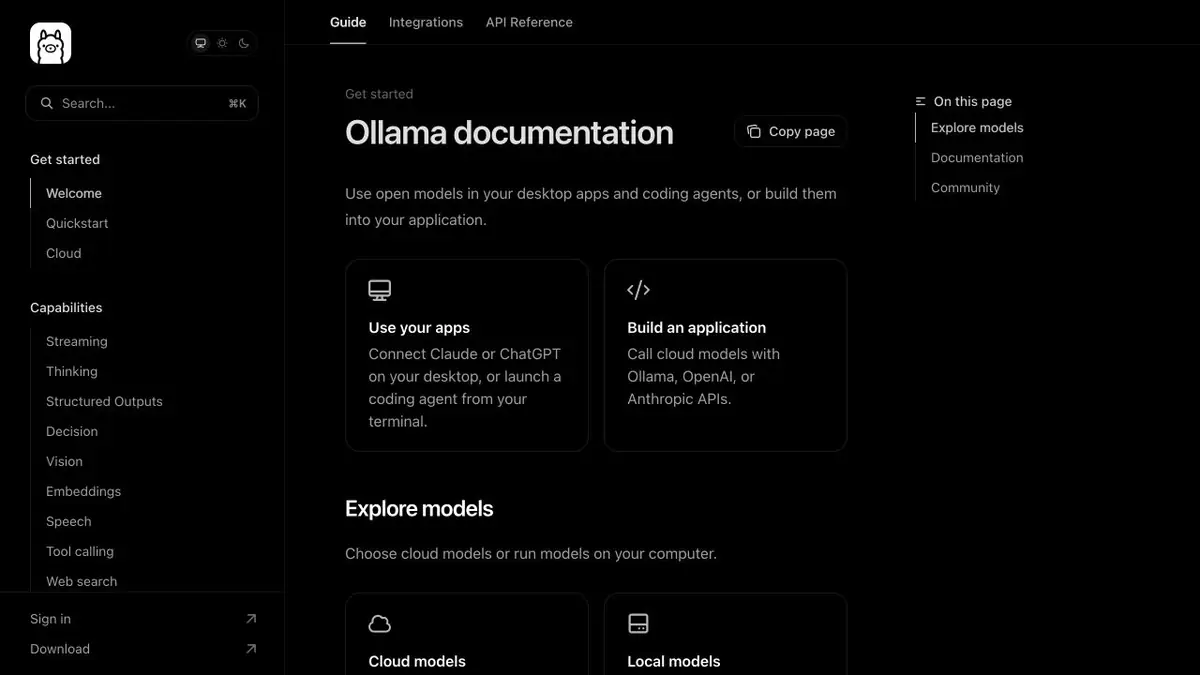
Engine for the selected model
Ollama has a practical role: download a compatible model, run it and give apps an understandable way to handle it. In the catalog there are models for text, programming, image analysis and obtaining vector representations. These features belong to the selected weights, so installing Ollama does not by itself turn any model into a universal assistant. For the first run, a small understandable task is more useful than the largest file available.
The same engine can be used from the terminal, its own script and a third-party interface. So it’s easier to change the model, saving the rest of the workflow, and see which component is responsible for the result.
Local server and cloud
Documentation separates the server on the computer and hosted Ollama models. No cloud key is needed for local access to the downloaded model; a remote API requires authorization. There is an own HTTP API and compatible ways to connect clients designed for other popular interfaces. Compatibility should be checked for the desired function: normal dialogue, working with tools and a structured response can have different limitations.
It is important for the application to handle server shutdown, model absence and too long input. The model’s response is also worth checking at the format level before using it further.
A small task to start
Suppose you need to prepare questions based on an onboarding guide. Provide only text you are allowed to use, and ask for questions, answers and supporting sentences from the guide. First, read the result alongside the original. The model should not invent a return deadline absent from the guide or confuse a mandatory condition with a recommendation.
You can then repeat the request with another model. Compare accuracy, clarity of wording and waiting time on your computer. This is a suggested way to get familiar with the tool, not a published comparative test and not a promise of the same speed on different devices.
What determines the convenience of work
Weight size, compression method, context length and number of simultaneous requests affect the load. Resources are also needed for the operating system and applications. If the model is placed on the disk, this does not mean comfortable work in memory. Start with an official example and expand the load gradually.
The Ollama license and the downloaded model’s license are separate. Check commercial-use terms with the author of the model weights. For sensitive material, also make sure the client uses a local address and has not switched to a cloud model.
Suitable tasks
- Start a local dialogue with an open model
- Connect AI to your own application via HTTP
- Give the code editor access to the local model
- Compare the behavior of multiple models on a single task
Strengths
- Local launch and documented HTTP API
- Official Python and JavaScript libraries
- Catalogue of models and integration with applications
Limitations
- Quality and tools depend on the specific model
- Large models need suitable memory and computing resources
- Cloud request is processed outside the computer
Selection and conditions
- Free access
- Yes
- Trial period
- Not confirmed
- No sign-up required
- Not confirmed
- Russian interface
- Not confirmed
- Local installation
- Yes
- API
- Yes
“Not confirmed” means there is not enough information. The feature may still be available; check the developer’s terms.
- Input formats
- Text, Code, Image
- Result
- Text, Code
Terms
The local software is distributed under the MIT license; models have their own licenses. Cloud access and infrastructure have separate terms. Application for macOS, Windows and Linux; local server or cloud API with key.From task to first result
Practical example
- Task
- Start a local dialogue with an open model
- What to prepare
- Short instructions for returning the goods, saved in plain text.
Task brief or prompt
Based on this guide, write three questions to test understanding. For each, provide the correct answer and a supporting sentence from the input. If a deadline or condition is missing, say so explicitly.
Expected result
Three question-and-answer pairs, based on the submitted text.
How to check the result
- Compare each answer with the initial sentence.
- Repeat the task with the selected local model and evaluate the time and memory consumption on your device.
An editorial teaching example of a task brief, not the result of hands-on testing of the service. Check that the required mode is available, that you have rights to the source material and that the intended use of the result is permitted.
Check details
Official sources
This description is based on the developer’s material. Features, prices and availability may change; check the primary source before use.