

Microsoft graphics tool for image generation and editing. The official help specifies personal non-commercial use of the service.
What Microsoft Designer does
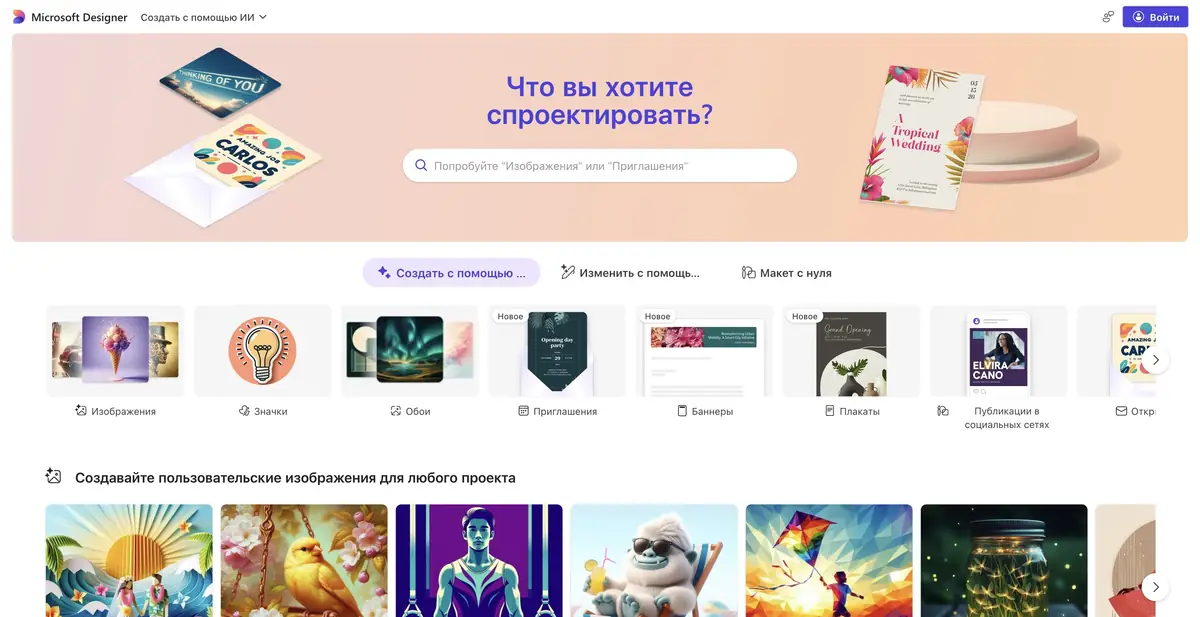
Microsoft Designer helps create images and small visual layouts from descriptions. It suits personal cards, invitations, collages and photo designs. Generation and editing tools work together, so you can refine the composition and individual elements after the first result.
Official help covers background removal and blur, unwanted-object removal, frames, collages and upscaling. Available features depend on the account and current interface. Older guides to the previous visual editor may no longer match the product.
An important condition of use
For personal Microsoft accounts, the FAQ specifies personal, non-commercial use of Designer. Do not automatically choose it for client advertising or a product listing. Being able to download a file does not grant permission under the service terms. For a commercial project, first check the appropriate product and licence.
Example: Personal invitation
Describe the occasion, mood and composition. Generate a background or illustration first, then add and check the exact date, address and names separately. Request clear space for text and avoid small edge details if the invitation will be viewed on a phone.
After generation, enlarge the image and reread its lettering. The model may misspell words or use another language. If the design contains a person, check their face and hands; for someone else’s photograph, confirm consent to use it.
How to get access
Designer is available through its official website and supported Microsoft apps. You need a personal account and must meet the age requirements; some features depend on a subscription and AI usage limits. Do not confuse access to Designer with the permissions and features of other Microsoft 365 apps. Before uploading confidential images, read the policies for handling uploaded data.
Suitable tasks
- Personal cards and invitations
- Collages
- Background removal
- Editing personal photos
Strengths
- Simple text input
- A set of small visual tools
- Official Microsoft instructions
Limitations
- The FAQ limits use to personal, non-commercial purposes
- Generated text may contain errors
- Features depend on the account and region
Check details
Official sources
This description is based on the developer’s material. Features, prices and availability may change; check the primary source before use.


