

Meta’s AI assistant is available through its own web service, app and supported company products. It helps you discuss ideas and create images.
What Meta AI is
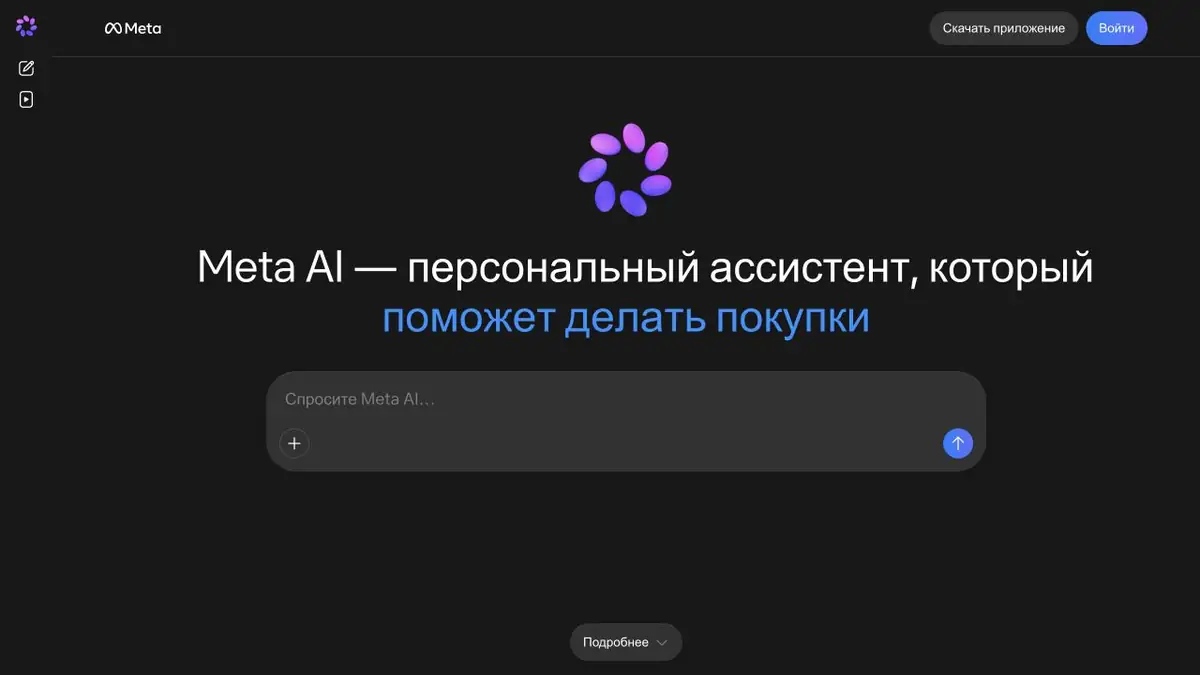
Meta AI is Meta’s user-facing assistant for conversations, questions and creative tasks. It has a standalone web service and app, and also appears within supported company products. A feature appearing in one app does not mean it is available in every country or account.
The official material describes voice conversations, image generation and editing, personalisation and continuing conversations across devices. Visual tools can help explore a mood, stylise a photograph or draft a composition. Meta AI is a user-facing service, while Muse refers to Meta’s models; check app features and model-access methods separately.
How to describe a visual task
Start with the image’s purpose: a card, an illustration for a note or a design variation. Specify the main object, background and one important detail. For a photograph, list the elements to preserve separately. This makes unwanted changes to the original face, clothing or scene meaning easier to spot.
Example: Several variants of one idea
For a small illustration series, request one restrained version and one more expressive version first. Compare readability at the intended size as well as appearance. Choose a direction, refine the composition and check lettering manually: even a polished image may contain word errors.
Do not treat an example feed as private storage. Before posting material, check publication settings, conversation visibility and links to other Meta accounts. For another person’s photograph or a recognisable character, assess source rights and permitted use in advance.
Access and restrictions
Features roll out by region and may differ between the web, app and social products. Current-event answers need independent verification, and personalisation cannot replace accurate source data. Check free-access terms and extra features in your account’s official interface.
Suitable tasks
- Talking to AI by voice
- Creating and editing images
- Finding ideas for personal posts
- Explaining everyday questions
Strengths
- Connection to official Meta products
- Voice and visual workflows
- Continuing a conversation across devices
Limitations
- Features depend heavily on the region
- Distinguish public posts from private conversations
- Not guaranteed to be an accurate source of facts
Check details
Official sources
This description is based on the developer’s material. Features, prices and availability may change; check the primary source before use.


