Let's Enhance enhance images and help prepare them for layout or printing. Algorithmically added detail requires verification: file size growth does not restore lost information reliably.
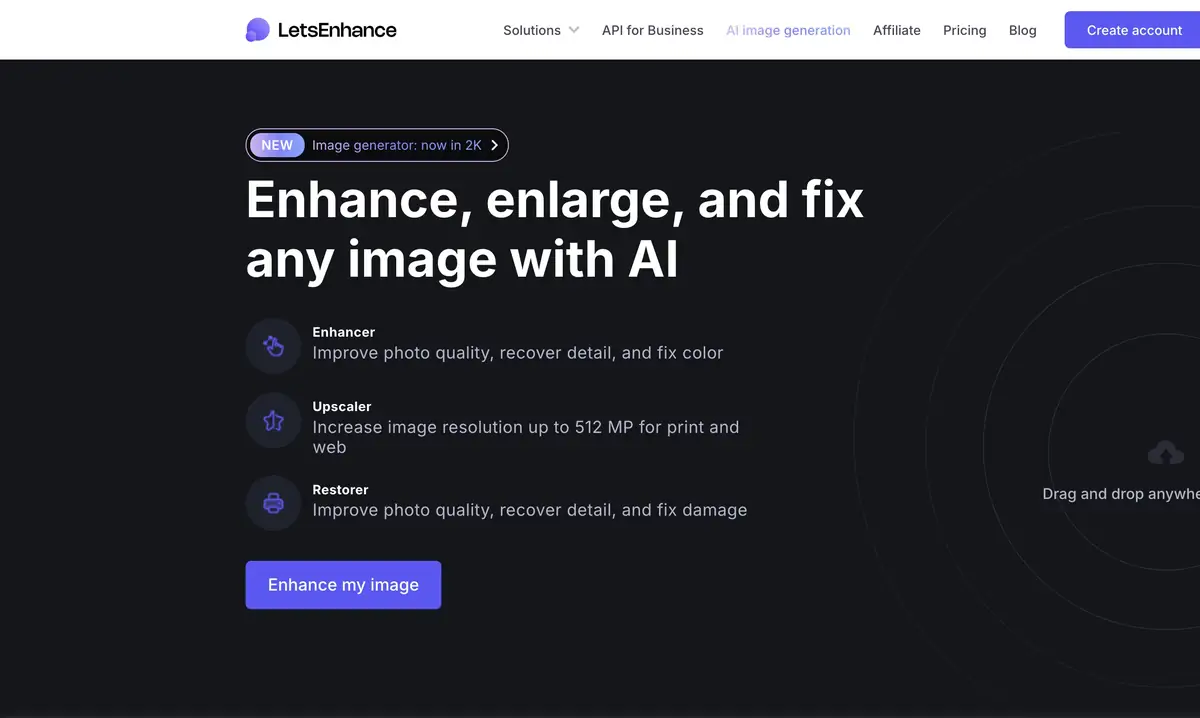
Image size and content
For a site or printed layout, the resolution of an already existing photo is often not enough. Let's Enhance offers enhanced and improved images, including recovery tools. The user uploads the file, selects a suitable method of processing and receives a new option. This is more convenient to evaluate with respect to a specific application: a small illustration and a large print require varying degrees of detail.
The increase does not turn the source into an accurate record of what is left outside its resolution. The algorithm can complete an texture that looks believable, but is different from the real thing. Therefore, restored letters, facial features and small structural details cannot be used as evidence of the fact.
Select the mode for the material
The official instruction distinguishes between processing modes for ordinary photos, more careful zoom and old damaged images. The choice depends on the source. A small inscription requires a different check than a smooth gradient or portrait. Start with a moderate increase and compare a few characteristic areas before displaying the maximum size.
Common bitmap formats are supported, and the limits of the input and output file depend on the plan. On product and tariff pages, numerical limits may not be updated simultaneously. For the job, focus on the current offer and the mode available in the account; do not take the advertising maximum for your guaranteed export.
Scenario: archive frame for the stand
Choose your own photo of a building for a small information display. Find the best surviving copy without recompression. First establish the image size in the layout, then enlarge it only as much as the print requires. Keep the original separately and do not automatically overwrite the archive file with the enlarged version.
On the result, check the window frames, brick, signboard and roof lines. The repeating pattern can become excessively sharp, and the text can change. If you need accurate historical information, use the source documents, not the restored inscription. Before the print run, make a small test print: the screen hides some of the differences in texture and sharpness.
Credits, storage and business integration
At registration the starting volume of credits is provided. Free results can contain a watermark, and paid plans change the restrictions and available size. Subscriptions and individual packages have different rules for accumulating and ending resources. Check what happens to the remaining credits when you cancel your subscription and how long processed materials are stored.
On the official website, business automation is presented through the related platform Claid. Its API cannot be automatically considered as a separate API of the consumer Let's Enhance with the same resources. If the task consists in the catalog of goods and mass rules of processing, compare this path with manual work in the increase service.
Suitable tasks
- Increase photo under the given layout
- Prepare the image for trial printing
- Compare the careful and pronounced improvement of details
Strengths
- Specialized augmentation regimes
- Photo Processing and Graphics
- Clear upload and download workflow
Limitations
- Synthesized parts may differ from the original
- Limits and watermark depend on the plan
- Business API refers to the related platform Claid
Selection and conditions
- Free access
- Not confirmed
- Trial period
- Yes
- No sign-up required
- No
- Russian interface
- Not confirmed
- Local installation
- Not confirmed
- API
- Not confirmed
“Not confirmed” means there is not enough information. The feature may still be available; check the developer’s terms.
- Input formats
- Image
- Result
- Image
Terms
Starter credits are provided after registration; free exports have limitations and a watermark. A separate consumer Let’s Enhance API has not been established: the business route leads to Claid. Local processing is not confirmed.From task to first result
Practical example
- Task
- Increase photo under the given layout
- What to prepare
- The original photo in the maximum available quality, without recompression.
Task brief or prompt
Task brief: reduce noise and improve the photo’s clarity while preserving natural texture. Compare the original and processed image at the same scale; do not use reconstructed details as evidence of a fact.
Expected result
A photo that is more suitable for a layout; reconstructed details remain the algorithm’s interpretation.
How to check the result
- Compare the texture of skin and fabric, and the appearance of small lettering.
- Check for halos and invented details.
An editorial teaching example of a task brief, not the result of hands-on testing of the service. Check that the required mode is available, that you have rights to the source material and that the intended use of the result is permitted.
Check details
Official sources
- Official LetsEnhance and connection to Claid
- Modes and increase process
- Credits, watermark and storage
This description is based on the developer’s material. Features, prices and availability may change; check the primary source before use.