A platform for producing 3D assets from references. Specialists check and refine the output alongside automated tools.
What to give the modelers
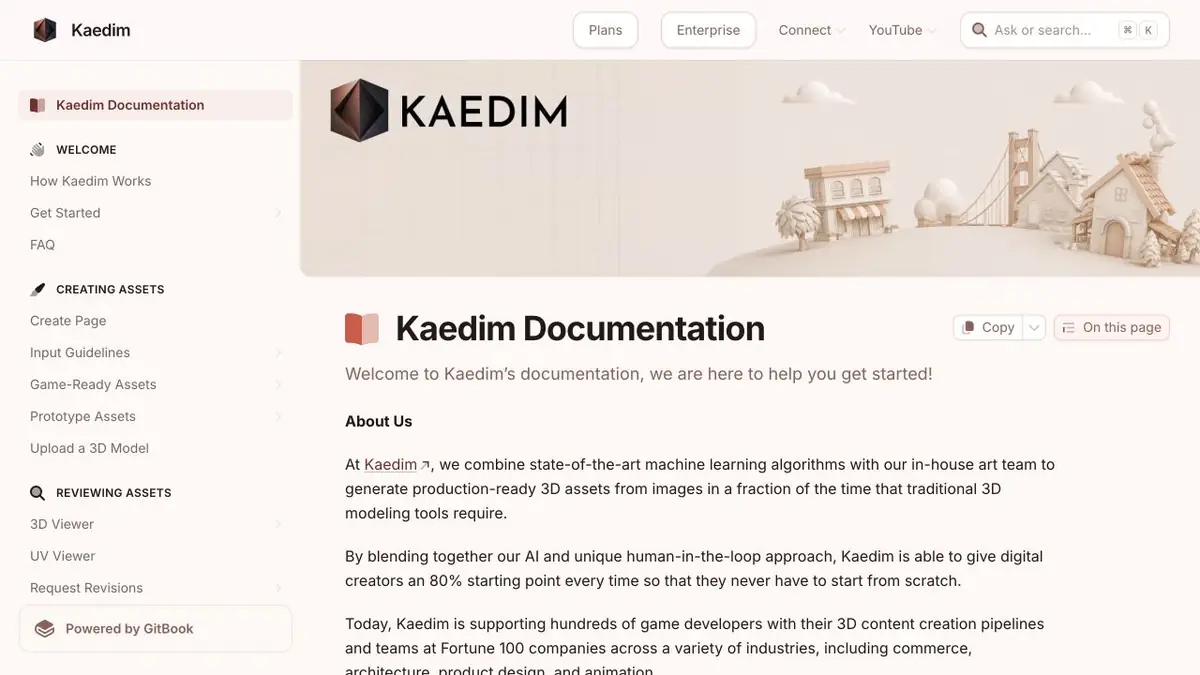
Kaedim accepts concepts and helps translate them into three-dimensional assets. In the production process, automation coexists with the work of a specialist. This is useful when the result should be an object for further editing, and the form and details are specified before the work begins. Pass the source code in good resolution and mark the places where the front view hides the structure. It is desirable to set proportions with an understandable guide.
A practice batch of props
Imagine a workshop scene with three crates of different heights built the same way. Prepare front and side views and specify the materials for the sides and handles. Say whether a crate will open in the animation. If it will, specify which parts move separately. Asking for an attractive crate leaves too many decisions for the modeling stage.
Check the asset under the same lighting it will have in the game. From the actual camera angle, see whether the handles and lid read clearly without zooming in. Then open the mesh and inspect the joins. The scale should also be consistent across all the assets in the set.
How to review the files
Discuss the target format, budget of polygons and the list of materials. Immediately record whether the check relates to geometry, textures or both layers. The developer describes access to the platform and enterprise API separately. When working with your own character, check what data the production team can see and use suitable materials for transmission.
Suitable tasks
- Transfer a series of concepts to production
- Prepare engine checkers
Strengths
- Work on references
- Participation of specialists in monitoring the result
Limitations
- The back of the subject requires a clear reference
- API access depends on the plan
Selection and conditions
- Free access
- Not confirmed
- Trial period
- Not confirmed
- No sign-up required
- Not confirmed
- Russian interface
- Not confirmed
- Local installation
- Not confirmed
- API
- Yes
“Not confirmed” means there is not enough information. The feature may still be available; check the developer’s terms.
- Input formats
- Image
- Result
- 3D model
Terms
The Kaedim team asks you to describe the project before connecting. The terms of reference and the way of acceptance depend on the scope of work.From task to first result
Practical example
- Task
- Transfer a series of concepts to production
- What to prepare
- Description of the table lamp or your own photos of the object from different sides. Clarify the purpose of the model and the target 3D-editor.
Task brief or prompt
Prepare a rough 3D model of the table lamp for the interior scene: a stable base, separate lampshade, simple materials. Use your own references. First, evaluate the form, then prepare an export format available in the selected plan.
Expected result
A rough object model for subsequent checking in a 3D editor. Geometric accuracy and production readiness are not assumed.
How to check the result
- Examine the silhouette from all sides, cavities, fine details and intersections.
- Check the scale, materials and opening of the exported file in the target editor.
- Before commercial use, check the selected plan's license and the rights to reference materials.
An editorial teaching example of a task brief, not the result of hands-on testing of the service. Check that the required mode is available, that you have rights to the source material and that the intended use of the result is permitted.
Check details
Official sources
This description is based on the developer’s material. Features, prices and availability may change; check the primary source before use.