

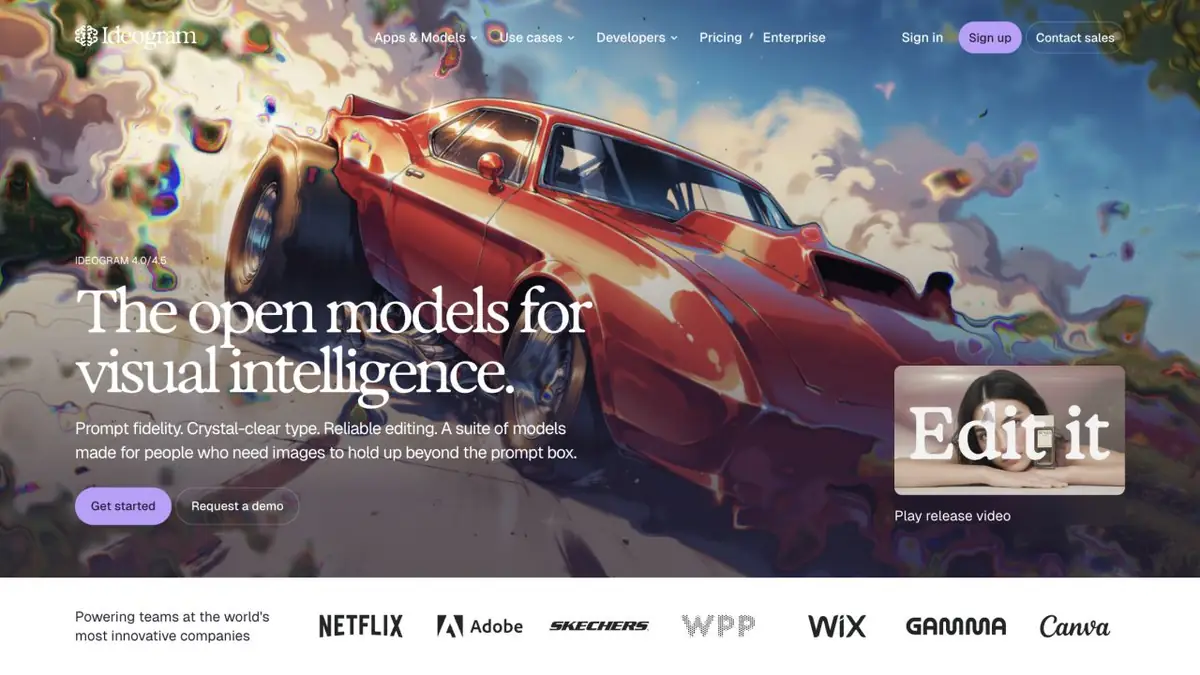
Ideogram develops its own visual models and image creation tools. The product is especially interesting for tasks where the illustration needs to be combined with an inscription or design.
Why Choose Ideogram
A cover, poster or advertising concept often needs legible text as well as an image. Ideogram makes text within images a prominent product feature. Its official documentation includes separate guides to lettering, logos and editing.
This does not promise perfect typography from every prompt. Check all words, symbols, spacing and small details before publishing. For legally significant text or complex layouts, final assembly in an editor is more reliable.
Generation by description and reference
Start from a text prompt or source image. Specify the layout’s purpose, composition and exact lettering; keep style descriptions separate from words that should appear within the image.
Reference helps to indicate the direction, but does not replace a clear task. If you need an option for an existing design, list the elements that should be saved and the changes that are permissible.
Editing instead of starting over
Alongside generation, Ideogram offers editing, background changes, object removal and upscaling. Its website also presents apps for particular tasks. Features depend on the model and plan.
Choose a successful composition and refine individual elements. For a series of cards, compare several results: whether the palette, the location of the text and the proportions coincide.
Access and costs
Ideogram has a web application and an official API. Free and paid plans differ in credits, access to functions and modes of operation. In some operations, the price is shown before launch.
The service may offer its own and partner models. For Ideogram’s original capabilities, select the relevant model and documentation. Check public-visibility settings and account terms before sending confidential material.
Suitable tasks
- Posters and covers with text
- Sketches of advertising layouts
- Visual design options
- Background and object edits
Strengths
- A focus on text within images
- Proprietary visual models
- Editor and official API
Limitations
- Text still needs proofreading
- Features consume different credit types
- Availability of tools depends on the plan
Check details
Official sources
This description is based on the developer’s material. Features, prices and availability may change; check the primary source before use.


