Higgsfield helps structure scene generation through camera choices, characters, visual references, and creative intent. Its own models and workflow tools sit alongside external engines; the choice affects capabilities and resource usage.
Direction first, engine second
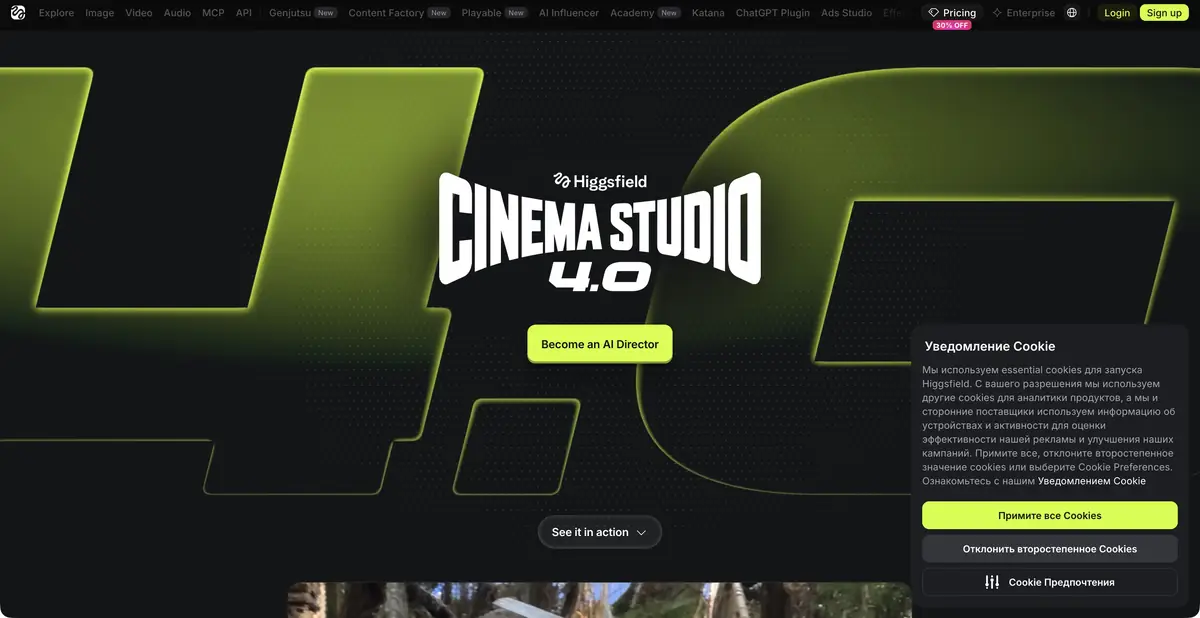
A coherent video needs more than a succession of attractive shots. It must preserve the character, space, lighting, and camera movement style. Higgsfield offers Cinema Studio with scene settings, characters, a project brief, and collaboration. This is its own directing workflow built around generation, rather than merely a third-party model list. The official higgsfield.ai domain also describes its proprietary Soul family and other tools. Similarly spelled websites are not used here as sources or product addresses.
What camera controls and references determine
Cinema Studio documents controls for camera movement, genre, pacing, and visual elements. Choosing an external engine does not remove the need to check its specific limitations. The proprietary Soul model offers different ways to specify style, character, and palette. The documentation explicitly warns that using a reference image in certain Soul modes disables the text field. An educational prompt should therefore not promise a combination of incompatible inputs.
A saved character and shared project brief help continuity but do not guarantee matching details. Between shots, check clothing, objects, light direction, and hand positions. Camera controls also do not guarantee physically correct motion in every variant.
Example: a calm product shot
For your own ceramics collection, prepare an authorized product reference and a short brief: a cup sits on a wooden table, the camera slowly moves closer, and lighting stays constant. Choose a mode that actually accepts the required input type. Start with a single shot without scene changes or speech; this makes the cup’s consistency easier to compare.
Inspect the beginning, middle, and end: does the handle change, does an extra pattern appear, and does the cup remain supported by the table? Check lettering and logos separately, retaining them from the original footage if necessary. Edit further only after choosing suitable shots. This example does not describe an obtained result or validate marketing promises of artifact-free output.
Plans and API access are billed separately
Web plans use subscriptions and credits; generation cost depends on the mode. The official documentation explicitly separates the API, with its own account environment, monetary balance, and usage-based billing. Website credits and plan access do not automatically carry over to the API. MCP and CLI have their own account connection methods.
The reviewed pages do not establish an ongoing free plan; a one-time trial generation offer does not constitute one. Before uploading portraits and product materials, check rights, consent, and storage terms. For client videos, save source assets and settings so you can tell which details came from the photograph and which the model invented.
Agree on the scene before producing a costly series of variants, retaining the chosen composition.
Suitable tasks
- Direct a short AI-generated product shot
- Keep characters and scene style consistent
- Organize joint work on the video
- Embed supported generation via API
Strengths
- Cinema Studio’s proprietary directing workflow
- The Soul Family and Visual Elements
- Official API and integrations
Limitations
- Inputs differ between modes
- Check object and character consistency throughout the video
- API and Web plan have separate balances
Selection and conditions
- Free access
- Not confirmed
- Trial period
- Not confirmed
- No sign-up required
- Not confirmed
- Russian interface
- Not confirmed
- Local installation
- Not confirmed
- API
- Yes
“Not confirmed” means there is not enough information. The feature may still be available; check the developer’s terms.
- Input formats
- Text, Image
- Result
- Video, Image
Terms
The API is separate from the web plan and website credits. Soul has incompatible input combinations: when a reference is used, the text field is unavailable in the modes specified by the documentation. Free access has not been confirmed.From task to first result
Practical example
- Task
- Direct a short AI-generated product shot
- What to prepare
- A brief for a single shot; for image-to-video mode, an original frame of your own.
Task brief or prompt
One calm shot: the camera slowly moves toward a cup on a wooden table by a window. Morning light, a gentle movement of steam, a still background. No scene changes, text or sudden movements.
Expected result
A short shot to select and edit later, without a promise of exact motion reproduction.
How to check the result
- Check that objects retain their shape from frame to frame.
- Watch the beginning and end for camera jumps or unwanted scene changes.
An editorial teaching example of a task brief, not the result of hands-on testing of the service. Check that the required mode is available, that you have rights to the source material and that the intended use of the result is permitted.
Check details
Official sources
- Official Higgsfield
- The proprietary Cinema Studio
- The proprietary Soul family and input limitations
- Separate billing and API capabilities
- Current plans
This description is based on the developer’s material. Features, prices and availability may change; check the primary source before use.