

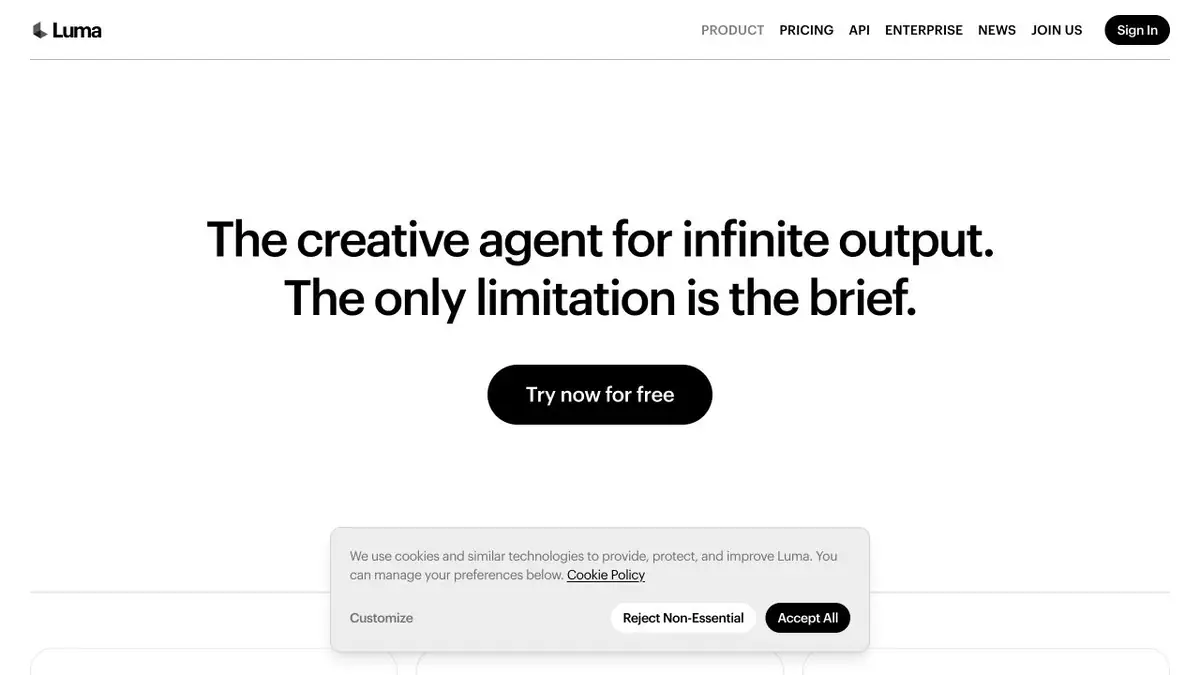
Luma’s creative service for generating visual scenes and video. It creates short clips from descriptions or animates an initial image.
Creating video from text and images
Luma Dream Machine helps you explore and create visual scenes with AI. Its main video workflows start with text or a source image. Depending on the tool, you can specify a direction of movement and reference conditions for the scene, then choose a suitable result to develop further.
Luma’s documentation covers video generation from text, initial frames and camera-motion controls. Its API platform is updated separately from earlier Dream Machine examples. Use the current integration guide and recheck old endpoints and request parameters.
From a description to a short intro
A short clip usually needs only one action and one camera move. Instead of a complex story across several locations, describe the object, surroundings and what should happen. With a photograph, make sure the main object is clear and there is room for movement.
Use a photograph of the workshop and request a smooth move towards the workbench, preserving the subdued lighting. Assess the movement without titles or music first. Check for changes to tool shapes or incidental objects that were not part of the original idea.
Once you have selected a successful take, add precise text through conventional editing. Set a shared palette and pace for a clip series in advance. Separately generated scenes are easier to join when there is a clear transition point, rather than an expectation that the service will construct the entire story without a storyboard.
Plans, usage rights and programmatic access
Limits, available models and commercial terms depend on the plan. The API has separate keys and usage billing; the current access route is listed on Luma’s official platform. Do not use other people’s faces or protected material without the necessary permission. Successful clips require selection, so budget for several attempts.
Suitable tasks
- Short atmospheric scenes
- Animating a photograph
- Preliminary storyboarding
- AI video in the app
Strengths
- Text and image inputs
- Control of individual scene parameters
- Official API platform
Limitations
- Details can change over time
- Does not replace editing a long-form video
- Check older API examples against current documentation
Check details
Official sources
This description is based on the developer’s material. Features, prices and availability may change; check the primary source before use.


