

Runway develops its own models and provides a creative environment for video, images and audio. The studio combines generation and tools to continue working on the result.
What is Runway for?
Think of Runway as a workspace for visual production. You can create a scene, edit material and prepare variations for selection. The company has its own models, while some tools also provide models from other developers.
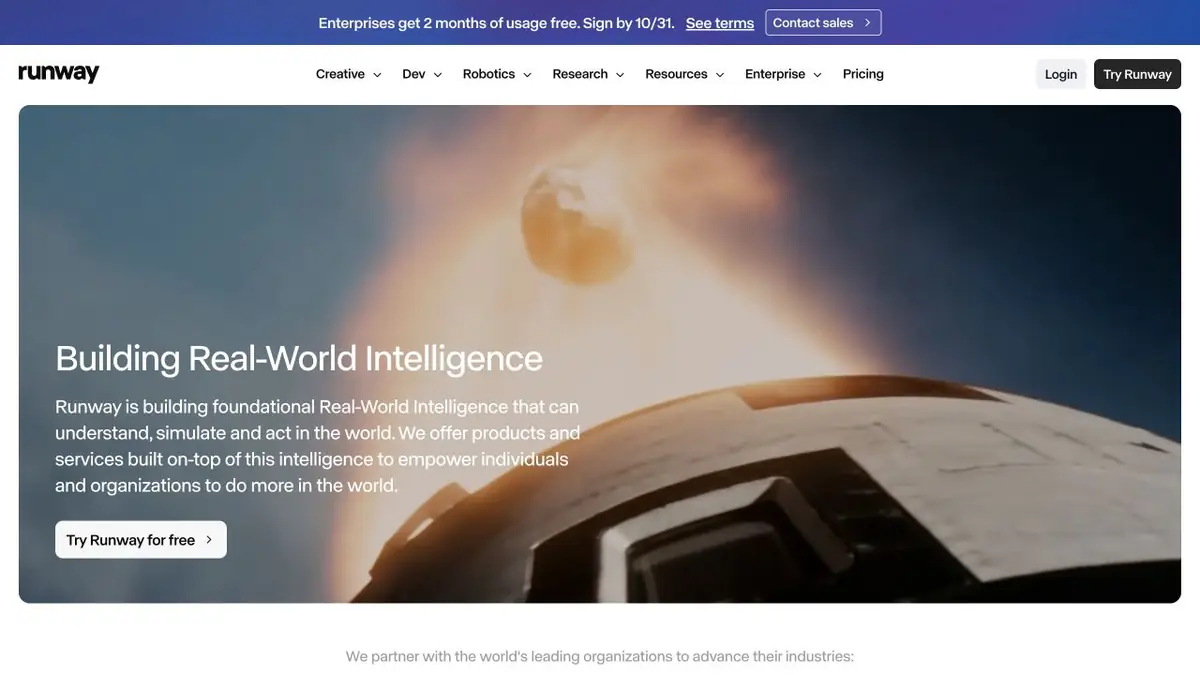
This entry links to the official Runway product. Its main website now uses runway.com, and the familiar runwayml.com redirects there. The developer platform and help pages may retain separate official addresses.
An opening frame or a written storyline
Starting inputs depend on the model: some accept text, while others use an image as a reference. A prepared initial frame establishes composition but does not guarantee that every detail stays unchanged in motion.
For a video prompt, describe one main action and the camera movement. If particular packaging or clothing matters, inspect uncertain sections frame by frame. A convincing overall look may conceal changes to small details.
Editing and further iterations
Runway lets you continue working on generated material by editing video and preparing visual variations. Choose a mode using the current help pages: instructions for older models may describe different features and limits.
First, create a short testable scene. Choose the appropriate option and only then increase the complexity or collect the sequence. This approach helps to control the expenditure of credits and not to confuse the composition problem with the motion problem.
Plan and API
The free plan lets you try a limited amount of the product. Paid plans differ in credits, concurrent work and tools. Generation costs depend on the model and duration, so translate the credit allowance into the tasks you actually need to complete.
Runway has an official developer platform with a balance and terms separate from a Creative subscription. Before a commercial project, check source-material rights, model limits and output-publication rules.
Suitable tasks
- Short scenes for video editing
- Image animation
- Visual preparation for a shoot
- Editing and Stylizing Video
Strengths
- Proprietary models and creative tools
- Official API platform
- Comprehensive help for practical workflows
Limitations
- The cost depends on the model and duration
- The free trial has limitations
- Scene consistency needs manual review
Check details
Official sources
This description is based on the developer’s material. Features, prices and availability may change; check the primary source before use.


