

MiniMax’s official video service for generating short scenes. It is connected to the developer’s own video-model family and a separate API platform.
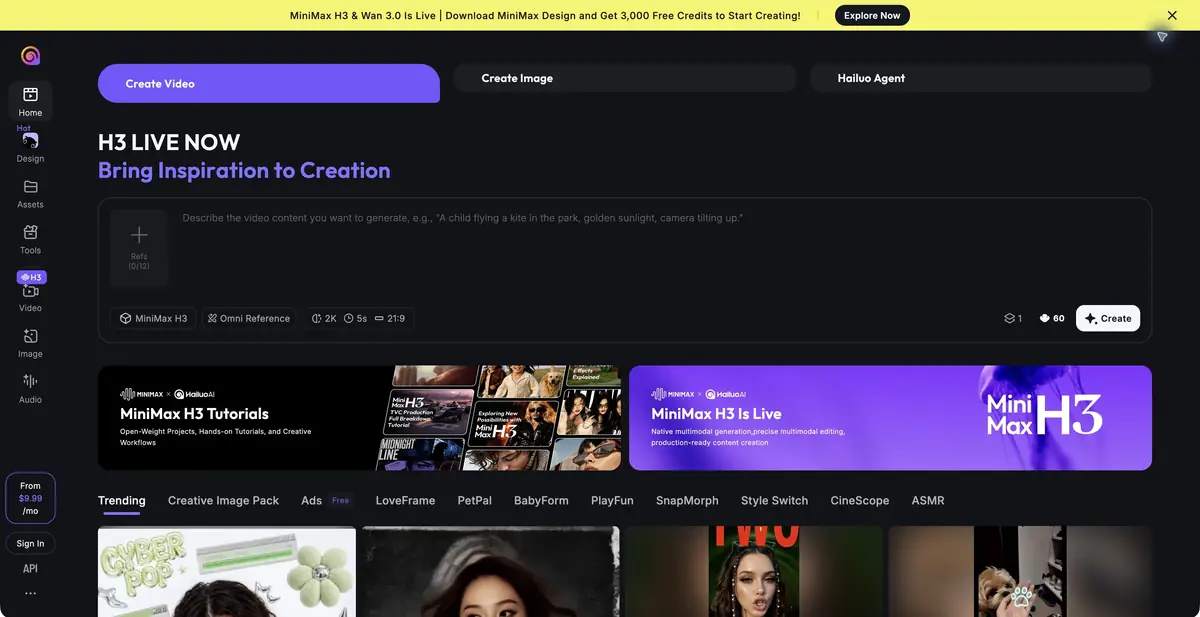
Hailuo AI and MiniMax models
Hailuo AI is MiniMax’s official video-generation service. You can start with a description or a source image and use the available reference modes. Developer features are described separately in the MiniMax API documentation, so distinguish a user plan from API usage.
Input materials and motion
MiniMax video models support several ways to define a scene: text, a start or end frame, and references in compatible modes. Capabilities depend on the chosen model. Before writing a complex task, check which inputs the current tool accepts.
It is useful to separate what happens in the scene and the movement of the camera. For example: a person walks calmly along the path, and the camera remains in place. If you simultaneously ask for a quick turn, a change of angle and an action with small objects, it is more difficult to understand the reason for the unsuccessful result. First check one action, then complicate the scene.
A scene based on the original photograph
To animate an image, choose a clear main object and a simple background. Describe the details to preserve and request moderate movement. Check the resulting face, silhouette and interaction with the surroundings. Inspect hands and objects particularly carefully when they overlap in some frames.
For an advertisement of a real product, compare its shape and markings with the original. Convincing animation may quietly change a product specification. Add titles, the logo and precise technical labels after generation, once you have selected a suitable clip.
Terms of use
The service works with an account and plans, where the available modes and resource consumption differ. API MiniMax uses separate keys and payment rules. Check permissions for reference images, videos and voices. The availability of the function in the documentation does not guarantee its presence on each user plan or in any region.
Suitable tasks
- Animating an input frame
- Generation of short scenes
- Motion and style references
- Video generation via API
Strengths
- Original MiniMax Video Models
- Several input options
- Documented programmatic access
Limitations
- Modes depend on the model
- Faces and objects may change
- A service subscription is separate from the API limit
Check details
Official sources
This description is based on the developer’s material. Features, prices and availability may change; check the primary source before use.


