

The xAI assistant combines conversation, searches of current sources and content creation. It suits preliminary research and work with documents.
What is Grok for?
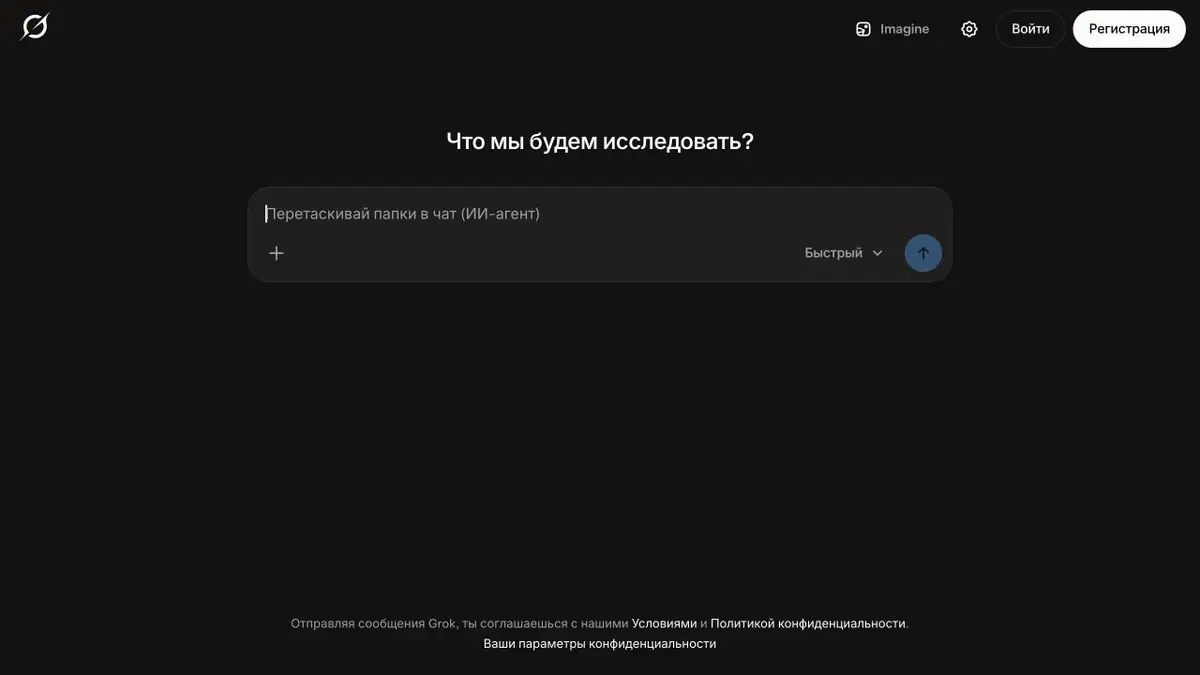
Grok is xAI’s official AI assistant for questions, search, text and visual tasks. A notable feature is its work with the web and X posts: you can ask it to find a discussion, gather context about an event and follow the cited primary sources. This can help prepare background material, but a popular post does not establish a fact on its own.
The same interface offers reasoning, programming help, image analysis and analysis of uploaded files. Voice conversations are useful when it is easier to explain a task aloud. Image and video generation belong to the creative modes; check their availability and limits in your account.
How to get a useful answer
Give the assistant a narrow question, the search period and the desired result format. For example, instead of asking to tell everything about the launch of the product, ask to find an official announcement, access conditions and three open questions. Separately indicate that the assumptions and quotes of the participants in the discussion should be separated from confirmed information.
Example: a short briefing before a meeting
Ask for developer-page links and an explanation of what changed first. Then supply your notes and request a one-page document covering what is known, which features apply to your use case and what remains unclear. This is easier to check than a long, unstructured answer.
Before sending a briefing to colleagues, open the main links, check names and remove conclusions supported only by social-media posts. Ask for sources for any numbers it contains. Grok helps draft the material, while the author remains responsible for judging its accuracy.
Service, subscription and API
Grok works on the web and in official apps. Higher limits and some modes require a paid plan. The separate xAI API platform is available for integrations; a consumer subscription does not provide unlimited API access. Before uploading work documents, review the data-handling policies and privacy settings.
Suitable tasks
- Search for relevant sources
- Brief explainers and comparisons
- Analysis of PDF and images
- Text and code drafts
Strengths
- Search on the Internet and X
- Several ways of working within one conversation
- Official API documentation
Limitations
- References and conclusions require verification
- Not all modes are available on every plan
- Region and account affect access
Check details
Official sources
This description is based on the developer’s material. Features, prices and availability may change; check the primary source before use.


