

Claude helps with writing, researching material and completing multi-step work tasks. It includes conversations, file handling and tools whose availability depends on the chosen plan.
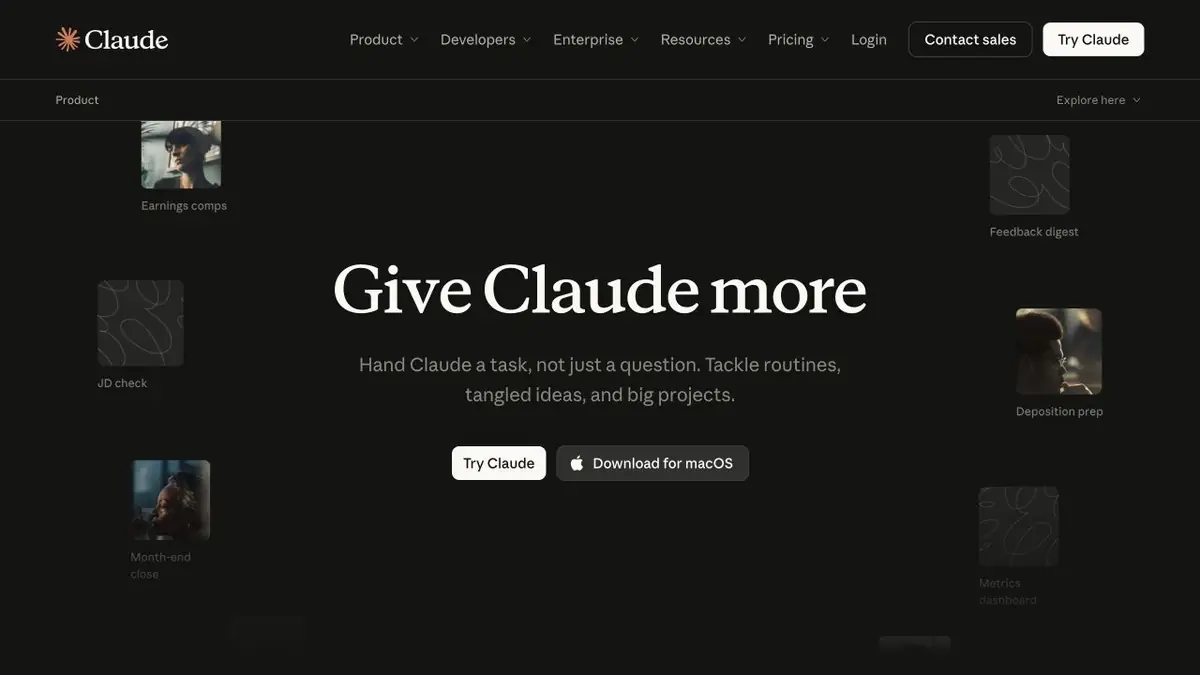
What tasks is Claude suited to?
Claude is an Anthropic assistant for working with text, data and code. You can draft a document, analyse uploaded material or ask it to explain part of a program. If the task has source material, provide it with the prompt.
Bringing existing material is a useful starting point. Ask for questionable claims in an article, compare meeting notes with a plan or request a clearer instruction structure. This makes the answer easier to compare with the original.
Documents and context
Claude supports files and organising related work. Project context helps retain instructions and material for recurring tasks; check feature availability in the plan comparison.
Pair a long document with a precise question. Instead of “analyse everything”, specify which contradictions, numbers or decisions to find. For an evidence-based answer, request links to particular passages in the source text.
From idea to an editable output
Artifacts and content-creation tools let you discuss a separate deliverable, such as a document, visualisation or prototype, rather than just an answer in the chat. This suits short revision cycles that change wording, logic or how information is presented.
You can continue coding in Claude Code. It is a separate work tool with its own settings and access terms; Claude in a browser does not imply identical capabilities everywhere.
Limitations and choosing a plan
Claude has free and paid plans with different usage allowances. Models, connections and tools change, so choose a subscription for the action you need rather than an old review.
Answers require editorial and factual verification. By connecting applications or transferring files, evaluate the necessary rights and privacy settings. Claude can help prepare a solution, but does not remove responsibility for the final material from the author.
Suitable tasks
- Editing long-form content
- Comparison of documents
- Prototypes and visualizations
- Explaining and changing code
Strengths
- Project context and file handling
- Editable outputs and Artifacts
- Official Developer Tools
Limitations
- Errors and incomplete use of context are possible
- Usage is limited by the plan
- Some work features are not available to every account
Check details
Official sources
This description is based on the developer’s material. Features, prices and availability may change; check the primary source before use.


