Google Antigravity is an agentic development environment offering multiple ways to access one workflow. It helps you plan changes, work with files and tools, and review the resulting artifacts.
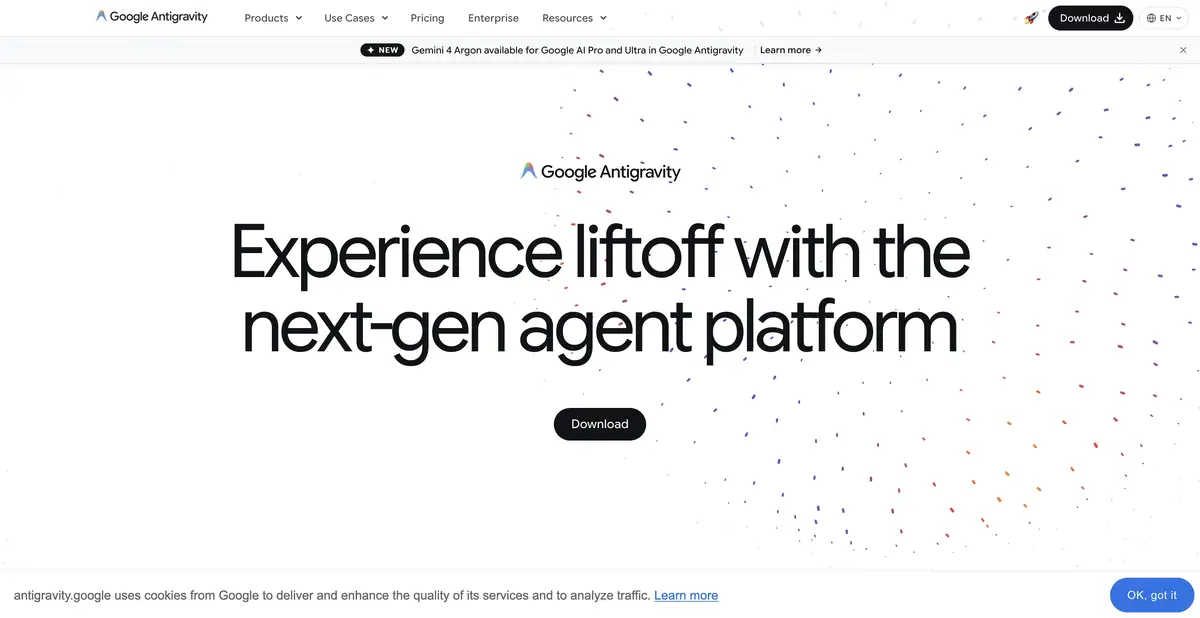
Task at the heart of the workflow
Antigravity offers an app, a terminal client, IDE integrations, and a Python SDK. The developer sets a goal, and the agent uses project tools to prepare changes with explanations. Depending on the selected mode, work may include planning, commands, browser checks, and additional agents.
Define what counts as completion in advance. For an interface bug, this includes both a changed component and verifiable page behavior. For a library function, it means the expected contract and edge-case checks. Artifacts help explain the work but do not by themselves prove requirements are met.
Gemini CLI and the migration path
Google recommends that Gemini CLI users move to Antigravity CLI and provides a migration guide covering settings, extensions, skills, and MCP configuration. The catalog treats this as one current platform; the former name is retained as a search alias and to explain the transition.
Migration does not guarantee full parity for every experimental feature. Save your configuration first and check which instructions and connections transferred. Pay particular attention to tool server addresses and rule paths: a technically successful import does not prove the agent applies the required constraints in the new project.
Example: fix keyboard navigation
In an app menu, keyboard focus lands on hidden items. Give the agent reproduction steps, the expected Tab order, and a requirement to preserve the appearance. Ask it to locate visibility and focus handling, make a targeted change, and check both expanded and closed menu states.
Then navigate the page using the keyboard, checking Escape and focus returning to the button. An agent’s screenshot cannot establish the correct key sequence. You need a report of the actions and your own behavior check. Also review the diff to ensure the fix does not block access to other interface elements.
Model access, SDK and quotas
Individual accounts have a basic quota without Google AI Pro/Ultra; paid plans expand resources, and additional credits have separate rules. Usage depends on agent activity, so a short prompt cannot guarantee a fixed number of tasks. Check model availability and organizational terms against the plan.
The official SDK provides a programmatic agent runtime with tools, state, and policies. This is the platform’s own API, distinct from the standard Gemini API. Installing an app or CLI does not establish local model processing. Local SDK configurations and primary service access have different terms; they should not be combined into a promise that the entire platform works fully offline.
For migrated skills, check both that the folder exists and when its instructions are applied. A saved file does not guarantee recognition by the new configuration. Start with a small, safe task and compare the expected constraints with the agent’s actions.
Suitable tasks
- Prepare and check project changes
- Work through an application, terminal or IDE
- Migrate configuration from Gemini CLI
- Build your own agents through Python SDK
Strengths
- Multiple interfaces on one platform
- Artifacts, tools and project rules
- Official programmatic SDK and migration guide
Limitations
- Migration does not automatically retain all experimental functions
- A basic quota does not mean unlimited use
- The app on the device does not prove the local model
Selection and conditions
- Free access
- Yes
- Trial period
- Not confirmed
- No sign-up required
- Not confirmed
- Russian interface
- Not confirmed
- Local installation
- Not confirmed
- API
- Yes
“Not confirmed” means there is not enough information. The feature may still be available; check the developer’s terms.
- Input formats
- Text, Code
- Result
- Text, Code
Terms
A basic quota is available without Pro/Ultra; limits depend on agent activity and service capacity. API refers to the official Python SDK runtime. Local model support is not attributed to every client, and Gemini CLI is not listed as a second product.From task to first result
Practical example
- Task
- Prepare and check project changes
- What to prepare
- A small part of your own project and a reproducible description of the error, with no tokens or passwords.
Task brief or prompt
Explain why this function handles an empty list incorrectly. First describe its current behavior, then suggest a minimal fix and checks for empty, normal and invalid input. Do not change other parts of the project unnecessarily.
Expected result
An explanation of the cause, a small proposed diff and checks to run locally.
How to check the result
- Read the diff before applying it.
- Run the checks in a separate working copy and make sure no secrets were included in the prompt.
An editorial teaching example of a task brief, not the result of hands-on testing of the service. Check that the required mode is available, that you have rights to the source material and that the intended use of the result is permitted.
Check details
Official sources
- Google Antigravity: official clients
- Google Antigravity: getting started
- Google Antigravity: Basic Quota and Plans
- Google Antigravity: its own Python SDK
- Google Antigravity: Gemini CLI migration
This description is based on the developer’s material. Features, prices and availability may change; check the primary source before use.