

GitHub Copilot helps to write, understand and verify code in the usual development process. It is a standalone GitHub product with integrations and agent capabilities, not a separate language model.
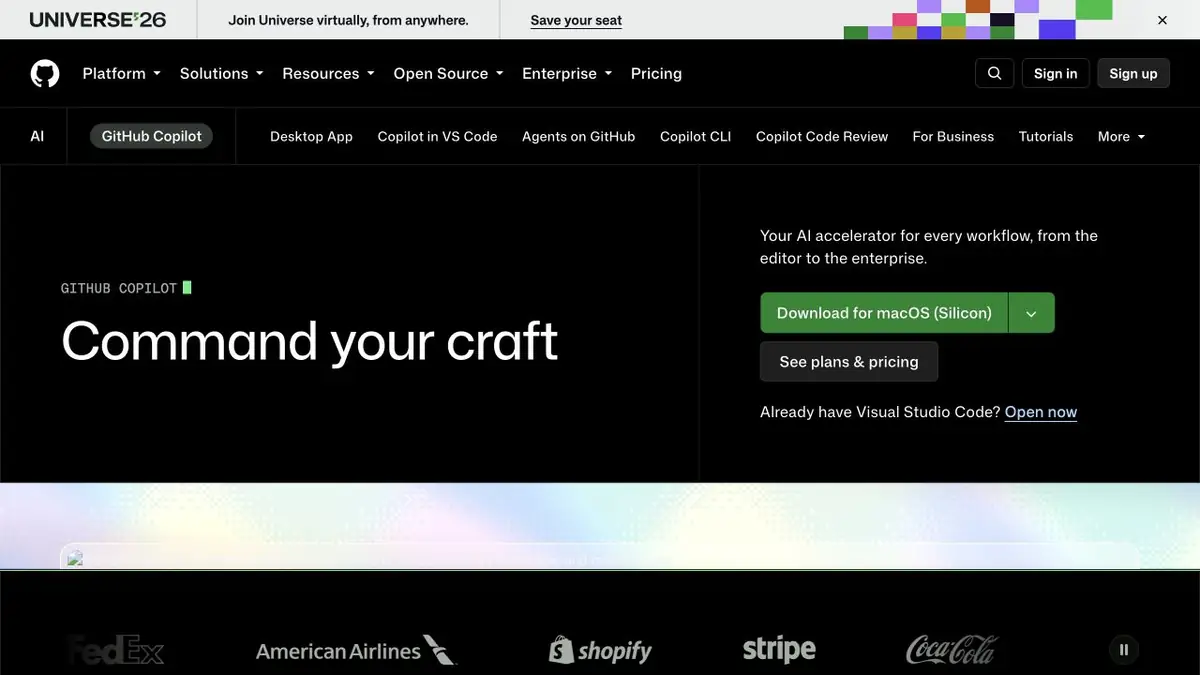
What does Copilot do?
The most familiar use is code completion while typing. The product also discusses repositories, explains sections and helps prepare changes. Official documentation distinguishes ordinary assistance, multi-step agent work and project-specific configuration.
Choose Copilot with your working environment in mind. Check support for your editor, the features available there and your organisation’s rules. Capabilities on GitHub may differ from those within a particular IDE.
Context of the project
The quality of an AI suggestion depends on the files and instructions available to the assistant. Project structure, established conventions and expected behaviour help make the result usable. For a bug fix, include reproduction steps and a completion criterion.
Instead of a broad prompt such as “improve the app”, choose a small, complete step: add input validation, explain a test or change one function. The result is easier to read and verify.
Agent tasks and code review
Agent mode can explore a project and take several actions towards an assigned goal. On GitHub, a task may move through an issue and a pull request. This keeps changes in the usual discussion workflow, but requires clear permissions and review rules.
AI code review is useful as a second opinion: it may spot an error or suggest a clarification. It does not replace tests, security analysis or a person’s decision to accept the code. Even a small edit can change behaviour beyond the selected file.
Limits and Liability
Copilot has free and paid plans. Supported models, scope of work and corporate controls depend on subscription. Before you connect a working repository, check your team's policy.
Check code for correctness, dependencies, permissions and consistency with the project. Do not put secrets in a prompt merely to make an error easier to explain. Data settings and permissions must match the terms of the account in use.
Suitable tasks
- Code autocomplete
- Understanding a repository
- Preparing small changes
- Additional pull request review
Strengths
- Integration with GitHub workflows
- Support for development editors
- Documented team settings
Limitations
- Suggestions need tests and review
- Features differ between environments
- Limits depend on the plan
Check details
Official sources
This description is based on the developer’s material. Features, prices and availability may change; check the primary source before use.


