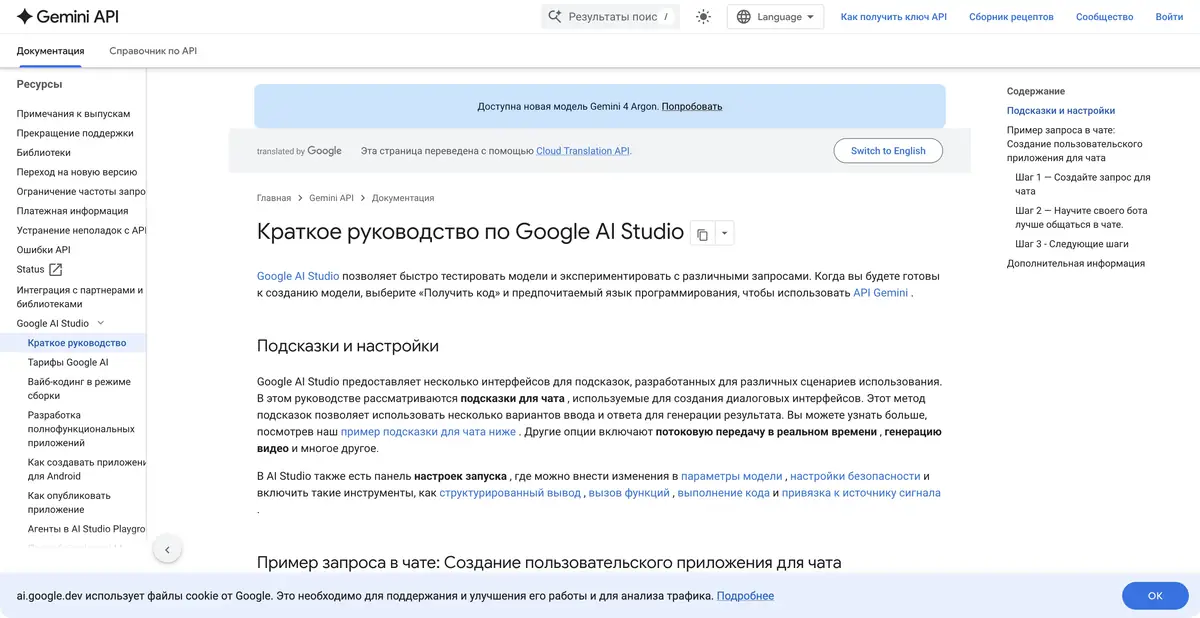
Google AI Studio combines model experiments with developing your own app. Refine a prompt, get code for calling the Gemini API, or create a project in Build and continue working with its source files.
From a prompt to a repeatable call
AI Studio is useful for exploring how a model responds to specific instructions, context, and settings. After a successful experiment, Get code helps you move the call into your application. It is a separate development workbench with an API workflow, distinct from the consumer Gemini app and the local Antigravity agent environment.
For a meaningful comparison, prepare the same set of examples and define criteria in advance: which fields to extract, how to handle missing data, and which responses are unacceptable. One successful conversation does not establish a future app’s reliability. Save the original prompt and model settings with the test set.
Build creates an editable project
In Build mode, you can describe an app in everyday language, preview it, and keep making changes. The official documentation describes web projects with backends, Android apps, and agents working across multiple files. You can inspect the code, sync it with GitHub, or export it to continue development elsewhere.
This lets you go beyond a disposable mockup. A server-side runtime does not establish correct authorization, data protection, or readiness for load. Before publication, check actual handlers, dependencies, and access rules. A generated interface may look complete before its important workflows function.
Example: analyze a request’s text
Use a fictional request: an employee asks to replace a faulty monitor but omits its asset ID. Require output fields for “problem,” “equipment,” and “missing information.” Do not allow invented IDs, replacement deadlines, or responsible people. First refine the prompt using several versions of the text.
You can then create a small form that displays extracted fields for a person to confirm. Test empty input, long text, and a message that does not request equipment. If the program stores data, check this separately from the model response’s quality. An educational prototype should use demonstration materials without hidden real-world commitments.
Keys, quotas, and deployment
AI Studio provides access to the Gemini API, Google’s official programmatic interface, rather than an API for controlling every editor button. Free and paid tiers vary by model. Data-use terms may also differ: a free experiment should not automatically be considered suitable for confidential company documents.
Publishing an app involves model requests and costs for the selected host. A shared link does not make visitor usage free. After export, check secret storage, limits, and the external environment’s configuration. A browser workbench does not imply local model processing; exported code still calls APIs if its logic requires them.
When exporting, retain a list of required environment variables and dependencies. A project working in the workbench preview may need separate setup on another server. A clean-start check helps reveal these dependencies before handing code to colleagues.
Suitable tasks
- Test prompts against reference examples
- Get code for calling the Gemini API
- Assemble and export application prototype
- Separate model quality and program behavior
Strengths
- Transition from experiment to API code
- Editable Build projects and export
- Official model conditions and documentation
Limitations
- One successful request does not prove the stability of the application
- Models and hosting can be paid separately
- Free mode has its own data processing conditions
Selection and conditions
- Free access
- Yes
- Trial period
- Not confirmed
- No sign-up required
- Not confirmed
- Russian interface
- Not confirmed
- Local installation
- Not confirmed
- API
- Not confirmed
“Not confirmed” means there is not enough information. The feature may still be available; check the developer’s terms.
- Input formats
- Text, Code, Document, Image
- Result
- Text, Code
Terms
Free access is limited by available models and quotas; paid API usage and hosting are separate. The workbench provides the official Gemini API for your own app; a separate API for controlling the Studio editor has not been established, so the general api fact remains unknown. Neither the interface nor the model is described as local.From task to first result
Practical example
- Task
- Test prompts against reference examples
- What to prepare
- A small part of your own project and a reproducible description of the error, with no tokens or passwords.
Task brief or prompt
Explain why this function handles an empty list incorrectly. First describe its current behavior, then suggest a minimal fix and checks for empty, normal and invalid input. Do not change other parts of the project unnecessarily.
Expected result
An explanation of the cause, a small proposed diff and checks to run locally.
How to check the result
- Read the diff before applying it.
- Run the checks in a separate working copy and make sure no secrets were included in the prompt.
An editorial teaching example of a task brief, not the result of hands-on testing of the service. Check that the required mode is available, that you have rights to the source material and that the intended use of the result is permitted.
Check details
Official sources
- Google AI Studio: the official workbench
- Google AI Studio: prompts and Get code
- Gemini API: free and paid model terms
- Google: the separate roles of Antigravity, API, and AI Studio
- Google AI Studio: Build, Export and Secrets
This description is based on the developer’s material. Features, prices and availability may change; check the primary source before use.