

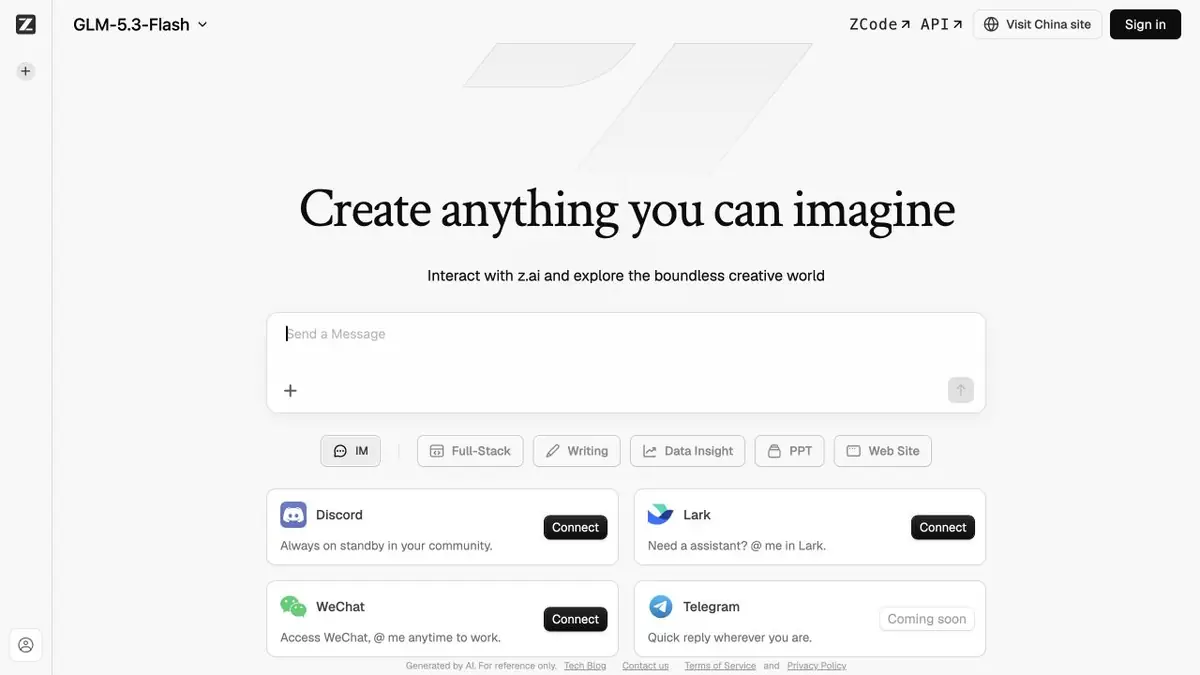
GLM is the model family behind the official Z.ai service. It has a conversational interface and separate products for programmatic integration.
What GLM and Z.ai are
GLM is the name of Z.ai’s model family. The user-facing service provides chat, while the developer documentation describes text, multimodal and agent capabilities. Check the particular model and mode: a single directory entry for the family does not mean every release has the same features.
Programming, reasoning, visual data processing and working through tools occupy a prominent place in official manuals. For development teams, this is a way to embed a model into their own process. For the average user, it is more important which of these tools are available directly in the selected chat account.
How to start with a real task
For text, provide the source facts, audience and format. For code, specify the language, a minimal reproducible example and expected behaviour. If you need search, request the links used. Detail alone does not make an answer current: check recent terms and versions separately.
Use case: explaining an error in a project
Provide a small code fragment and an anonymised error message. Ask for the likely cause first, then a minimal fix and a test of the hypothesis. This helps distinguish useful diagnosis from a random substitution that only hides the symptom.
Do not upload an entire repository together with keys and environment configuration. When moving to an API or agent, limit available actions and review changes in a separate branch. Open models still require checking licences and deployment requirements.
Chat, Coding Plan and API
Z.ai offers different payment and usage methods. A coding-tool plan is not automatically unlimited access to the general API. Documentation lists models, pricing and limits separately. Compare usage on your own task before estimating integration costs.
Suitable tasks
- Conversation and drafting
- Explanation of code errors
- Multimodal analysis by supported models
- Agents and programmatic integrations
Strengths
- Official chat and API from the same developer
- Documented coding workflows
- Selection of models for different tasks
Limitations
- Features vary by model
- Coding Plan and API access have different terms
- Code and facts need to be verified
Check details
Official sources
This description is based on the developer’s material. Features, prices and availability may change; check the primary source before use.


