

FLUX is a family of Black Forest Labs models for visual tasks. The developer provides an official API, a platform for experiments and individual models with available weights and their own licenses.
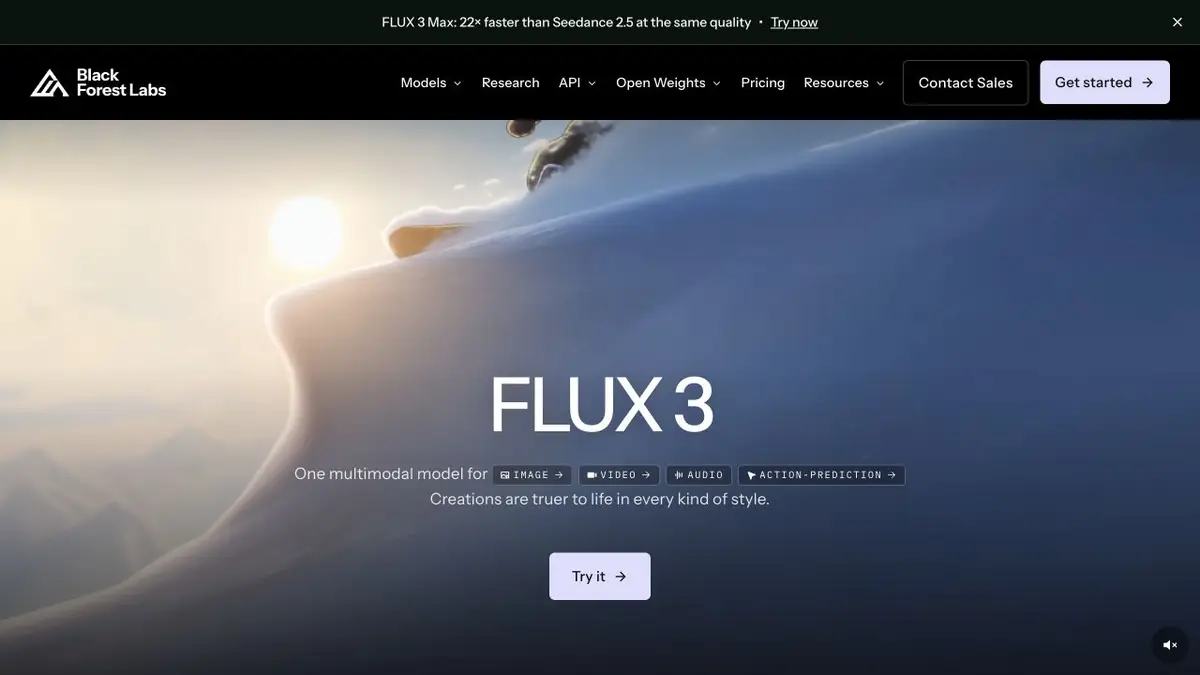
FLUX models and official developer
FLUX appears on many image-generation websites. Its original developer is Black Forest Labs; bfl.ai provides links to models, documentation, programmatic access and licensing terms. This directory links to the developer rather than an intermediary.
The family continues to develop different visual-content modes. For images, text-based generation, editing and reference adherence matter. Do not assume one version’s settings apply to every FLUX model.
Generation and editing
Use the model for an illustration, product scene, concept or edit to an original image. Describe the object, composition, material and required change. For precise editing, list the details to preserve separately.
Different models are designed for different balance of capabilities, speed and costs. Before building a workflow, compare the limitations of input files, output sizes and available parameters. A small series of samples helps to understand whether the selected mode is suitable for your material.
API access or self-hosting
Black Forest Labs provides a direct API and integration documentation. This approach suits an application or repeated processing: your program sends requests, and costs are calculated for the chosen operation.
Models with available weights are a separate option. Being able to download weights does not imply the same licence for every version and use case. Check commercial deployment, fine-tuning and distribution for the particular model.
What to check before use
A convincing image can still contain incorrect lettering, geometry or an extra object. Check images of products, diagrams and recognisable people against their source material.
Using an API and running your own infrastructure involve different costs and responsibilities. The latter also requires suitable computing resources and technical setup. For a first attempt, it is easier to start on the official platform with one clearly defined task.
How the FLUX family relates to video
Beyond images, the current FLUX family includes video: short scenes can be generated from text, a source image or keyframes. Inputs, sound and duration depend on the model and access method. Check which tool you opened before starting: an image generator and a video model serve different purposes.
Suitable tasks
- Generating product and illustrative scenes
- Image Editing
- Integrating generation into an app
- Hosting a suitable model on your own infrastructure
Strengths
- An original model developer
- Direct API with documentation
- Versions with available model weights
Limitations
- Licenses differ between models
- Self-hosting requires resources
- Parameters and pricing depend on the version and operation
Check details
Official sources
This description is based on the developer’s material. Features, prices and availability may change; check the primary source before use.


