

Fathom helps preserve meeting content and turn conversations into searchable notes. It combines transcription, brief summaries, highlights and transfer of information to work tools.
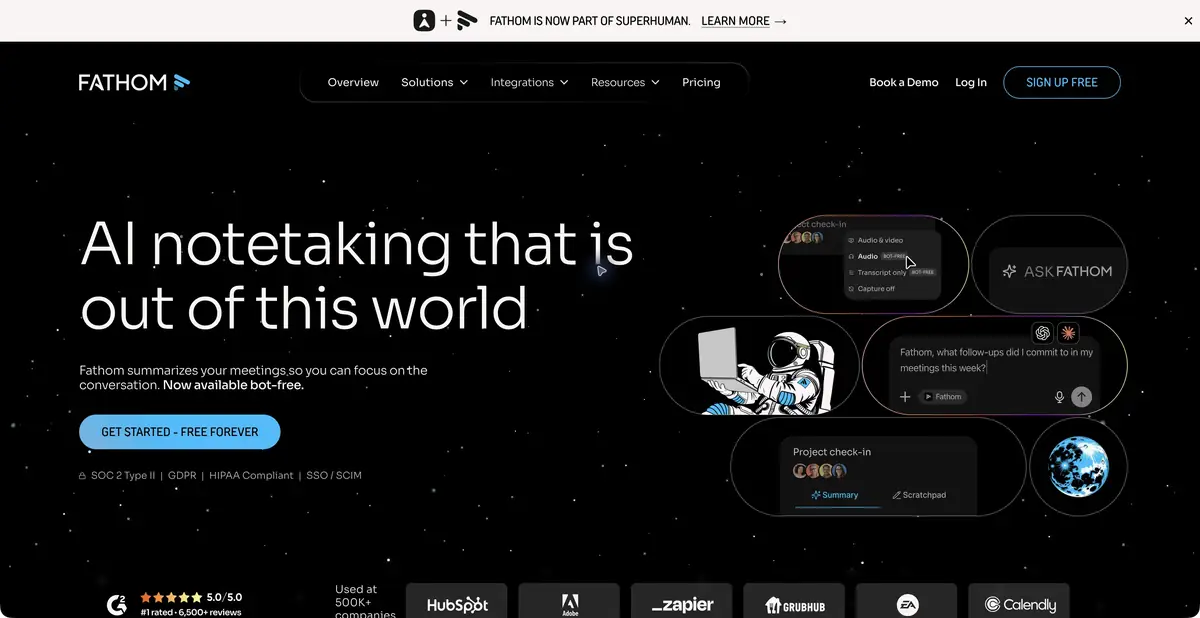
Keep decisions from getting lost between the end of a call and the next task
People can agree on a next step in a meeting and remember the promise differently a few hours later. Fathom records supported conversations and creates transcripts and brief summaries. You can find the relevant passage later to check exact wording rather than retell it from memory.
The official website now uses the fathom.ai domain; old fathom.video addresses lead to the same product. This is one platform for personal and team meetings, not a separate new neural network under the changed address.
Summary, search and important points
The product covers recordings, transcripts, brief summaries, search and highlight collections. Expanded plans add more flexible summaries, follow-up actions and team features. Some modes offer capture with or without a bot; check support for your app and device in advance.
Questions about past conversations help find decisions and context. An automatically created action item is not yet an assignment: if a deadline or owner was not explicitly agreed, clarify it with the participants. A brief summary is useful only if important conditions are preserved.
Example: to record the discussion of the project launch
After the call, review three groups of information: decisions made, open questions and promised actions. Check each action against the recording, assign an owner only with explicit confirmation and distinguish a desired date from an agreed deadline. Leave disputed wording as questions.
For colleagues who missed the conversation, select a few key moments and briefly explain why to watch them. Do not automatically send everyone the full recording if personal or private data was discussed.
Transfer of notes to the workflow
Fathom offers a team workspace, integrations and an official API with developer documentation. These let you transfer meeting information to other systems and build custom processing workflows. Recording access, visibility to colleagues and programmatic permissions must be coordinated separately.
When transferring data automatically to a CRM or tasks, an intermediate check is useful. Customer names, amounts, dates and deal statuses are especially vulnerable to recognition errors. Convenient integration does not make an incorrect record accurate — it simply spreads it faster across tools.
Free plan and recording limits
There is a free personal plan; paid levels expand analysis, management and collaboration. The official page also describes the trial proposals. Do not transfer the properties of one tariff to all others and before subscribing, check the composition of AI functions, storage rules and payment methods.
Before recording, obtain participants' required consent and check organizational rules. A mode without a separate bot does not remove this obligation. Transcript quality depends on audio, language, overlapping speech and names; verify important commitments against the original conversation.
Suitable tasks
- Compile verifiable minutes of a work meeting
- Find a decision or promise in past conversations
- Share key points with colleagues
- Transfer notes to your own process via API
Strengths
- Recording, transcription and summaries in one workflow
- Search across conversations and highlights
- Personal and team scenarios
- Official API and integrations
Limitations
- Recognition errors can change the meaning of the agreement
- The user determines recording consent and access rights
- Advanced analysis and team functions depend on the plan
- Capture support varies by platform and mode
Selection and conditions
- Free access
- Yes
- Trial period
- Yes
- No sign-up required
- Not confirmed
- Russian interface
- Not confirmed
- Local installation
- Not confirmed
- API
- Yes
“Not confirmed” means there is not enough information. The feature may still be available; check the developer’s terms.
- Input formats
- Audio, Video
- Result
- Text
Terms
There is a free personal plan. Advanced AI summaries, team settings and integrations are subscription-based.From task to first result
Practical example
- Task
- Compile verifiable minutes of a work meeting
- What to prepare
- A recording of a work meeting made with participants’ consent, plus a list of correctly spelled names.
Task brief or prompt
Task brief: identify the meeting’s decisions, assigned people and unresolved questions. Do not assign responsibility to someone unless the participants explicitly agreed to it. Check every disputed point against the recording.
Expected result
Draft meeting minutes with decisions and questions; participants must confirm any assigned tasks.
How to check the result
- Check names, deadlines and agreements against the recording.
- Remove invented tasks and obtain consent to process the conversation.
An editorial teaching example of a task brief, not the result of hands-on testing of the service. Check that the required mode is available, that you have rights to the source material and that the intended use of the result is permitted.
Check details
Official sources
This description is based on the developer’s material. Features, prices and availability may change; check the primary source before use.


