DomoAI creates video from text and images, changes the style of videos and works with references.
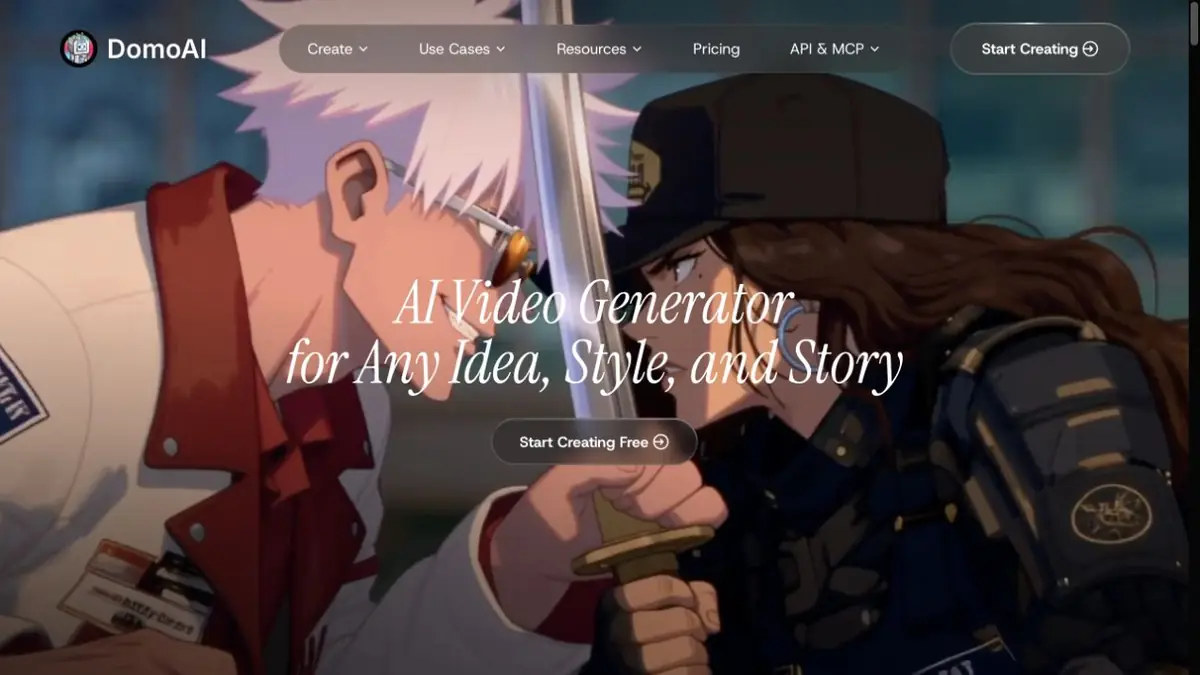
Several starting points for a video
DomoAI can start from text, an image or existing video. The official site highlights references, generation between frames, video stylization, character animation and other modes. This is useful when source material already exists and you want to change its presentation without planning the whole video again.
The plans separately named their own models of DomoAI and other developers' systems. Therefore, the properties of one mode cannot be transferred to the entire service. Specify the allowable duration, the desired type of reference and the ability to change key frames. It is especially important to check these conditions before preparing a long sequence or series of similar scenes.
How to evaluate stylization
For a learning example, use your own short video of one person making a simple movement. Choose a style that preserves the silhouette and direction of action. Process a small excerpt first, then watch it at normal speed and frame by frame. Inspect the face, hands and boundary between person and background.
A good still frame does not prove that the whole scene is stable. If clothing changes shape or an object appears and disappears, adjust the settings or simplify the movement. Keep the source footage beside the result. Watching at normal speed helps reveal jerks that a paused frame hides.
Preparation for publication
Agree on the aspect ratio and later editing workflow in advance. You may need to trim the generated clip, join it to other shots or add precise wording. Review transitions, sound and meaning together so the new style does not change an important action or create a misleading impression of the event.
DomoAI uses credit plans with different modes and restrictions. Check the chosen operation, including video length and resource usage. Published API documentation covers automation, with its own connection rules. Establish rights to the source footage, music and the person shown before uploading material.
Suitable tasks
- Change the visual style of your own video
- Prepare motion by image and description
Strengths
- Multiple input and restyling workflows
- Official API documentation
Limitations
- Motion and details can change unexpectedly
- Duration and modes depend on the model and plan
Selection and conditions
- Free access
- Not confirmed
- Trial period
- Not confirmed
- No sign-up required
- Not confirmed
- Russian interface
- Not confirmed
- Local installation
- Not confirmed
- API
- Yes
“Not confirmed” means there is not enough information. The feature may still be available; check the developer’s terms.
- Input formats
- Text, Image, Video
- Result
- Video, Image
Terms
DomoAI uses credits and plan limits on models and duration. Web access and API have their own terms; the original video and rights to the people depicted are verified in advance.From task to first result
Practical example
- Task
- Change the visual style of your own video
- What to prepare
- A brief for a single shot; for image-to-video mode, an original frame of your own.
Task brief or prompt
One calm shot: the camera slowly moves toward a cup on a wooden table by a window. Morning light, a gentle movement of steam, a still background. No scene changes, text or sudden movements.
Expected result
A short shot to select and edit later, without a promise of exact motion reproduction.
How to check the result
- Check that objects retain their shape from frame to frame.
- Watch the beginning and end for camera jumps or unwanted scene changes.
An editorial teaching example of a task brief, not the result of hands-on testing of the service. Check that the required mode is available, that you have rights to the source material and that the intended use of the result is permitted.
Check details
Official sources
This description is based on the developer’s material. Features, prices and availability may change; check the primary source before use.