Models and tools for speech noise reduction. The repository contains the start of file processing and integration with the microphone via PipeWire.
What can be corrected in the recording
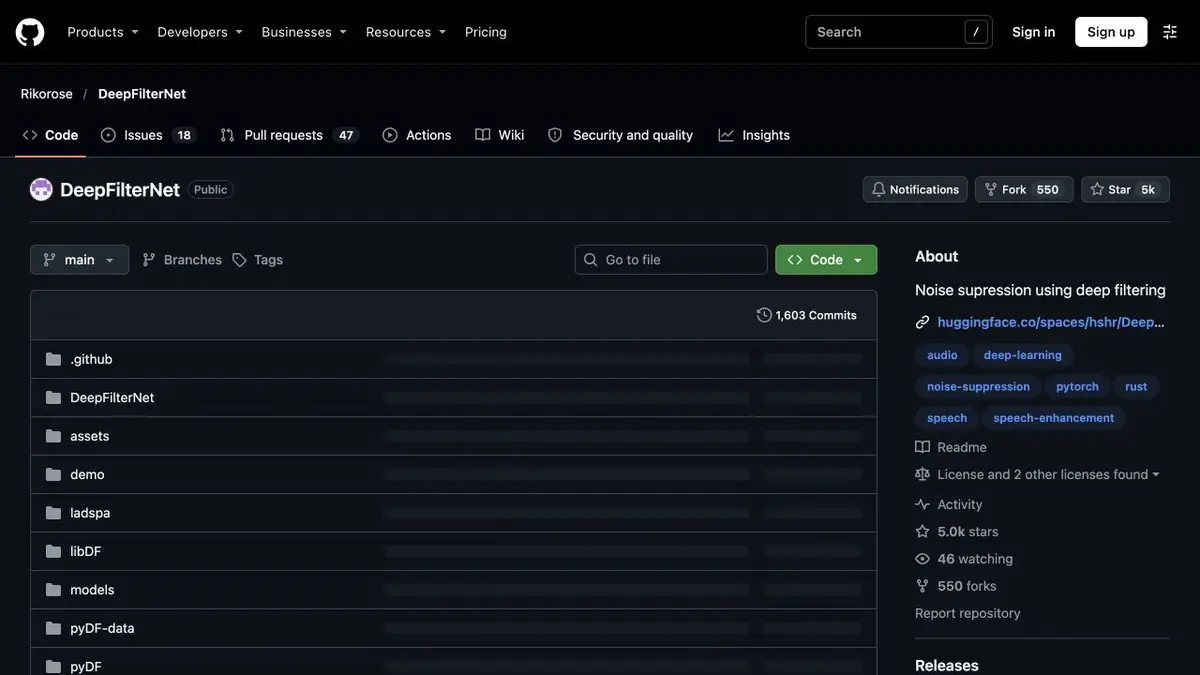
DeepFilterNet highlights the speech signal against the background of noise. This is a suitable recording tool, where the interlocutor is already visible, but he is distracted by ventilation or movement on the street. The repository has a command utility for processing the audio file and instructions for a virtual microphone via PipeWire. These are two different ways of working. For one-time editing of the interview, it is easier to start with a file, and evaluate the microphone processing separately in a real application.
Fragment with a quiet line
Take your own record of the conversation with a smooth air conditioner noise. Prepare a copy of WAV 48 kHz for deep-filter. Choose a few seconds where the loud response is replaced by a quiet remark. Compare the source and result at the same volume. If the background has become weaker, and the end of the silent phrase is gone, this option is better not to use in the entire interview.
The area without speech is also useful for checking. Look, isn't the noise changing by leaps and bounds when a person pauses, and is there an unpleasant metallic sound at the border?
Local dependencies and processing limit
The utility and plugin are described separately. Before setting up a live microphone, check whether your system supports the selected path and whether the speech remains synchronous with the image in the recording. For irreparable clipping or missed words, noise cancellation alone will not restore the content. Keep the source and compare the processing on several fragments, and before installation, check how the sound in the headphones has changed.
Suitable tasks
- Weaken the background in voice recording
- Check local microphone noise reduction
Strengths
- Open speech file processing utility
- Documented integration with PipeWire
Limitations
- Command tool waiting for WAV 48 kHz
- Strong noise cancellation can affect quiet speech
Selection and conditions
- Free access
- Yes
- Trial period
- Not confirmed
- No sign-up required
- Yes
- Russian interface
- Not confirmed
- Local installation
- Yes
- API
- Not confirmed
“Not confirmed” means there is not enough information. The feature may still be available; check the developer’s terms.
- Input formats
- Audio
- Result
- Audio
Terms
A deep-filter utility is available for local processing. PipeWire integration and demo application have their own environment requirements.From task to first result
Practical example
- Task
- Weaken the background in voice recording
- What to prepare
- An original speech recording with background noise; keep a separate, unchanged copy.
Task brief or prompt
Task brief: reduce noise in a speech recording while preserving natural word endings, breathing and vocal timbre. Compare the processed audio with the original at the same volume.
Expected result
A cleaned-up version of the recording; judge it by listening, not just by looking at the waveform.
How to check the result
- Listen to quiet word endings and pauses.
- Listen for metallic artifacts, cut-offs and changes in vocal timbre.
An editorial teaching example of a task brief, not the result of hands-on testing of the service. Check that the required mode is available, that you have rights to the source material and that the intended use of the result is permitted.
Check details
Official sources
- DeepFilterNet utility, WAV format and PipeWire integration
- Study authors about noise reduction DeepFilterNet
This description is based on the developer’s material. Features, prices and availability may change; check the primary source before use.