CrewAI builds agent teams and Python workflows.
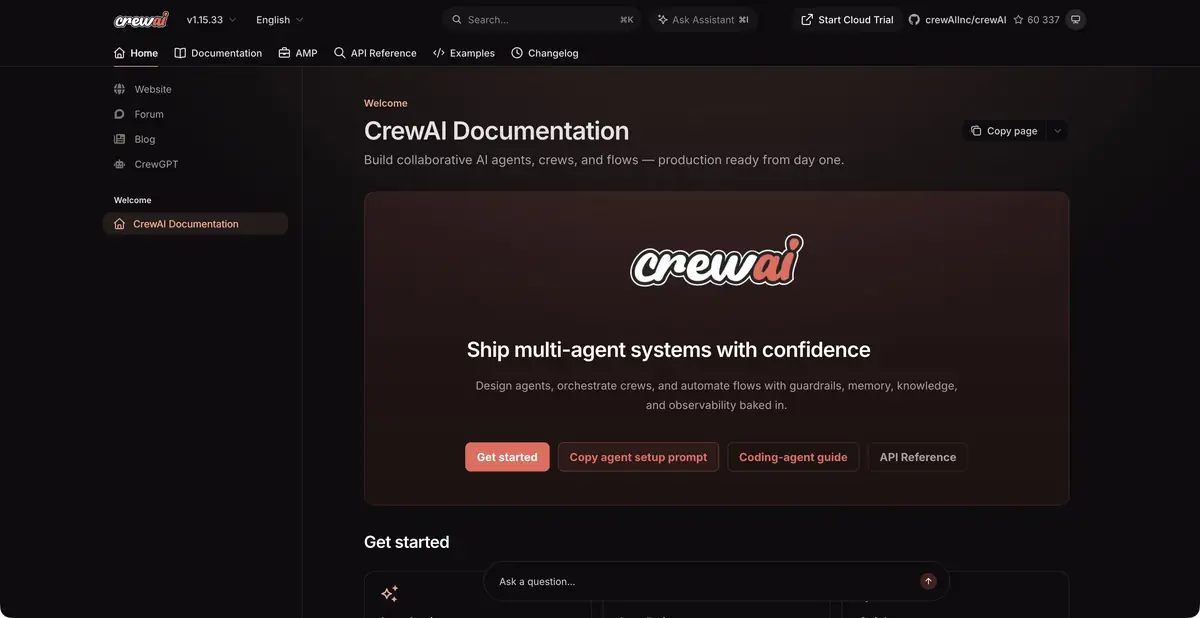
When one request is not enough
CrewAI is useful when a task has several dependent stages. One agent can gather information, another can check it, and a third can prepare the result in the required format. The developer defines roles, available tools and expected results. Separate roles do not guarantee independent verification: agents may repeat the same mistaken assumption, so the evidence behind their conclusions still needs checking.
The project offers two approaches. Crews describe how agents interact, while Flows define transitions between stages and the state of the process. They can be combined: ordinary code checks the input, then runs a small team of agents and passes the result to a person. This is easier to debug than an unrestricted chain of autonomous actions.
A practice workflow with clear boundaries
For a first exercise, use a few fictional requests to a repair shop and brief instructions for routing them. Ask the workflow to suggest a category, identify missing information and draft a reply. Initially, leave out tools that send email or write to production systems. The result should remain a proposal that someone can read before any action is taken.
Try empty text, a duplicate request and a request without an order number. If the agent invents a number or confirms a deadline that was never provided, change the instructions and checks. Adding another agent will not fix an unreliable rule by itself. Keep the input and stage results so that you can trace errors.
Where to pause before taking action
Classification and sending a reply should use different permissions. An agent can draft a message, while sending it belongs in a separate step with confirmation and a recipient check. Likewise, permission to read an order should not automatically allow a tool to change its amount or status. Define the action each integration actually needs.
Also limit retries. An agent chain may keep discussing an unhelpful tool result and spend the model budget. A small workflow with a clear stopping condition is easier to check than a universal team with unrestricted integrations.
Running your own code and using the cloud API
CrewAI code is open under the MIT license. You can run it in your own environment and choose language models and external tools separately. Running the framework locally does not keep all information on the device: a connected cloud model receives the context you send. Model calls and computing resources have their own costs.
The cloud platform has separate hosting terms and REST API access. Its documentation covers starting a deployed team, retrieving status and results, and token authentication. Before deployment, check tool permissions, execution budgets, failure handling and pauses before irreversible actions. Keep production secrets out of task text.
Suitable tasks
- Build verifiable workflows with multiple agents
- Separate programmatic checks from generation
- Run deployed agent teams through an API
Strengths
- Open Python framework with Crews and Flows
- Separate roles, state and tools
Limitations
- Need to configure code and connected models
- Agent errors require external verification
Selection and conditions
- Free access
- Yes
- Trial period
- Not confirmed
- No sign-up required
- Not confirmed
- Russian interface
- Not confirmed
- Local installation
- Yes
- API
- Yes
“Not confirmed” means there is not enough information. The feature may still be available; check the developer’s terms.
- Input formats
- Text, Document
- Result
- Text
Terms
The open framework is free, not every model call. A local workflow may use cloud services; platform hosting and REST API access have separate terms.From task to first result
Practical example
- Task
- Build verifiable workflows with multiple agents
- What to prepare
- Sample customer requests and instructions for routing them between departments.
Task brief or prompt
For each appeal, offer a category, a brief explanation and the next step according to the instructions. If you don't have enough data, pass it on to the person. Prepare drafts of changes; recording to external systems is allowed only after verification.
Expected result
Verifiable plan for processing requests and drafts of actions in the configured process.
How to check the result
- Check unknown categories and empty entry.
- Check connection permissions and ensure the workflow stops before any action requiring approval.
An editorial teaching example of a task brief, not the result of hands-on testing of the service. Check that the required mode is available, that you have rights to the source material and that the intended use of the result is permitted.
Check details
Official sources
This description is based on the developer’s material. Features, prices and availability may change; check the primary source before use.