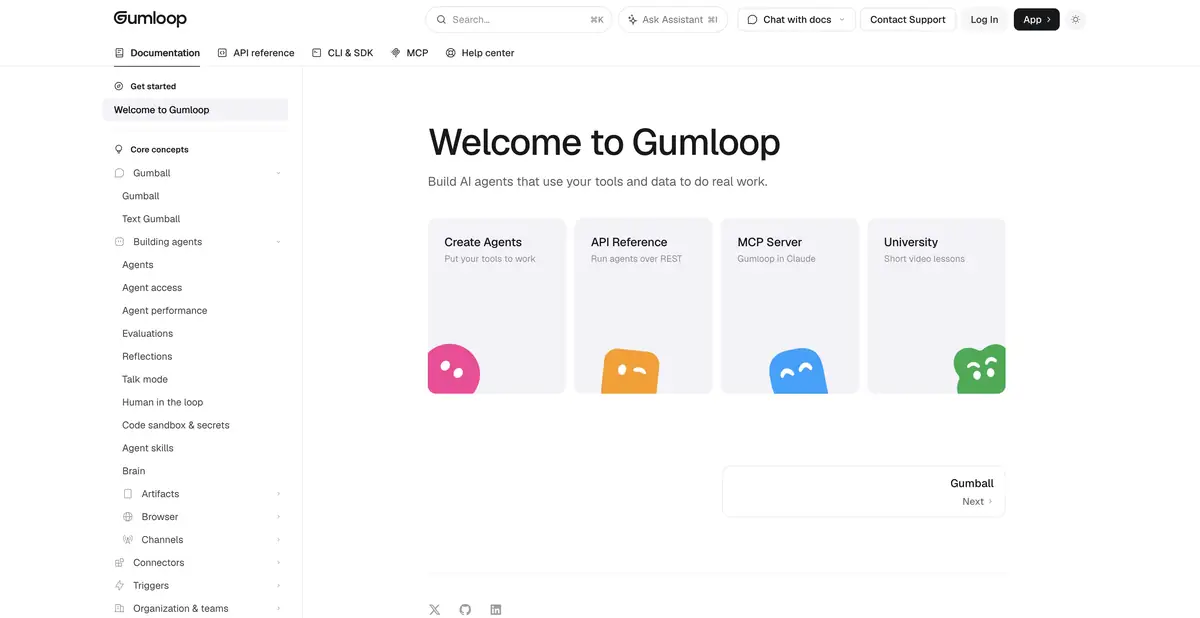
Gumloop combines agents, connected services and reusable skills. The current platform is focused on agent work; previous workflows are highlighted as a legacy feature.
From a workflow builder to agent workflows
Gumloop now represents agents who use instructions, work sources and connected services. The main page focuses on the creation, sharing and control of such assistants. In current rates, the previous workflows are marked as legacy. This is important when reading old reviews: their basic process may differ from what is being offered to a new user today.
The convenient design unit here is one agent with a clear task, selected connections and limited powers. It is better to expand his duties after the first task gives a verifiable result.
Connect the required account
The documentation directly distinguishes between connecting the service in the settings and providing this connection to the agent. For an agent to work with Gmail, Notion or another tool, the corresponding connector must be added to it and the desired account must be confirmed. Simply logging into the service at the workspace level is not enough.
This helps you choose your access area wisely. If the user has several mailboxes, you should check the account that the agent received. For your own service, there are MCP plug-in options and software integration methods.
Describe actions separately from skill
A skill defines a reusable process, while connection rules restrict available actions. Settings let you disable unnecessary tools or require blocking and approval. A well-written instruction alone is insufficient if the agent still has excessive technical permissions.
For example, when analyzing appeals, first give access to the training kit and allow only the draft answer. Ask for the category, the reason for the instructions and the reason for the transfer to the person. Unknown conditions should remain questions, not be supplemented by a confident guess.
Check the result path
Before expanding access, disassemble several different inputs: an empty message, a repeated appeal, conflicting information. See where the agent got each fact and what action he suggested. If it needs an additional source or permission, this should be visible to the user.
The platform has an API for managing agents and sessions, as well as CLI and MCP tools. This integration requires the same access rules as the interface. Secrets should be stored in the mechanism intended for them, and external service errors should be treated explicitly.
Calculate permanent work
Pro offers a trial period with limited conditions. Paid use includes credits and separate rules orchestration; corporate opportunities have their own set of conditions. Having your own model keys does not mean there are no other platform costs.
Start with a small amount and see how many actions are required for one useful result. Consider repeated attempts and a long context. Then you can evaluate the monthly budget and determine what regular tasks really should be left to the agent.
Suitable tasks
- Collect a review of permitted working sources
- Prepare drafts for processing client requests
- Connect an agent to the desired service account
- Manage agents programmatically via API
Strengths
- Connections and permissions are set for a specific agent
- Skills and rules allow you to design repetitive work
- Documented API, CLI and MCP
Limitations
- Connecting an account does not automatically give every agent access to it
- Payment includes credits and terms orchestration
- Old workflows materials can describe another basic process
Selection and conditions
- Free access
- Not confirmed
- Trial period
- Yes
- No sign-up required
- Not confirmed
- Russian interface
- Not confirmed
- Local installation
- Not confirmed
- API
- Yes
“Not confirmed” means there is not enough information. The feature may still be available; check the developer’s terms.
- Input formats
- Text, Document
- Result
- Text
Terms
Pro has a limited trial period; a permanent free plan for verified pages is not confirmed. Paid terms and conditions divide the included credits and expenses into orchestration. Cloud-based workspace with agents; services connect via OAuth, keys and supported MCP servers.From task to first result
Practical example
- Task
- Collect a review of permitted working sources
- What to prepare
- Sample customer requests and instructions for routing them between departments.
Task brief or prompt
For each appeal, offer a category, a brief explanation and the next step according to the instructions. If you don't have enough data, pass it on to the person. Prepare drafts of changes; recording to external systems is allowed only after verification.
Expected result
Verifiable plan for processing requests and drafts of actions in the configured process.
How to check the result
- Check unknown categories and empty entry.
- Check connection permissions and ensure the workflow stops before any action requiring approval.
An editorial teaching example of a task brief, not the result of hands-on testing of the service. Check that the required mode is available, that you have rights to the source material and that the intended use of the result is permitted.
Check details
Official sources
- Current Gumloop Platform
- Connections and rights of a specific agent
- Tariffs, trial and credits
- Official agents API
This description is based on the developer’s material. Features, prices and availability may change; check the primary source before use.