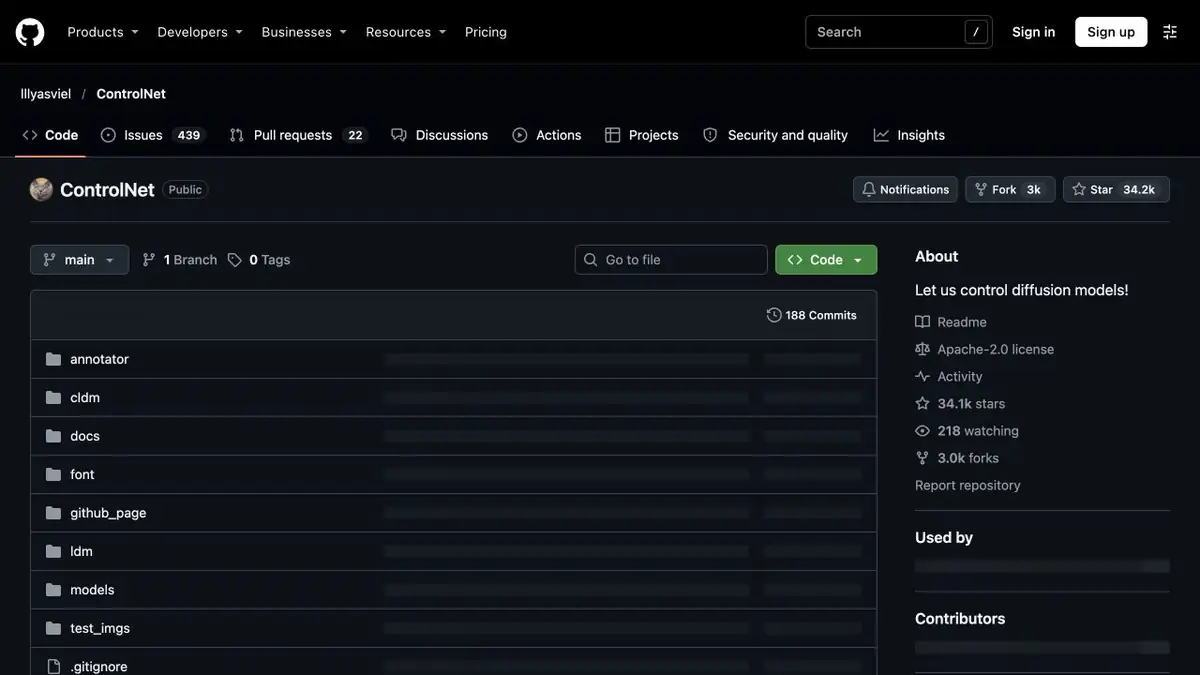
An original architecture for conditioning diffusion models. It can use a separate image to describe the scene's structure.
An extra condition for generation
ControlNet adds frame structure data to the text query. In the original work, the authors show control by contours, lines, depth and posture. Each condition needs the right weight set. This helps to keep the details between options. Content and style define the text, and the condition is responsible for part of the spatial organization. A compatible basic model is required.
Variations from a room sketch
Sketch a workshop with a window on the left, a table in the middle, and a clear wall on the right. Clean up the lines and choose weights that match the input. Generate several lighting options from the same sketch. Check that the spacing between the table and window stays consistent. If the model follows stray pencil marks, clean up the source image or reduce the conditioning strength. Change one setting at a time when comparing versions.
If you need one item, check the rest of the frame. Strong binding to the lines can transfer to the edge walls that were auxiliary.
Check compatibility before a batch
Check which models are weighted and write down their names along with the query options. The original image handler also affects the outcome. For control, save the option without a structural condition and compare the composition. If the drawing belongs to another author, agree on the terms of its use before publishing the result. Check the weight separately.
Suitable tasks
- Save your own sketch
- Compare Styling Options for One Scene
Strengths
- Control over a given image structure
- Different types of additional conditions
Limitations
- A compatible basic model is needed
- The hard condition can emphasize the extra lines
Selection and conditions
- Free access
- Yes
- Trial period
- Not confirmed
- No sign-up required
- Not confirmed
- Russian interface
- Not confirmed
- Local installation
- Yes
- API
- Not confirmed
“Not confirmed” means there is not enough information. The feature may still be available; check the developer’s terms.
- Input formats
- Text, Image
- Result
- Image
Terms
The model is connected to a compatible diffusion system. Select the weights for the basic model and the type of structural image.From task to first result
Practical example
- Task
- Save your own sketch
- What to prepare
- A short description of the intended illustration and the chosen aspect ratio.
Task brief or prompt
Editorial illustration: a small workshop, a notebook and a green desk lamp on a table, soft daylight, a simple composition and space on the left for a headline. No lettering, logos or watermarks.
Expected result
An illustration with a clear composition and space for text; this is a brief, not a published generated result.
How to check the result
- Check object geometry and any unintended lettering.
- Check the dimensions, license and commercial-use terms for the selected mode.
An editorial teaching example of a task brief, not the result of hands-on testing of the service. Check that the required mode is available, that you have rights to the source material and that the intended use of the result is permitted.
Check details
Official sources
This description is based on the developer’s material. Features, prices and availability may change; check the primary source before use.