Cleanvoice AI removes noise, long pauses and unwanted speech fragments.
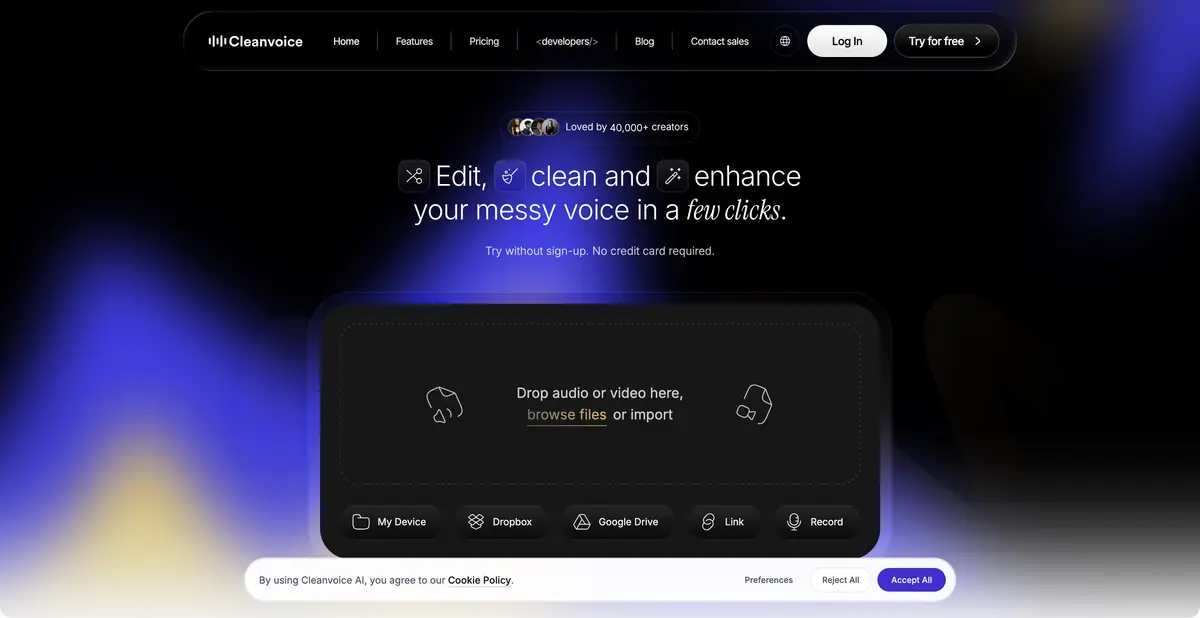
Noise reduction and speech editing
Cleanvoice combines recording enhancement with editing. Its official description includes removal of background noise, breaths, mouth sounds, unwanted vocal fillers and long pauses. It also supports multiple tracks to keep changes within a conversation synchronized. Automatic decisions about unnecessary passages still require a check of their meaning.
A pause can separate an important thought, and a repeated word may be intentional emphasis. Removing them without listening can shorten an interview while losing natural delivery or an important qualification. Treat processing as a rough cut that the author can partly accept and adjust.
Checking a first interview
Use your own short recording with two speakers and retain an unchanged original. Select a passage with a quiet line, a long pause and background noise. Compare processed and original versions at equal volume, then listen through without stopping: an awkward edit is not always apparent in an isolated word.
Check for a missing reply, clipped word endings and sudden changes in background sound. In a multitrack project, keep speakers synchronized. If the result needs manual refinement, timeline export lets you move to an editor and examine specific cuts.
Files, API and processing allowances
The service offers a trial, subscriptions and prepaid processing capacity. A trial does not mean permanent free recording cleanup. Official terms distinguish how credits are counted and used, and an API supports integration. Before a series of episodes, check time allowances and the rules for reprocessing.
Check storage terms for uploaded material and obtain participants’ permission when recordings contain personal information. Save the result, source and manual changes. Automatic noise reduction cannot reliably restore words inaudible in the original; check an unclear passage again or mark it as unclear.
Suitable tasks
- Clean recorded speech in a podcast or interview
- Shorten pauses with manual review
- Integrate recording processing into a software workflow
Strengths
- Audio cleanup and speech editing in one workflow
- Multitrack processing and timeline export
Limitations
- Automatic cuts need listening checks
- Trial and purchased capacity have different terms
Selection and conditions
- Free access
- Not confirmed
- Trial period
- Yes
- No sign-up required
- Not confirmed
- Russian interface
- Not confirmed
- Local installation
- Not confirmed
- API
- Yes
“Not confirmed” means there is not enough information. The feature may still be available; check the developer’s terms.
- Input formats
- Audio, Video
- Result
- Audio, Video, Text
Terms
The trial is limited, not a permanent free plan. Subscription and prepaid capacity rules differ. Listen to edits and cleanup, and keep the original recording separately.From task to first result
Practical example
- Task
- Clean recorded speech in a podcast or interview
- What to prepare
- An original speech recording with background noise; keep a separate, unchanged copy.
Task brief or prompt
Task brief: reduce noise in a speech recording while preserving natural word endings, breathing and vocal timbre. Compare the processed audio with the original at the same volume.
Expected result
A cleaned-up version of the recording; judge it by listening, not just by looking at the waveform.
How to check the result
- Listen to quiet word endings and pauses.
- Listen for metallic artifacts, cut-offs and changes in vocal timbre.
An editorial teaching example of a task brief, not the result of hands-on testing of the service. Check that the required mode is available, that you have rights to the source material and that the intended use of the result is permitted.
Check details
Official sources
This description is based on the developer’s material. Features, prices and availability may change; check the primary source before use.