Bria develops its own models and visual processing tools for applications and teams. The platform focuses on managed generation, data origin and different placement options.
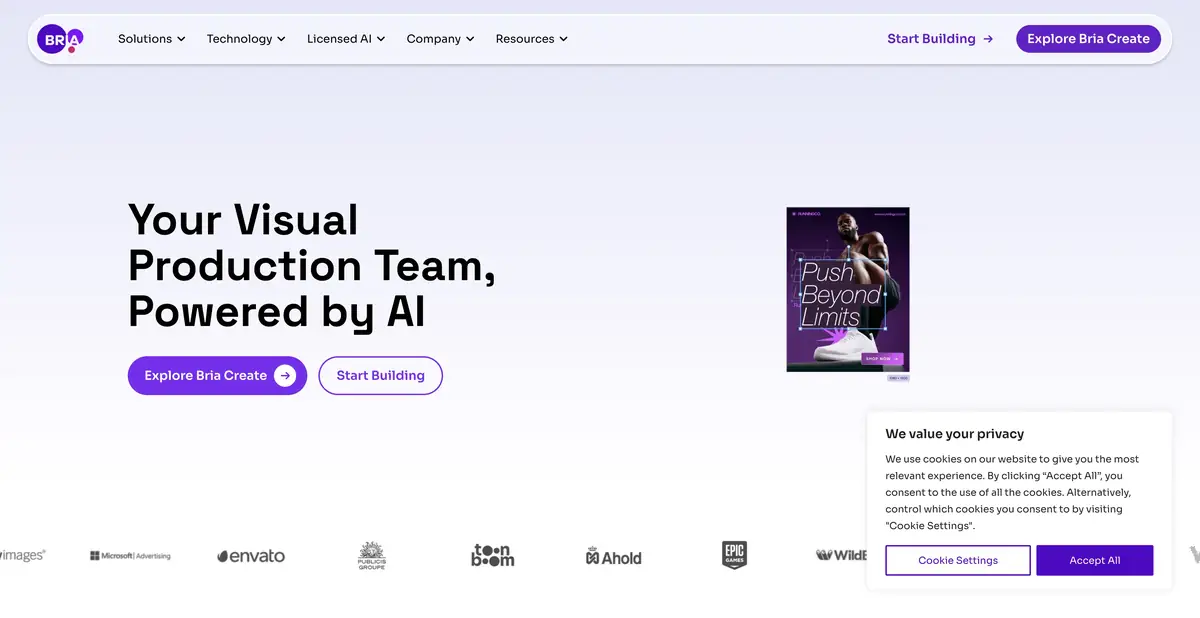
Image control as part of the application
Bria is intended for projects where producing one attractive image is not enough. A developer may need repeatable composition, control over individual attributes and information about how an image was generated. The platform offers its own Fibo family, editing operations and product-image tools. These can be accessed through an API or integrated into a longer content-production workflow.
In official documentation, generation is associated with a structured description of the image. This helps to manage individual properties, but does not guarantee the literal execution of any task. The location of the object, text and small details still need to be checked in the received file, especially when changing one feature again.
Cloud API and own GPU
For developers, REST API, SDK and other official connections are presented. Querying, waiting for results and handling errors are part of the integration. First, it is useful to reproduce a small example from the documentation, then add your storage and verification logic. In the mass process, it is important to control not only successful answers, but also repetitions, cost and inappropriate sources.
Separately documented self-hosting of models. It requires an appropriate license, compatible equipment and package installation. Licensing follows a specific model; buying the launch right does not install it automatically. Local computing also does not mean a lack of use accounting: activation and reporting requirements should be read in the selected conditions.
Training Example for Product Card
Suppose the app prepares several background options around its desktop organizer photo. Set the neutral surface, soft side lighting and space for a caption. Start with a single image and save the options of the option that fits compositionally. Then change only the background or color, leaving the rest of the requirements the same.
Compare the organizer's compartments, fixtures and visible inscriptions with the source. For catalog photography, the loss of a small hole may be more important than beautiful light. Check out a few different items: one successful rectangular object does not characterize the processing of transparent and fine details. It is better to add critical inscriptions with a separate test layer in the final layout.
Origin of the data and limits of the contract
Bria declares training of own models on licensed data and means of origin of the result. This is important information about the supplier’s approach, but it cannot be turned into an unconditional promise of the legal suitability of any image. Contractual guarantees and indemnities differ in terms of plans and have their own definitions and limitations.
There is trial volume, payment for use and corporate offers. Commercial rights of open models and licenses of self-hosting are checked separately. Compare not only the call price, but also the requirements for sources, the limitations of the selected model, access control and the costs of maintaining your GPU. For a small pilot, cloud-based and proprietary options require different preparatory actions.
Suitable tasks
- Embed Managed Generation into an Application
- Automate visual processing via API
- Expand a licensed model on your GPU
Strengths
- Proprietary Fibo visual models
- Official APIs and SDKs
- Documented self-hosting option
Limitations
- Licenses vary by model and location
- Legal guarantees are limited by contract
- The composition control does not eliminate the result check
Selection and conditions
- Free access
- Not confirmed
- Trial period
- Yes
- No sign-up required
- Not confirmed
- Russian interface
- Not confirmed
- Local installation
- Yes
- API
- Yes
“Not confirmed” means there is not enough information. The feature may still be available; check the developer’s terms.
- Input formats
- Text, Image
- Result
- Image
Terms
Local execution means running a separately licensed model on your own GPUs, subject to activation and usage-accounting terms. The cloud trial allowance is limited. Commercial rights and guarantees vary by model and contract.From task to first result
Practical example
- Task
- Embed Managed Generation into an Application
- What to prepare
- A short description of the intended illustration and the chosen aspect ratio.
Task brief or prompt
Editorial illustration: a small workshop, a notebook and a green desk lamp on a table, soft daylight, a simple composition and space on the left for a headline. No lettering, logos or watermarks.
Expected result
An illustration with a clear composition and space for text; this is a brief, not a published generated result.
How to check the result
- Check object geometry and any unintended lettering.
- Check the dimensions, license and commercial-use terms for the selected mode.
An editorial teaching example of a task brief, not the result of hands-on testing of the service. Check that the required mode is available, that you have rights to the source material and that the intended use of the result is permitted.
Check details
Official sources
- A proprietary visual platform
- API and Bria Build models
- Plans and contractual differences
- Licensing of self-hosting
This description is based on the developer’s material. Features, prices and availability may change; check the primary source before use.