

With Alisa AI, you can discuss a question, prepare text, analyze materials and use visual tools. The consumer chat is available through the Yandex website and official application.
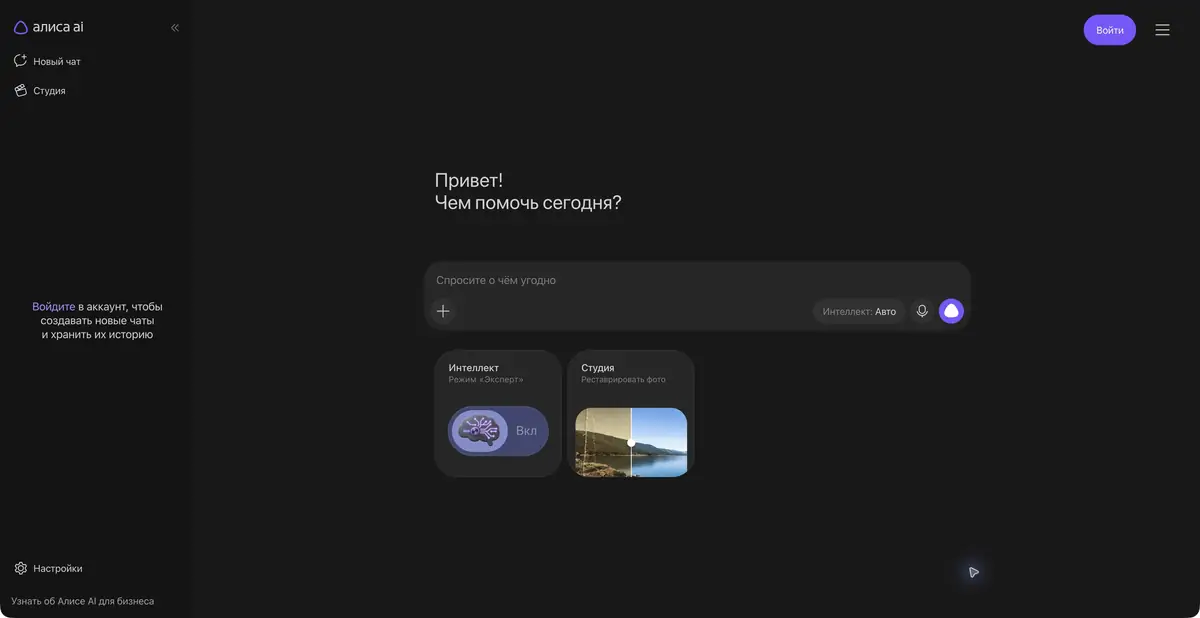
Questions, source materials and work tasks
Alisa AI suits tasks that begin with a conversation: explaining an unfamiliar topic, turning notes into an outline, drafting an email or clarifying a confusing part of an instruction. You can refine the question as the conversation develops. Specify the desired result in advance: an action list, a short answer or a comparison table.
For a learning task, it is useful to ask for an explanation of the solution and check each step. The ready answer does not replace understanding: double-check the conditions and try to solve a similar example yourself. Be especially careful with confident answers without sources.
Official help describes file and image analysis, programming assistance and image creation. Individual modes have their own terms and limits. Do not assume identical feature access on the website, in the app and on other devices with Alisa.
The app also offers visual and conversational use cases. For a product listing, first write a factual description, then specify illustration requirements separately. If the product's exact appearance matters, compare the result with the original photo as well as the text prompt.
Practice: prepare an explanation for the client
Suppose a customer asks why furniture takes several weeks to make. Give the assistant the actual production stages and request a brief, calm explanation of the timeline. Specify prohibited promises and ask it not to omit manufacturing stages for smoother wording.
After receiving the answer, check for a guaranteed date that was absent from the source. You can request a shorter version for a messaging app and a detailed one for an FAQ page.
Free chat and additional features
Yandex describes free chat conversations. The Alisa Plus option provides priority and expands certain capabilities; terms depend on the mode. Under heavy load, some complex tools may be temporarily unavailable without the option, while text chat remains available. Free access therefore does not mean equal priority for every action.
For the selected mode, read the rules for storing history and images, access to advanced features and commercial use of results. Yandex also offers separate developer products: consumer chat terms cannot automatically be applied to the cloud API.
What to check before sending
Check organization information, links, and numerical conclusions. If you upload your own file, delete the extra personal data and make sure that the document is allowed to be transferred. For image analysis, the quality of the source and the ability to independently verify the answer are important.
Alisa AI helps prepare material and explore options. Publishing it, sending it to a client or using it for study requires the usual human review.
Suitable tasks
- Explain the issue clearly and draw up an action plan
- Prepare an email based on confirmed terms
- Analyze a document or image
- Get draft code or illustration
Strengths
- Russian-language chat and official application
- Combination of text and visual tools
- Clear information about free access and additional options
Limitations
- Important answers need to be verified
- The availability of complex modes changes under load
- Terms for advanced features and storage vary
Selection and conditions
- Free access
- Yes
- Trial period
- Yes
- No sign-up required
- Not confirmed
- Russian interface
- Yes
- Local installation
- Not confirmed
- API
- Not confirmed
“Not confirmed” means there is not enough information. The feature may still be available; check the developer’s terms.
- Input formats
- Text, Document, Image, Code
- Result
- Text, Image, Code
Terms
Basic chat is free; Plus provides priority and additional modes. Consumer Alisa features do not have the same terms as the cloud API.From task to first result
Practical example
- Task
- Explain the issue clearly and draw up an action plan
- What to prepare
- Draft customer message: the order will be delayed by one day because of a quality check before shipment.
Task brief or prompt
Rewrite this customer message: “Shipment of your order will be delayed by one day due to a quality check.” Start with the main point, explain the reason and add a clear next step. Do not invent an order number, a date or promises of compensation.
Expected result
A short message that preserves the reason for the delay and the next step, without invented commitments.
How to check the result
- Check the facts against the draft.
- Remove unsupported promises and check the message’s tone.
An editorial teaching example of a task brief, not the result of hands-on testing of the service. Check that the required mode is available, that you have rights to the source material and that the intended use of the result is permitted.
Check details
Official sources
This description is based on the developer’s material. Features, prices and availability may change; check the primary source before use.


