

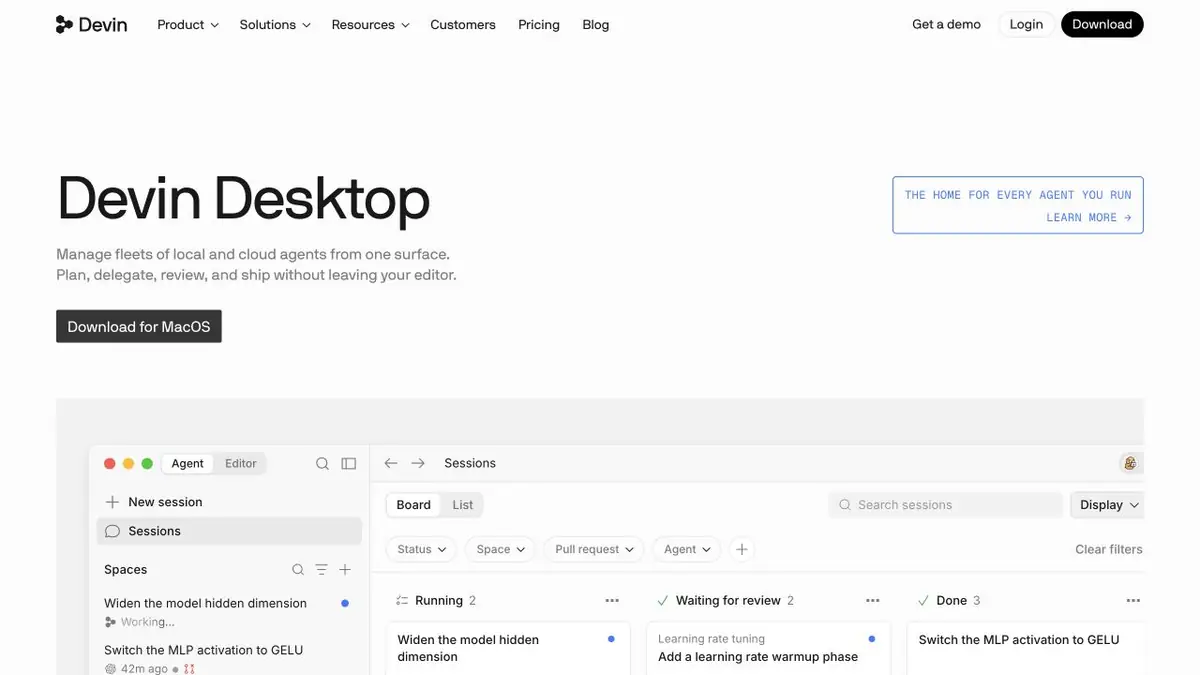
The current name of the editor Windsurf is Devin Desktop. The product combines a full-fledged IDE and management of agents working on project tasks.
What happened to Windsurf?
The official Windsurf website now leads to Devin Desktop. The developer describes it as Windsurf’s new name while retaining the editor’s foundation, settings and familiar workflows. If you are looking for the earlier editor, visit the current Devin Desktop page.
Editor and several project tasks
Devin Desktop combines an IDE with a workspace for managing local and cloud agents. You can read code, run familiar tools and monitor tasks at the same time. For developers, the link between the assignment, changed files and check results matters more than simply having a chat beside the editor.
The official documentation covers project context, the terminal, rules, MCP and other workflows. Each connected tool broadens both the agent’s capabilities and its access. Connect only what the task needs rather than granting every permission in advance.
A good task for the first assignment
Choose a small defect with clear expected behaviour. Provide reproduction steps and a test that should pass. Ask the agent to find the cause first, then make the smallest necessary changes. If it proposes rewriting adjacent modules, ask why that is necessary for this fix.
For parallel tasks, assign file ownership and check for conflicting changes. Several agents help when subtasks are independent; they do not remove the need to build and test the complete result.
How to review an agent's changes
Review the diff, run related tests and check app behaviour. A convincing agent report does not replace an actual run. Inspect error handling, new dependencies, network access and secrets particularly carefully. Keep changes small and complete so each one’s purpose is clear.
Transfer of settings and payment
The official FAQ explains upgrading from Windsurf while retaining settings, extensions and current plan terms. Cloud and local agents have separate limits and usage costs. Organisations should also check access controls, code-handling policies and permitted model providers.
Suitable tasks
- Changes in several files
- Fixing reproducible bugs
- Managing coding agents
- Understanding and navigating a project
Strengths
- A full IDE alongside agents
- Moving from Windsurf while preserving the environment
- Documented rules and context
Limitations
- Parallel changes may conflict
- Code review and real tests are required
- Access and usage depend on the environment and plan
Check details
Official sources
- Devin Desktop's current name and features
- Official getting-started guide
- FAQ about moving from Windsurf
This description is based on the developer’s material. Features, prices and availability may change; check the primary source before use.


