

OpenAI’s open speech-recognition model. It suits transcription and custom audio workflows that require control over execution and recording storage.
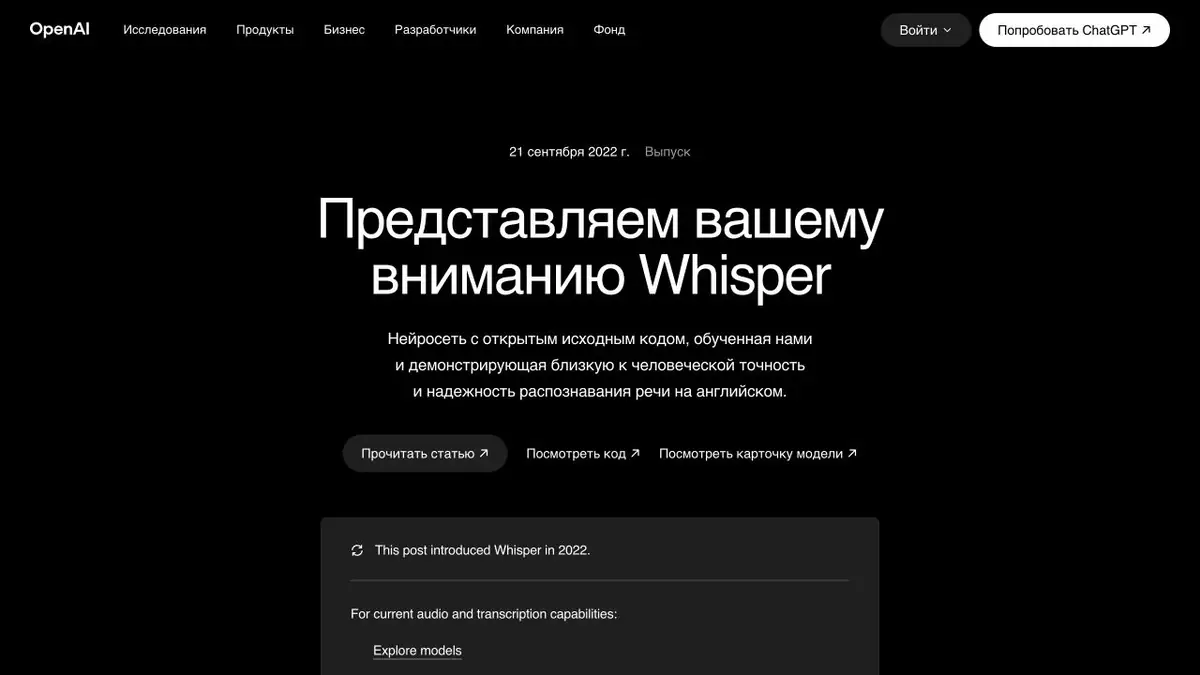
Whisper is a model, not a note-taking service
Whisper converts speech to text. Its official repository provides models and code for running it yourself, so you can integrate them into your own recording-processing tool. Meeting connections, transcript search and file storage must be implemented in the application that uses the model.
The system supports multilingual transcription and a separate workflow for translating speech into English. Do not assume it translates into any chosen language. Another language task may need an additional step.
Where local processing is useful
If recordings cannot be sent to a third-party service, self-hosting gives control over the infrastructure. It still requires installing the model, matching it to the hardware and maintaining it. Processing time depends on model size, file length and the computing environment. Open source does not remove resource costs or the need to organise storage.
Preparing a recording
Organise source files by conversation and keep the originals. Check that the recording is intact and contains audible speech. Review is especially important for long pauses and background sound: the model may produce text absent from the audio.
After transcription, correct names, numbers, terms and negations first. For an interview, check that different speakers’ remarks have not been merged. Captions need another stage: readable line lengths and timing, not just correct words.
Example: an archive of spoken notes
You can transcribe your own short recordings and then add text search. Keep each note linked to its audio so that you can check any phrase you find. Do not delete the original as soon as you receive the text: a recognition error may only become apparent while preparing a publication.
If the recordings concern other people, agree on how they will be used and who can access the archive. Text is usually easier to forward and index than audio, so producing a transcript changes how accessible the information is in practice.
Modern access options
Whisper remains a separate open project, while OpenAI also offers other current audio models. Do not automatically describe it as the newest or best. If you choose the cloud API, it has its own pricing and terms; a local implementation follows the published licence and repository requirements.
Suitable tasks
- Local audio transcription
- Draft subtitles
- Search spoken notes
- Proprietary recognition apps
Strengths
- Open source and models
- Control of your infrastructure
- Multilingual recognition
Limitations
- May produce text that is absent from the recording
- Does not cover the entire meeting and storage workflow
- Requires installation and suitable resources
Check details
Official sources
This description is based on the developer’s material. Features, prices and availability may change; check the primary source before use.


