

An ecosystem of voice tools for reading and text work. The user-facing Reader, speech creation and API have different features and terms.
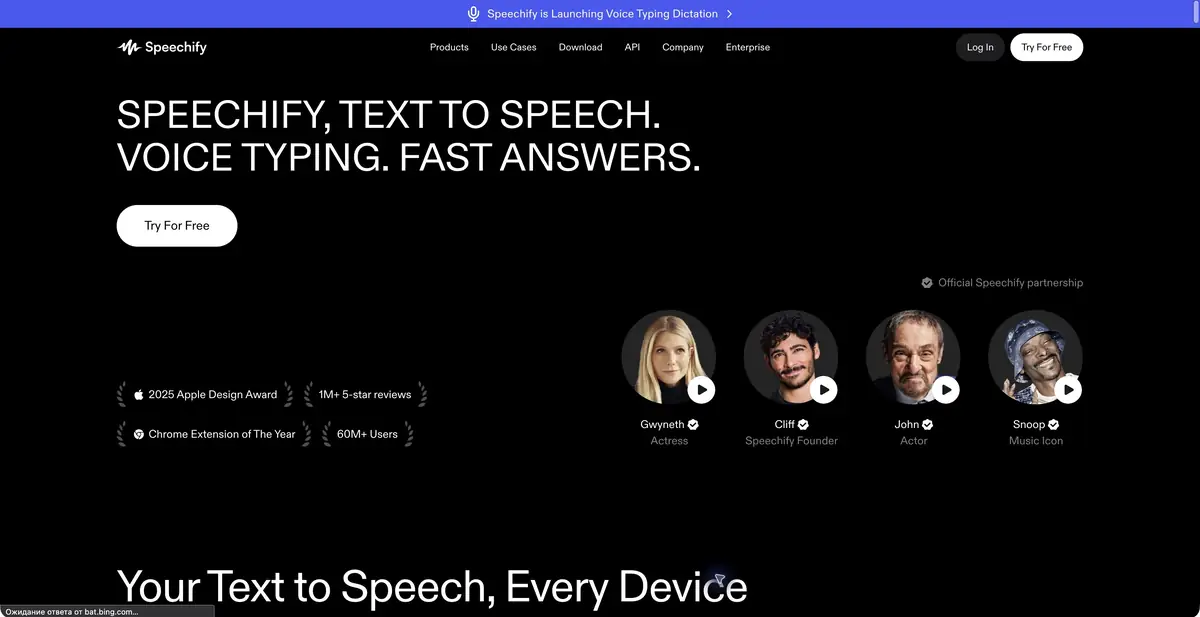
Read with your ears or create voiceovers
Speechify handles several related tasks that should remain distinct. Reader lets you listen to text and documents; voice-generation tools create speech content; the API adds synthesis to your own app. A subscription for one use case does not necessarily include another.
The official website also describes voice input and work tools. Choose based on the result you need: listening to an article yourself, preparing a voice track or adding speech to a product interface. Required features and terms depend on that choice.
Listening to the document
For a long text, check the reading order first. PDF columns, image captions and footnotes may become mixed together. A good voice cannot fix incorrectly extracted text. Before listening to an important document, check the opening, tables and places where the page structure changes.
Preparing a speech track
Adapt text for speech: expand ambiguous abbreviations and check numbers and name pronunciation. Pauses help listeners understand, so do not turn an entire guide into uninterrupted fast reading. Generate a short representative section first, then move to the full material.
The API offers controls for pronunciation and delivery, including SSML in supported modes. This helps produce repeatable results. Voice cloning requires verified consent: finding a recording online does not grant permission to use someone else’s voice in your project.
Checking by ear
Listen to the final track without reading the text. Awkward emphasis, long sentences and ambiguity become easier to hear. For training material, check the sequence against screenshots; for background listening, check that important footnotes remain.
Terms of access
Speechify works in web, applications and extensions. The composition of functions and languages depends on the product. API has separate keys, models and consumption; commercial voiceover rights are checked separately from personal reading subscription. For sensitive documents, first study data processing and storage.
Suitable tasks
- Reading documents aloud
- Voiceovers for instructions
- Voice input
- Speech synthesis in the app
Strengths
- Several voice workflows
- Applications and Extensions
- Documented Synthesis API
Limitations
- Reader and commercial voiceovers have different terms
- PDF content may be read in the wrong order
- Cloning requires consent
Check details
Official sources
This description is based on the developer’s material. Features, prices and availability may change; check the primary source before use.


