

Stability AI’s audio-model family and creative environment. Its current focus is instrumental music and sound, not intelligible vocals.
Instrumental music and sound effects
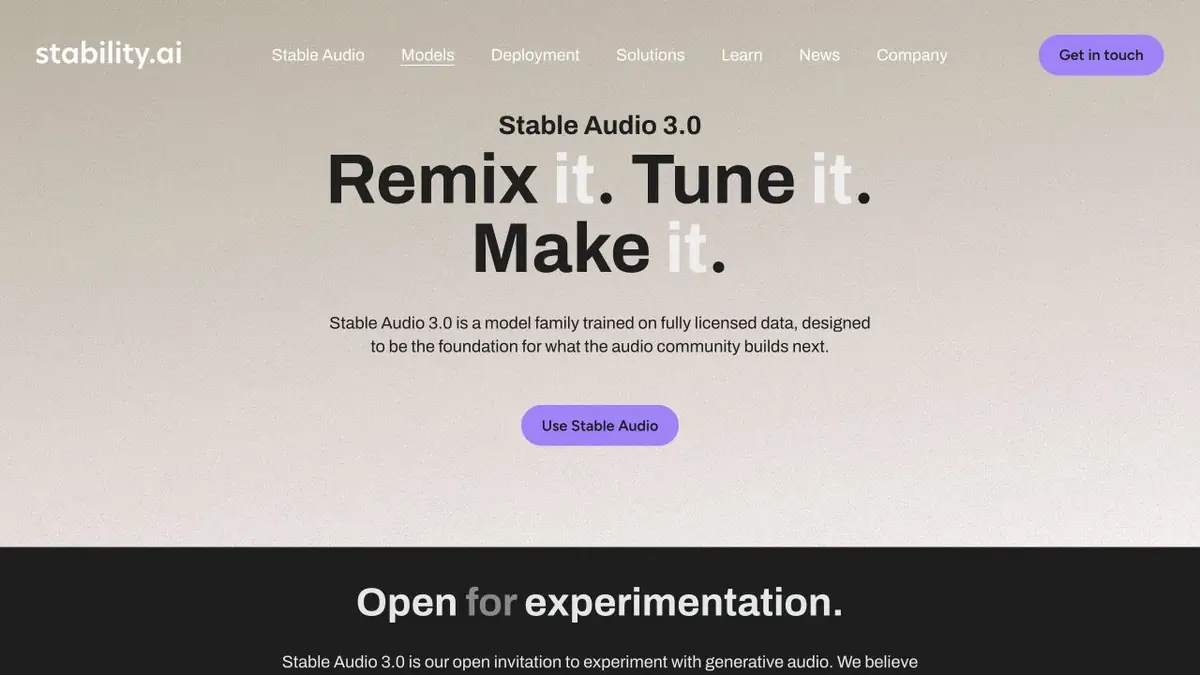
Stable Audio creates instrumental music, individual sounds and textures from descriptions. There is an important boundary: the current documentation does not present the model as a generator of intelligible vocals and sung lyrics. Consider that before choosing the service if your task requires words to be sung.
The developer offers a web environment, an API, separate open models and a plugin for compatible music software. These integrate generation into work in different ways. A web-based cloud feature is not necessarily available in the same form when run locally.
Sound with a clear purpose
A request for “beautiful music” leaves too much unspecified. An interview backing track needs restrained dynamics, no distracting solo instrument and space for speech. For a game, describe a short metallic hit with decay or the ambience of a room. The sound’s purpose gives a more precise evaluation criterion than a genre label.
Editing the original idea
The documentation covers audio-to-audio and extending or editing selected sections in compatible models. You can explore a different texture while retaining the reference material, but check the extent of the changes. Heavy processing may destroy the rhythmic idea that made the reference useful.
Before uploading a recording, make sure you have the right to use it. For commercial work, do not build a process around an unauthorised sample or someone else’s composition.
From generation to editing
Listen to the entire track and mark its opening, development and ending. Even a pleasant section may loop poorly or change mood unexpectedly. In conventional music software, check the join, level and how it fits alongside other tracks. Match the volume of alternatives before comparing them, or the choice can be distorted.
Local models and license
Open models have commercial-use terms and hardware requirements. The plugin combines supported local processing with cloud operations; check the current guide for features. The web subscription and API have separate usage costs. Model availability does not grant permission to use any source audio.
Suitable tasks
- Instrumental Music
- Sound effects
- Atmospheric textures
- Experiments with audio reference
Strengths
- Web, API and individual open models
- Working within a music production workflow
- Documented Licenses and Guide
Limitations
- Not designed to produce intelligible vocals
- Features vary by model and environment
- Running locally requires a compatible system
Check details
Official sources
This description is based on the developer’s material. Features, prices and availability may change; check the primary source before use.


