Typecast narrates text with emotion controls and voice cloning.
Start with the script, then shape delivery
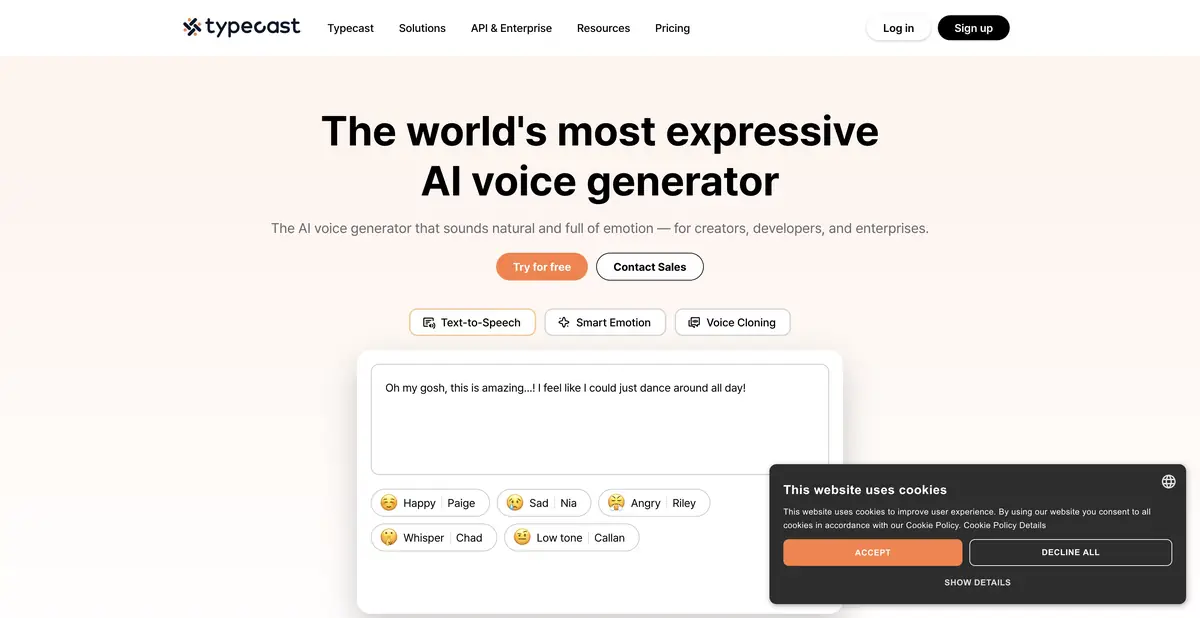
Typecast organizes work around a script and a voice. In its editor you can generate and preview speech, with available controls for speed, emotion and intonation. Controls depend on the plan. Before starting a long project, check that the particular setting you need is included.
The product also provides voice cloning and a separate TTS API. The editor supports video export, with parameters depending on the selected plan. Keep these options distinct: permission to create your own voice does not make every control available in every interface. Commercial work requires checks of the plan, rights to the source voice and the ability to download the required format.
Choosing delivery for one scene
For a practice exercise, write a few sentences about an error found in an order. Keep the meaning calm: explain the problem, name the next step that can be verified and avoid promising an unsupported deadline. Listen to a neutral version first, then try a more sympathetic delivery of the same text.
Judge how delivery fits the words, rather than the strength of emotion alone. Excessive cheerfulness in bad news can distort the message. Check stress in names, merged short words and misplaced pauses. For a video series, save the voice and settings so that delivery remains consistent between scenes.
Previewing and downloading have different allowances
The pricing page distinguishes generation with playback from credits spent on downloads. The free plan has limited export credits and requires attribution. Available playback therefore does not imply unlimited free downloads or permission to use every voice in advertising. Paid plans expand export and voice controls; business use has its own terms. Check the commercial license before publishing, rather than after finishing the edit. Save the script, voice and settings: an audio file alone does not show how its intonation was created.
Suitable tasks
- Choose an emotional delivery for narration
- Narrate short scenes with several voices
- Connect speech synthesis via API
Strengths
- Editor with voice and emotion settings
- Documented API and Voice Tools
Limitations
- Downloads use a separate credit allowance
- Settings and commercial rights depend on the plan
Selection and conditions
- Free access
- Yes
- Trial period
- Not confirmed
- No sign-up required
- Not confirmed
- Russian interface
- Not confirmed
- Local installation
- Not confirmed
- API
- Yes
“Not confirmed” means there is not enough information. The feature may still be available; check the developer’s terms.
- Input formats
- Text, Audio
- Result
- Audio, Video
Terms
Playback and downloads are counted separately. Free exports are limited and require attribution; emotion controls, cloning, API and commercial rights depend on the plan.From task to first result
Practical example
- Task
- Choose an emotional delivery for narration
- What to prepare
- Your own short instruction script and a voice you have permission to use for the intended purpose.
Task brief or prompt
Hello. We’ll now check the notification settings. First, open your profile. Then go to settings and find notifications. After changing the settings, save your changes.
Expected result
A draft narration to listen to; pace, voice and pauses are controlled by the settings available in the service.
How to check the result
- Listen to names and abbreviations separately.
- Check the pauses, volume and voice rights.
An editorial teaching example of a task brief, not the result of hands-on testing of the service. Check that the required mode is available, that you have rights to the source material and that the intended use of the result is permitted.
Check details
Official sources
This description is based on the developer’s material. Features, prices and availability may change; check the primary source before use.