Murf combines browser-based voiceover preparation with voice APIs. Creators get controllable narration in sections; developers get separate tools for synthesis, recognition, and integration.
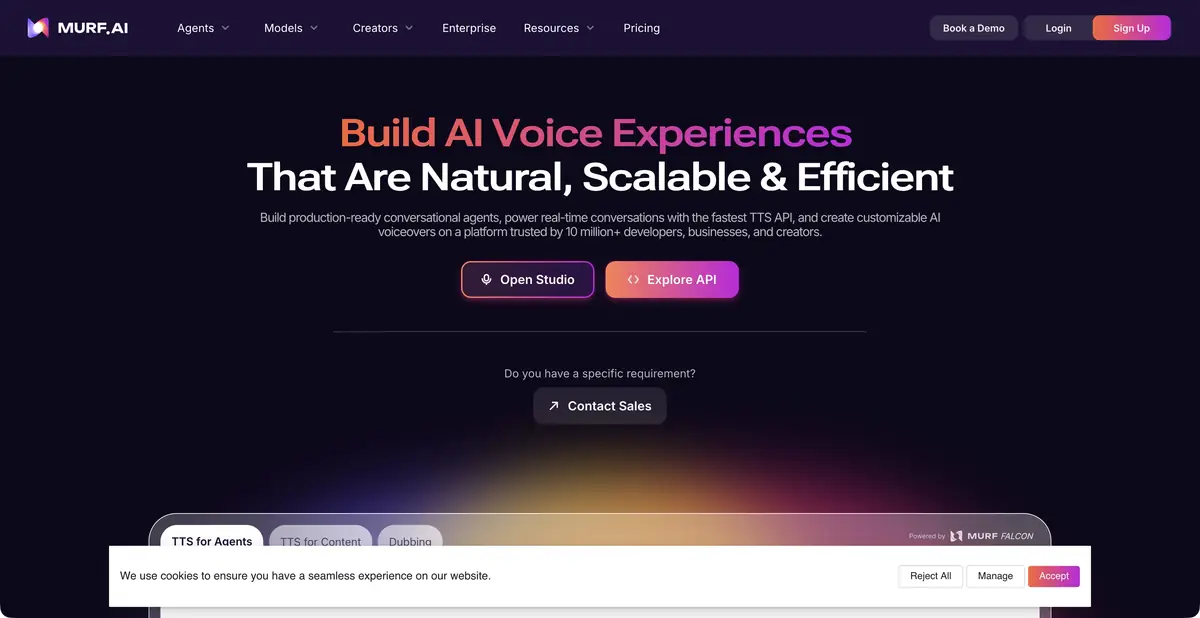
Voiceover you can edit phrase by phrase
In a tutorial video, narration must align with the actions on screen. Murf Studio lets you start with prepared text, choose a voice, and adjust delivery: speed, pitch, pauses, and pronunciation. A pronunciation library helps when the same name appears in dozens of lessons. The service turns synthesized text into material an editor can work with: revise a phrase, listen again, and compare it with adjacent lines.
The platform also offers translation, dubbing, and conversational app tools. Do not assume these form one unlimited subscription. If you only need instructional narration, first verify the full Studio workflow before deciding whether to automate it.
Preparing instructions for narration
Consider a short lesson on configuring notifications. Divide the script into actions: open the profile, choose a section, change a setting, and save. Remove long sentences that delay the main verb. List abbreviations and button names separately: clear pronunciation matters more than an impressive timbre. Synthesize one difficult paragraph first, rather than the entire course.
After listening, check that viewers can complete each action before the next step. A pause before a section name may help more than slowing the entire track. Once text is approved, use consistent terminology spelling and keep the approved script beside the audio. This is an editorial workflow example, rather than a report of a Murf test we conducted.
For a series of lessons, prepare a terminology checklist and a short reference for delivery. Compare new tracks with that reference, rather than only the previous generation. If a phrase remains awkward across different voices, revise the text: an overlong list or ambiguous abbreviation is easier to fix in the script than to conceal with intonation. This preserves meaning and avoids wasting resources on unfocused retries.
API and automation boundaries
Official documentation distinguishes streaming synthesis from retrieving finished audio and describes separate voice, translation, and dubbing operations. The API helps with repeated messages or a large set of instructions. The app must still supply the correct text, handle errors, and save files.
Check mode and current documentation
Do not apply one mode’s limitations to another. Technical documentation separately notes changes in streaming model availability. For integration, follow the current guide for the selected operation rather than copying an old example from someone else’s article. Check numbers, surnames, and mixed-language pronunciation on your own task regardless.
Trial mode and publication of the result
Studio trial access starts after registration and lets you evaluate voices using your own script. Help explicitly states that downloads and export are unavailable in this mode. Free previews therefore do not provide a finished file for editing. Paid plans, dubbing, and the API have their own resource allowances and terms.
Before paying, compare synthesis allowances, required exports, commercial rights, and collaboration. Cloning a real person requires permission to use their voice. Even with a suitable license, allow time to check loudness, word stress, and alignment between visuals and narration: synthesis does not verify the script’s facts.
Suitable tasks
- Narrate a step-by-step video tutorial
- Prepare multiple language versions of the instruction
- Agree on terminology pronunciation across a video series
- Embed speech synthesis in the application
Strengths
- Edit delivery and pronunciation
- Studio for consistent work on the script
- A documented product API
Limitations
- Trial Studio does not allow you to download audio
- Studio, dubbing, and API terms differ
- Names, word stress, and numbers need a listening check
Selection and conditions
- Free access
- Not confirmed
- Trial period
- Yes
- No sign-up required
- No
- Russian interface
- Not confirmed
- Local installation
- Not confirmed
- API
- Yes
“Not confirmed” means there is not enough information. The feature may still be available; check the developer’s terms.
- Input formats
- Text, Audio
- Result
- Audio
Terms
Trial Studio requires registration and does not include downloading. API, Studio and dubbing have different limits; commercial rights are checked according to plan.From task to first result
Practical example
- Task
- Narrate a step-by-step video tutorial
- What to prepare
- Your own short instruction script and a voice you have permission to use for the intended purpose.
Task brief or prompt
Hello. We’ll now check the notification settings. First, open your profile. Then go to settings and find notifications. After changing the settings, save your changes.
Expected result
A draft narration to listen to; pace, voice and pauses are controlled by the settings available in the service.
How to check the result
- Listen to names and abbreviations separately.
- Check the pauses, volume and voice rights.
An editorial teaching example of a task brief, not the result of hands-on testing of the service. Check that the required mode is available, that you have rights to the source material and that the intended use of the result is permitted.
Check details
Official sources
This description is based on the developer’s material. Features, prices and availability may change; check the primary source before use.