Mail client with drafts, letter summaries and reminders.
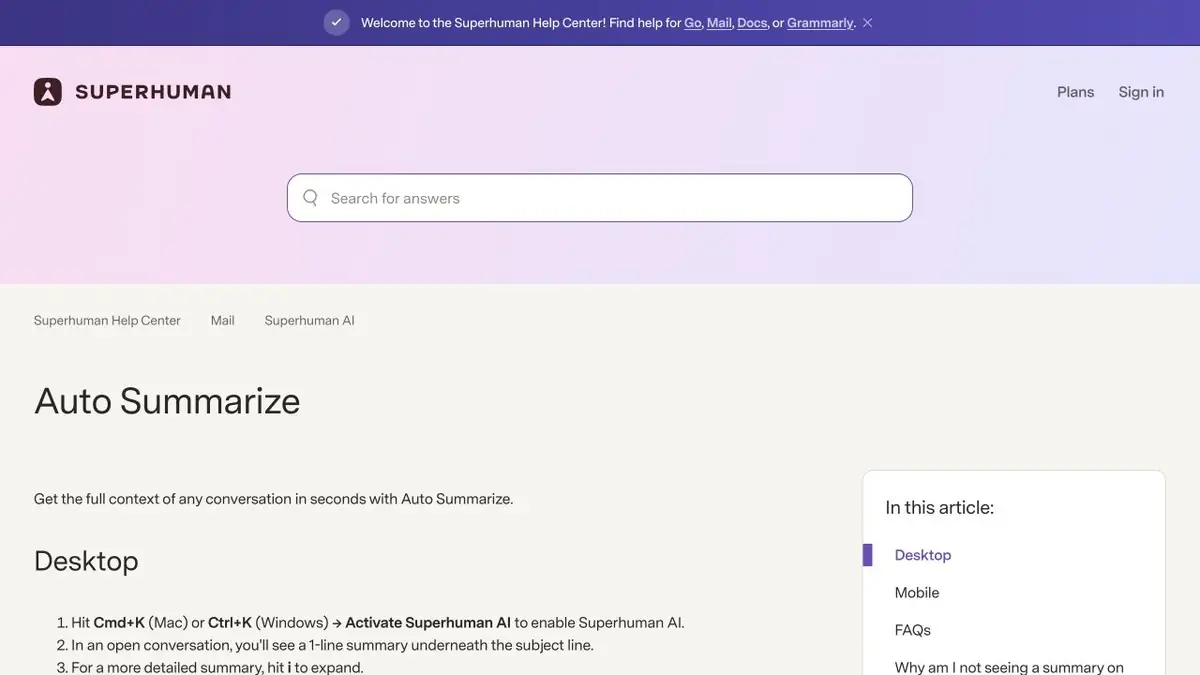
Respond to a long chain.
Superhuman Mail works with Gmail or Outlook mail. Letters remain the basis of conversation, and AI functions help to disassemble the chain and prepare a draft. Write with AI can write text on task and fix an already entered draft. Shortening and simplifying commands are useful if the exact terms and conditions have already been set out by the author.
Automatic drafts and additional modes depend on the plan. They are suitable for processing everyday correspondence, which the user is ready to transfer to the service.
Answer with confirmed date
Imagine a correspondence about a meeting where two times were discussed, and the third was confirmed in the last letter. Open the original chain and make a short answer with a confirmed time and one question about the participants. If the assistant chose an early option, correct it by writing where the decision was made.
After generation, re-read names, dates, attachments and promises. The re-contact reminder can be configured separately. It is important to distinguish between the task of writing a response and the willingness to send it to the right addressees.
How to Pick a Plan
Superhuman Mail is offered by subscription. The main features and advanced functions of AI are divided into levels. There are separate conditions for the team. Before connecting the work box, specify the rules of the organization and check in the certificate how the selected function behaves. Start with letters where you can quickly compare the draft with the original.
Suitable tasks
- Check meeting times in the mail chain
- Make a draft answer with confirmed facts
- Reduce the already written letter
Strengths
- Hints in the context of correspondence
- Draft can be checked before shipment
Limitations
- A compatible email account is required
- Extended functions depend on the plan
Selection and conditions
- Free access
- Not confirmed
- Trial period
- Not confirmed
- No sign-up required
- Not confirmed
- Russian interface
- Not confirmed
- Local installation
- Not confirmed
- API
- Not confirmed
“Not confirmed” means there is not enough information. The feature may still be available; check the developer’s terms.
- Input formats
- Text
- Result
- Text
Terms
For advanced drafts and search, check the plan. Before sending, check the original letters.From task to first result
Practical example
- Task
- Check meeting times in the mail chain
- What to prepare
- English draft: We are sorry to say that your order will be sent one day later because we are checking the quality.
Task brief or prompt
Task: suggest clearer English wording for a delay message. Preserve the one-day delay and quality check; do not add compensation, an order number or a different reason. Compare neutral and more formal versions.
Expected result
English text with the same facts; the author chooses a suitable option and checks the meaning.
How to check the result
- Check that the delay has not changed.
- Read the option out loud and compare its tone with the relationship with the addressee.
An editorial teaching example of a task brief, not the result of hands-on testing of the service. Check that the required mode is available, that you have rights to the source material and that the intended use of the result is permitted.
Check details
Official sources
This description is based on the developer’s material. Features, prices and availability may change; check the primary source before use.